Setting Up a Non-Profit Site with Kadence and GiveWP
Setting up a non-profit site is now easier than ever before with the help the dynamic duo: Kadence and Give WP.

Creating a non-profit organization from the ground up isn’t always easy. Creating a website to showcase your organization can be! With the help of GiveWP, you can get your website up and running in no time!
GiveWP is the number one choice for non-profit organizations looking to add a full-featured WordPress donation plugin to their site. GiveWP also has a stellar team that can support organizations looking for innovative ways to create deeper connections with the donors that make nonprofit work so fulfilling.
Setting up a non-profit site
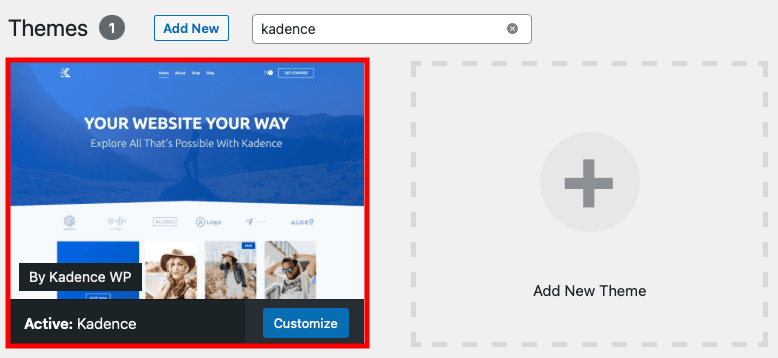
If you don’t already have Kadence installed, you’ll want to start there. Kadence is available to download for free, or you can install it directly in WordPress on the Appearance → Themes → Add New screen.
Next you’ll need GiveWP to add a donation form and other tools to raise money on your site.
GiveWP is available to download for free, or you can find it directly in WordPress on the Plugins → Add New screen.
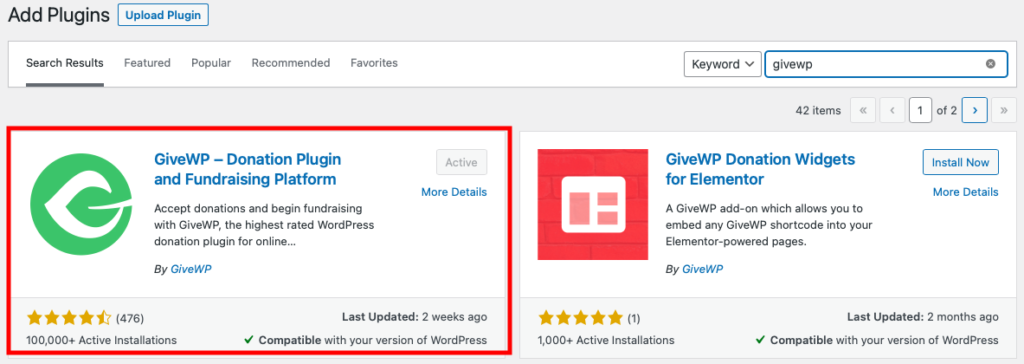
You can then use the Onboarding Wizard to set up the plugin, so follow those prompts to get started.
It will look like this:
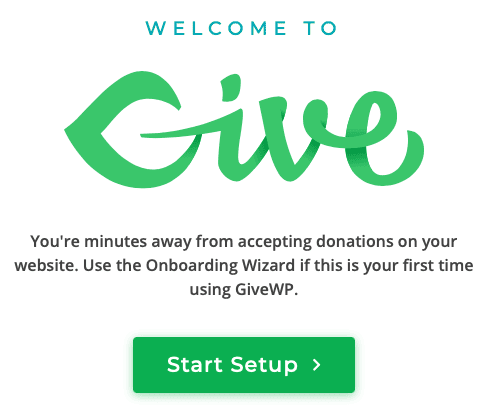
You can always make changes later under Donations in the WordPress Dashboard.
Adding a donation form
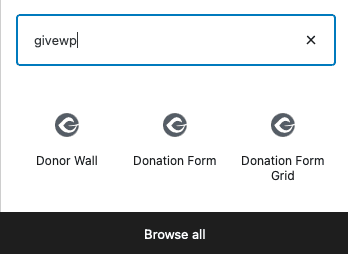
You can use GiveWP blocks to add your donation form to any WordPress page or post. You can also add a Donor Wall, which displays a list of your donors.
Customizing the page with Kadence
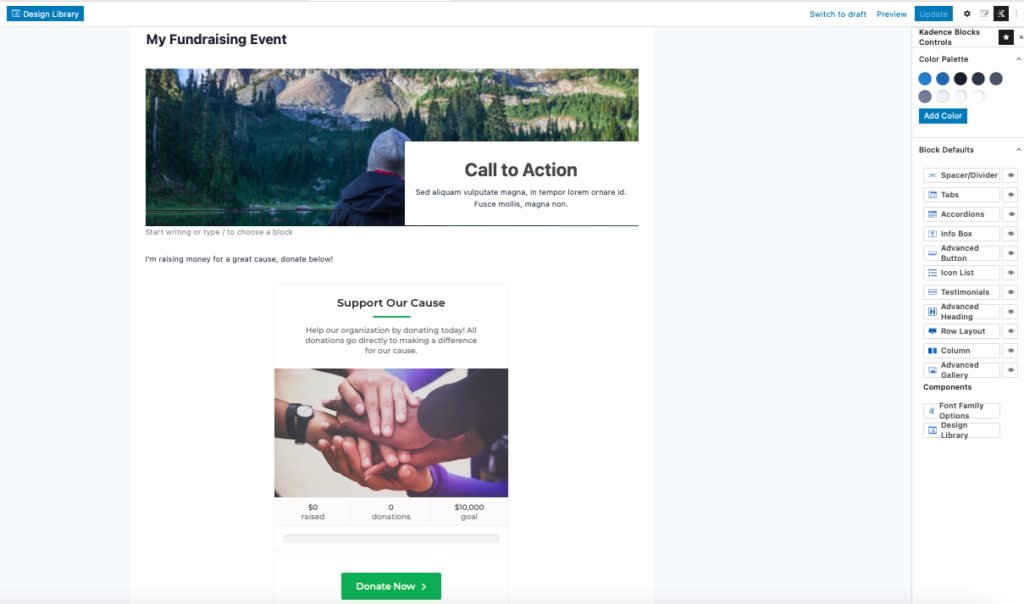
To create a unique look on your donation page, you can start off by using Kadence’s design library and built-in images for inspiration. Kadence blocks can help you add rows and extra content to the page.
Using the WordPress Customizer
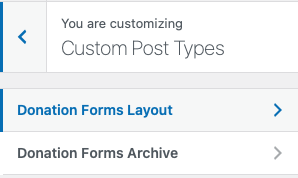
Once you have created and published your fundraising page, you can head to the WordPress Customizer to change design elements. To do this, find Customize in the top toolbar and then go to Custom Post Types. You’ll see the available options there to customize your donations form.
Putting it all together
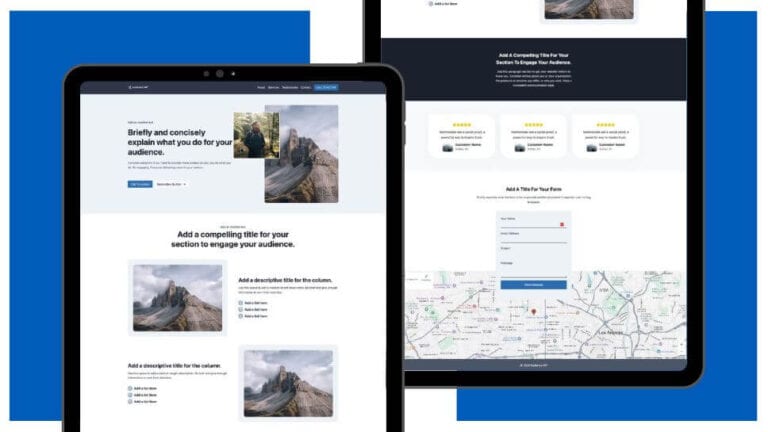
Your final product should look something like this, with the help of Kadence and GiveWP:

Now you can get back out there and keep doing good in the world!
Create Your Website With KadenceWP Today!