Kadence Blocks Pro – NEW Post/Grid Carousel Block
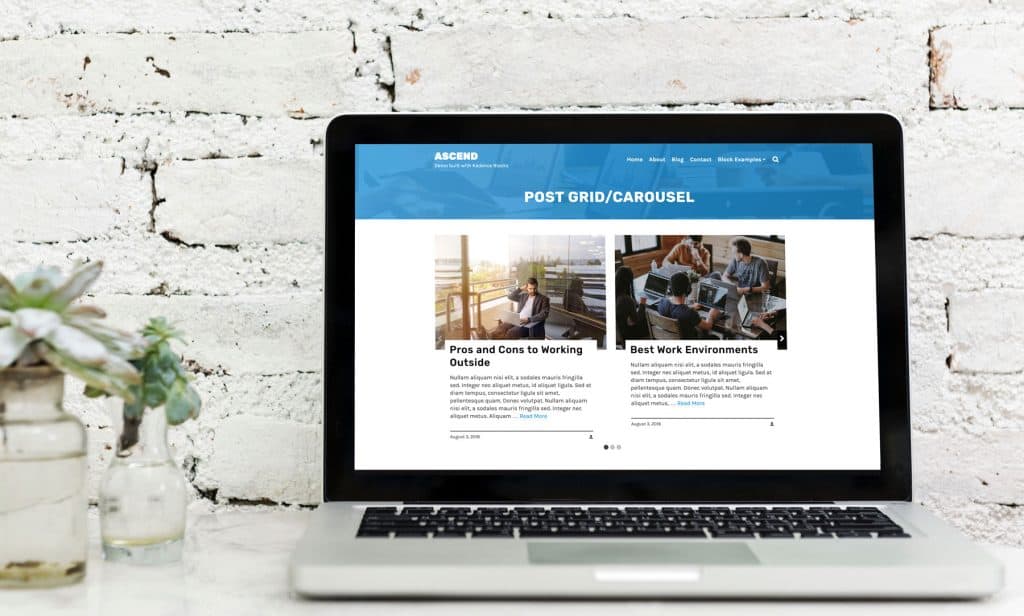
Our newest block, the Post/Grid Carousel, will give you all the flexibility you could ever need when it comes to beautifully displaying your blog posts. It allows you to customize everything from the layout design to the excerpt title and footer. You can even create a custom designed blog grid by individually selecting specific posts.
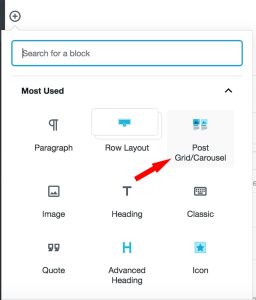
- From the WordPress editor, click the plus icon to add a new block, then select the Post Grid/Carousel block.
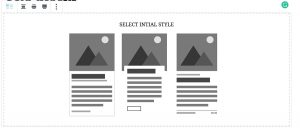
2. Select your initial layout style.
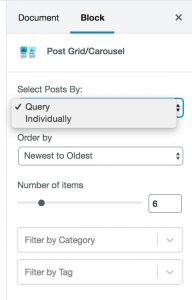
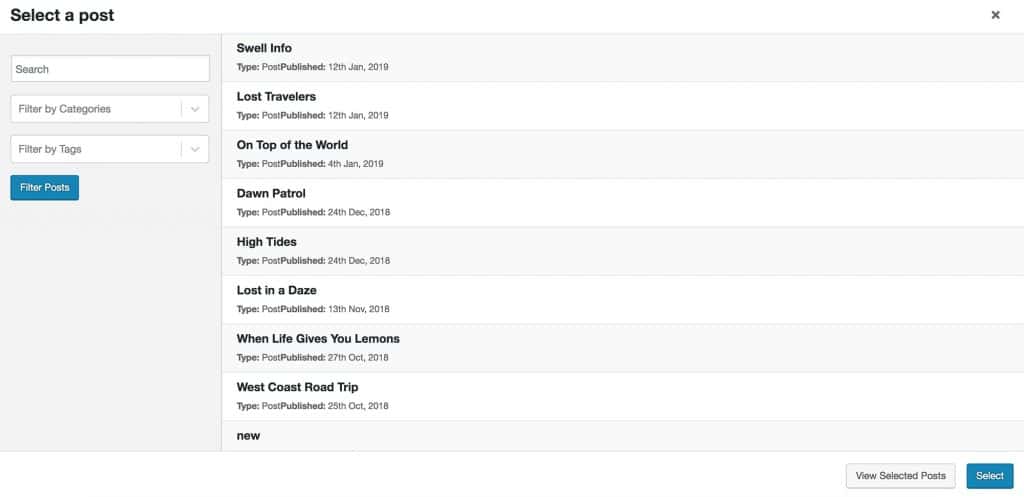
3. Choose to select your posts by query, or individually. If query, you can choose how you want to order your posts, select the number of posts you want to display and choose to filter by category or tag. If individually, you can search for individual posts and choose to show and style only that post.
Query:
Individually:
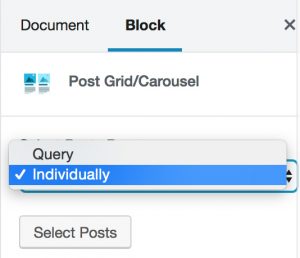
Click “Select Posts” then choose the post you want to add to your page.
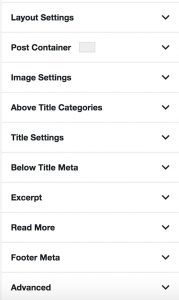
4. Next, you can customize your posts in whatever manner you would like! In the block settings (in the right sidebar) you should see the following settings:
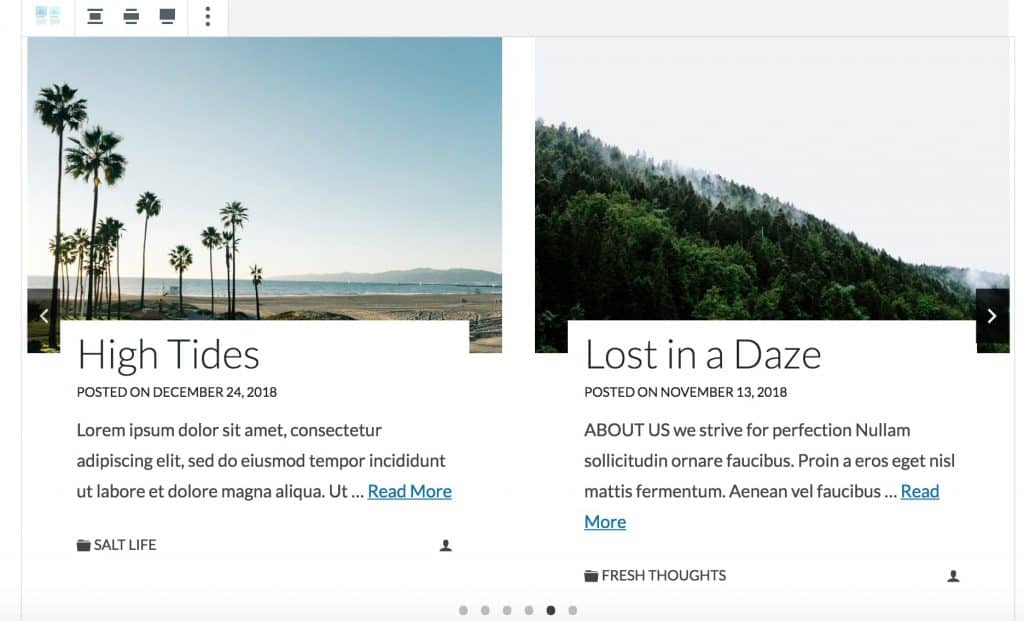
5. Customize, however, you want! Create a blog page, add a carousel to a post, feature a single post on a page – get creative!
Create Your Website With KadenceWP Today!


Written by Hannah
Hannah Ritner is the product expert at KadenceWP. With over 10 years at Kadence, she’s worn many hats, but her main drive has always been helping customers reach their goals. Hannah loves empowering people and has been a key player in building the Kadence Community. She’s all about making a real impact for businesses and their customers.
By Hannah
Hannah Ritner is the product expert at KadenceWP. With over 10 years at Kadence, she’s worn many hats, but her main drive has always been helping customers reach their goals. Hannah loves empowering people and has been a key player in building the Kadence Community. She’s all about making a real impact for businesses and their customers.
Updated June 5, 2024
Create Your Website With Kadence