Retrieving Your Google Maps API
Google requires that you obtain an API code in order to use their maps services. This is a recent requirement that means you must visit their site and have one generated.
*Google changes their API policy frequently, I try to update this post whenever a change occurs, but be aware that this tutorial may not cover the latest iteration of their API generation.
The first step towards getting your code is to visit this site:
https://cloud.google.com/maps-platform/
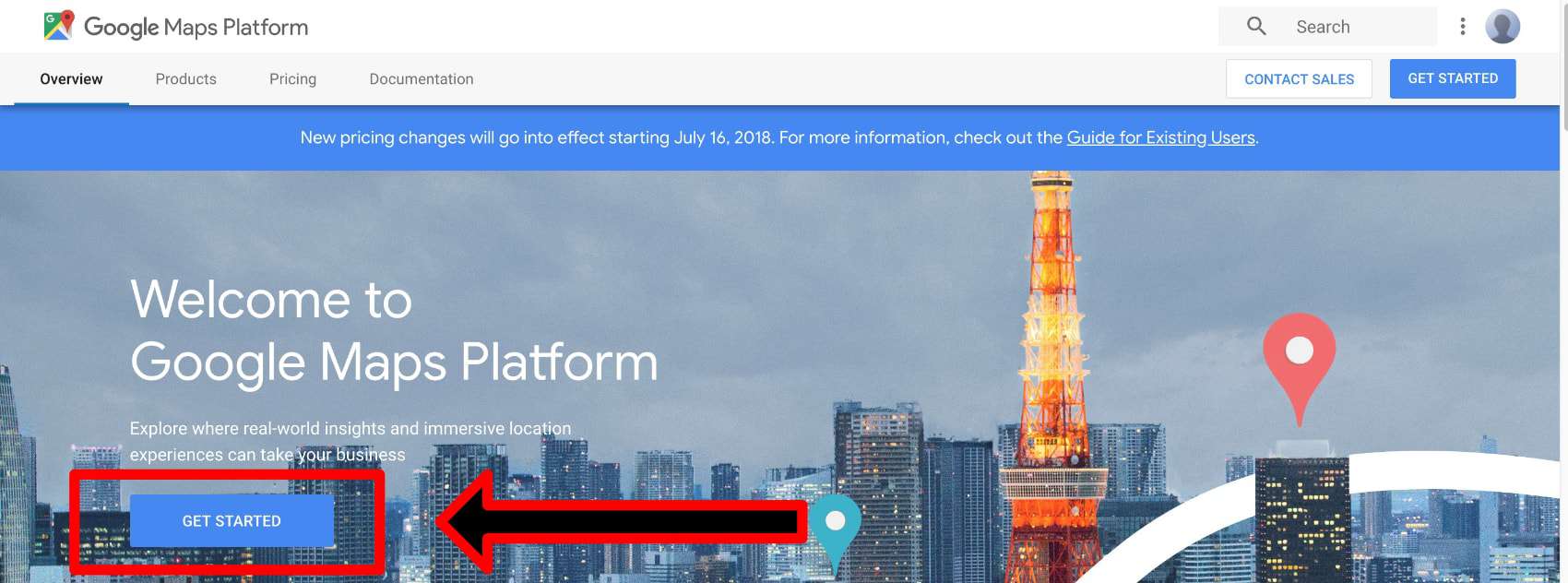
Once you get there, click the “Get Started” button.
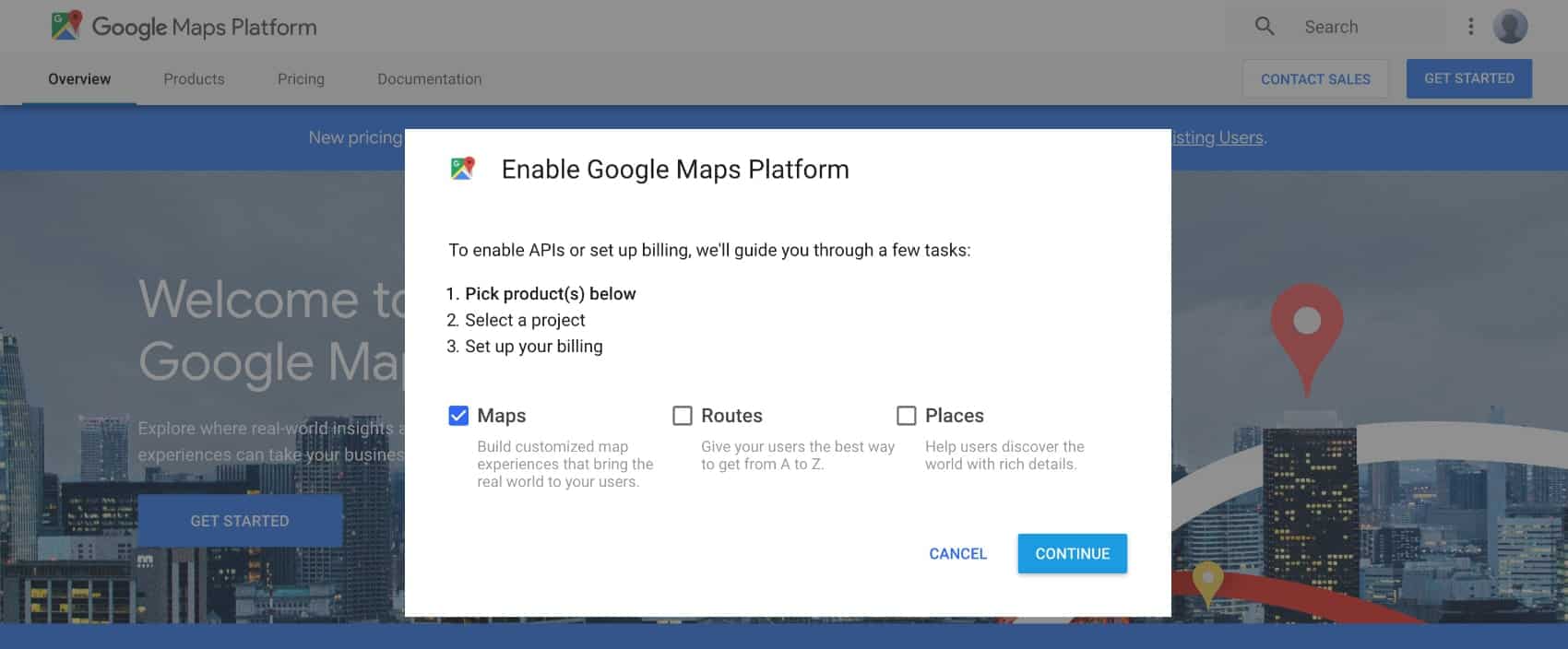
Select “Maps” from the pop-up:
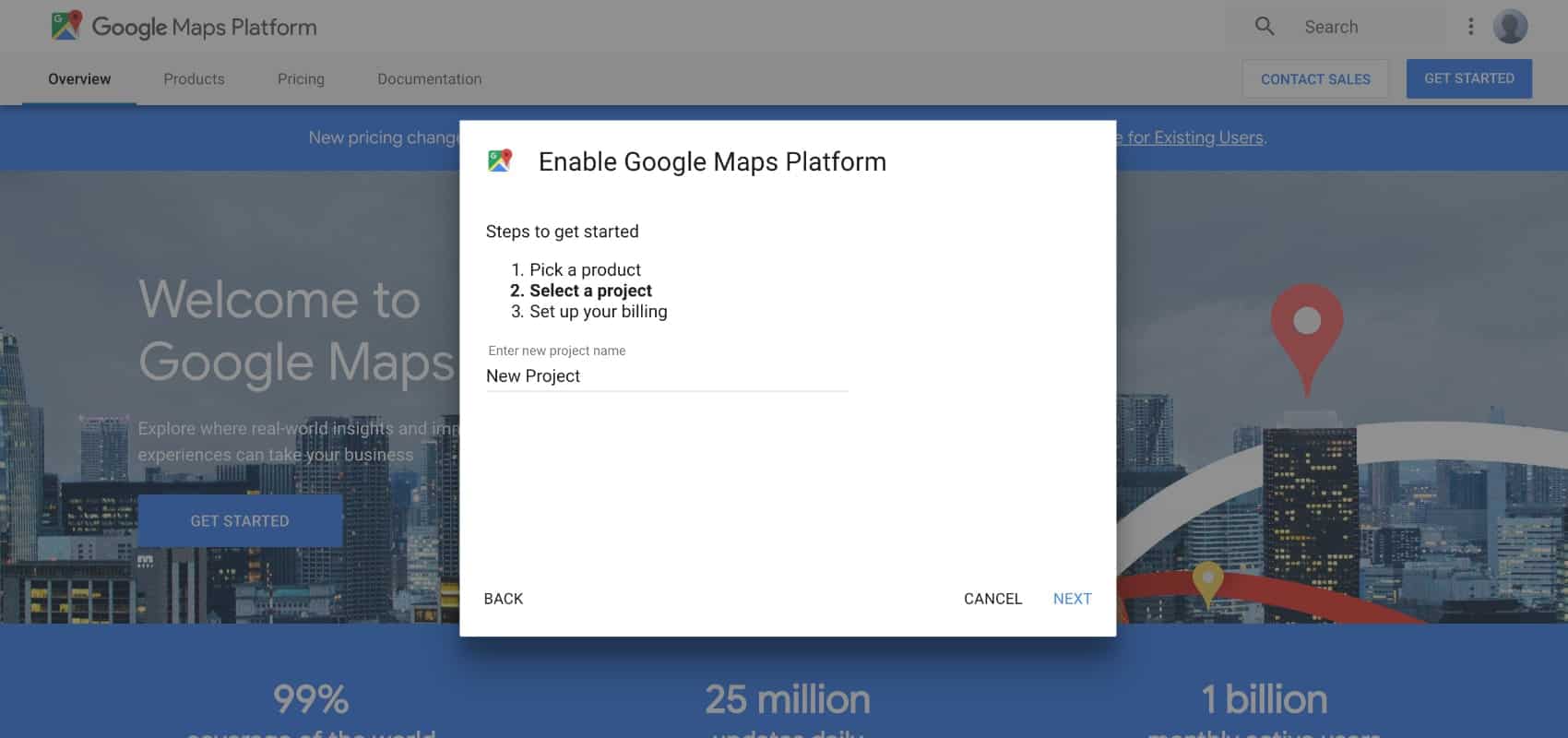
Select a project or create a new one:
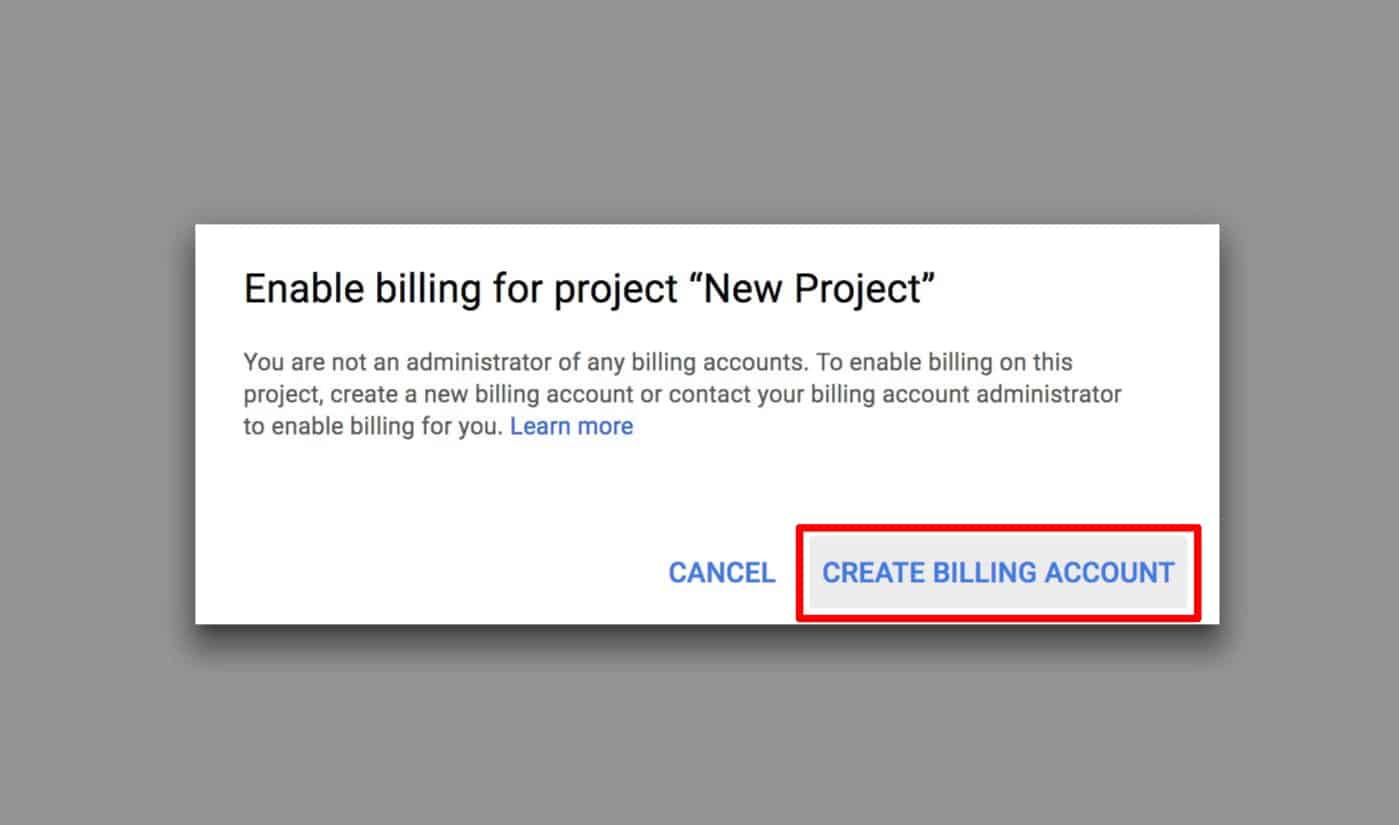
Unfortunately, Google now requires payment information for all API generation. Though if you don’t meet the criteria for the charges, you wont be charged. Create your billing account with Google, and then configure your API settings
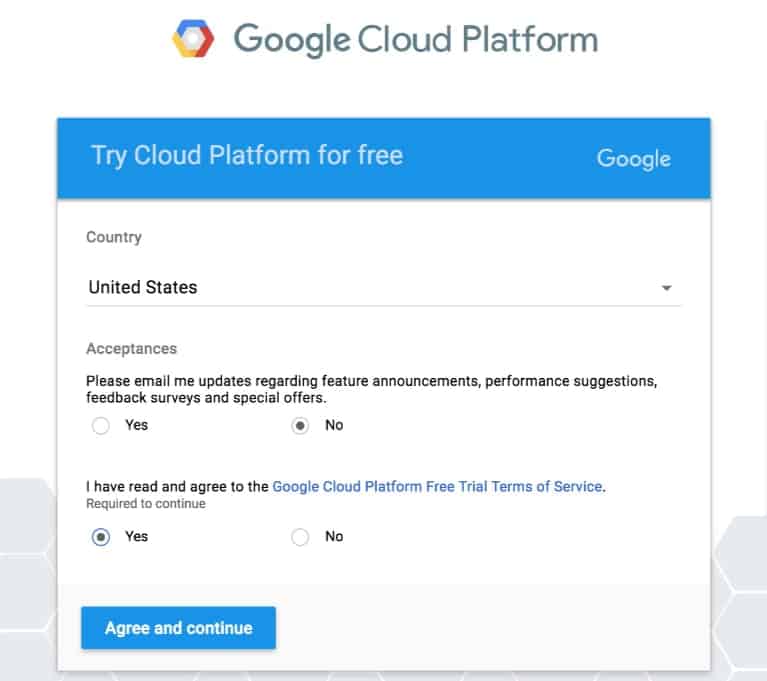
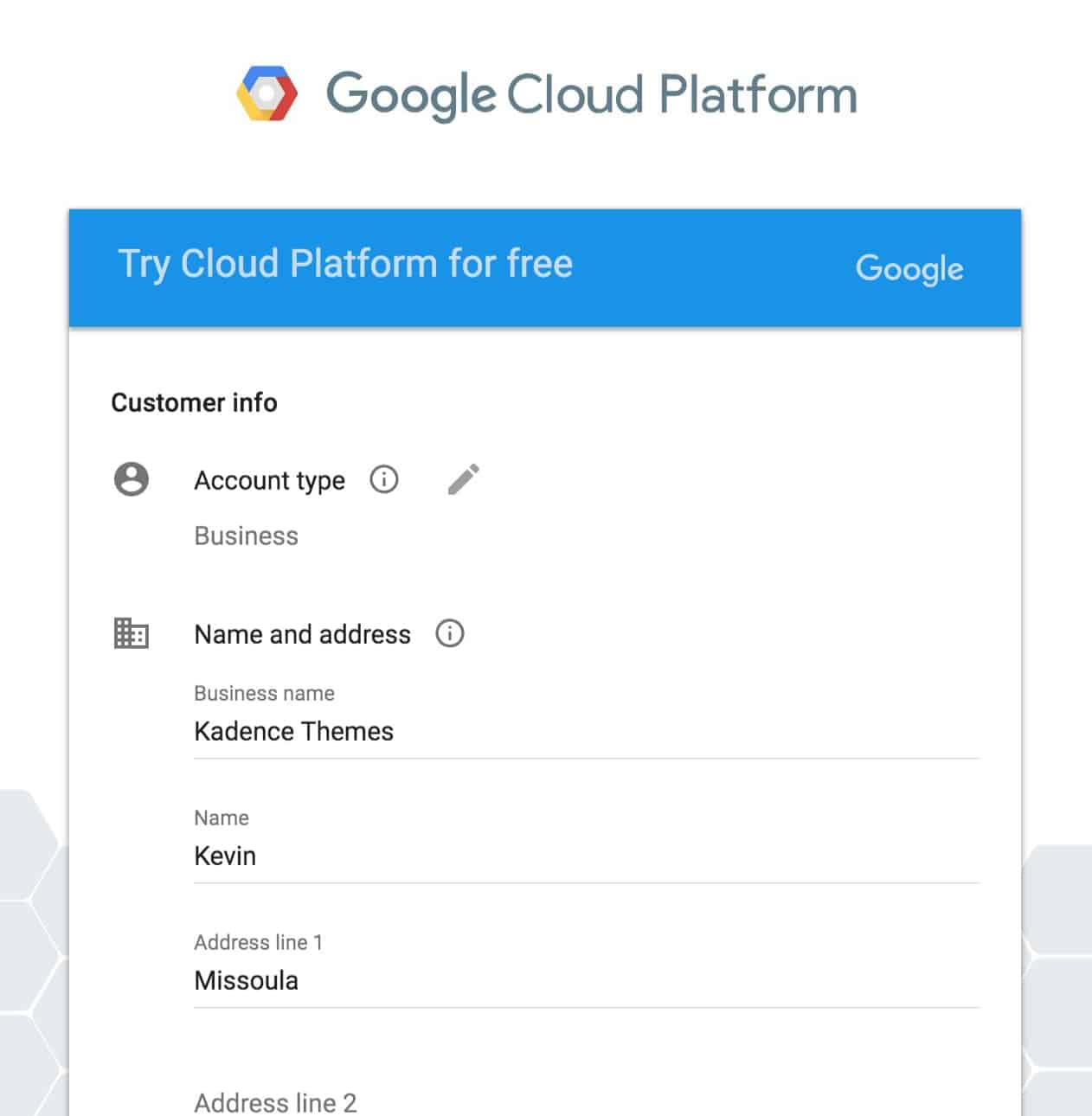
After giving your billing information, configure the API with the URL of the site that you’re using Google Maps for. Generate the API, and copy it.
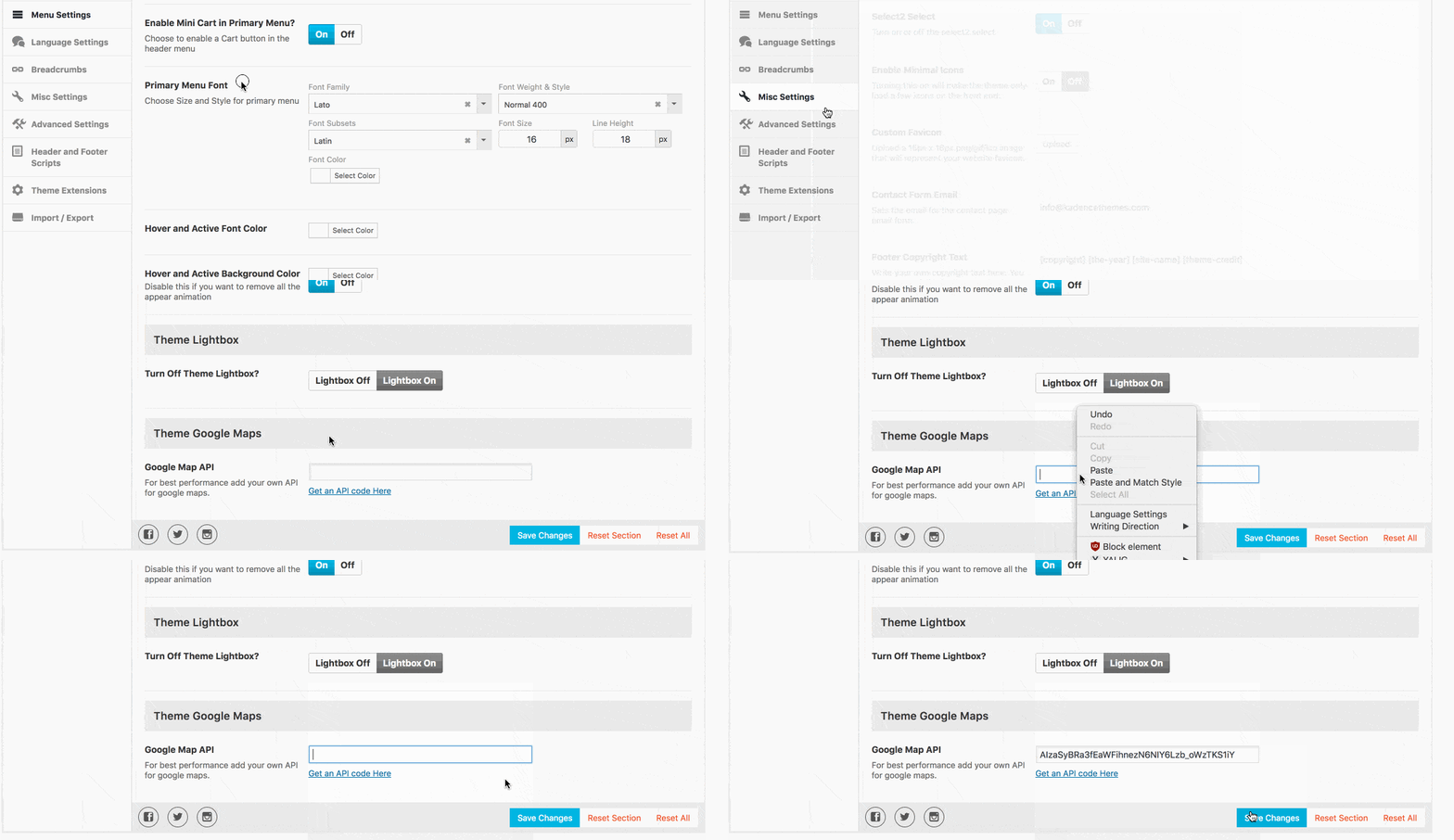
Paste it in Theme Options> Misc Settings and hit “Save Changes.”
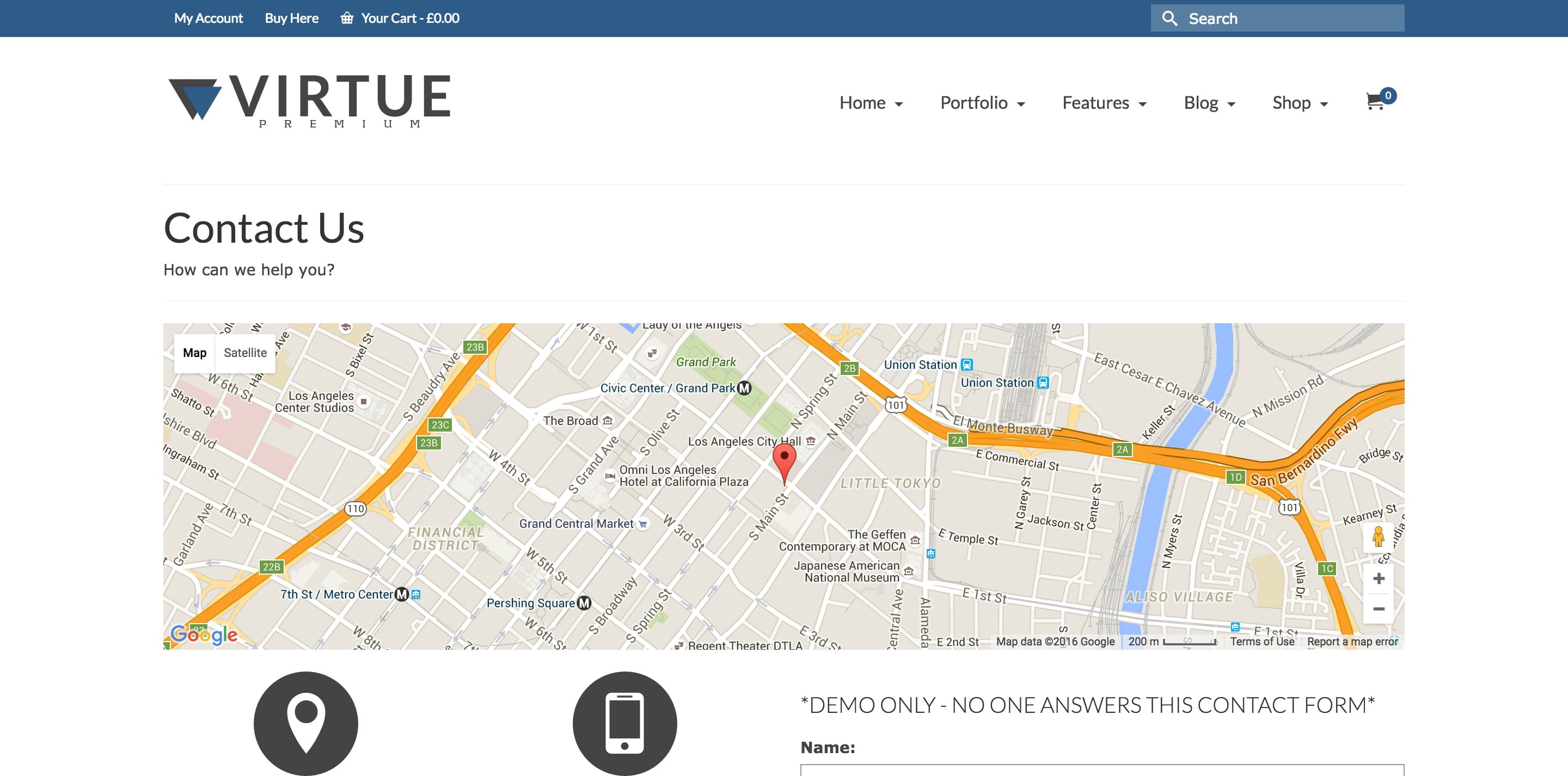
Check your contact page (if you’ve got a map configured there) or anywhere on your site that’s using a Google Map. Your inputted address should be reflected on your map.
If you need to edit any of your Google Map API’s, you can delete, rename, and adjust the security settings of each one here:
https://console.developers.google.com/cloud-resource-manager
Create Your Website With KadenceWP Today!


By Kevin
Support staff for Kadence Themes. I’m here to help!
Updated July 22, 2024
Create Your Website With Kadence