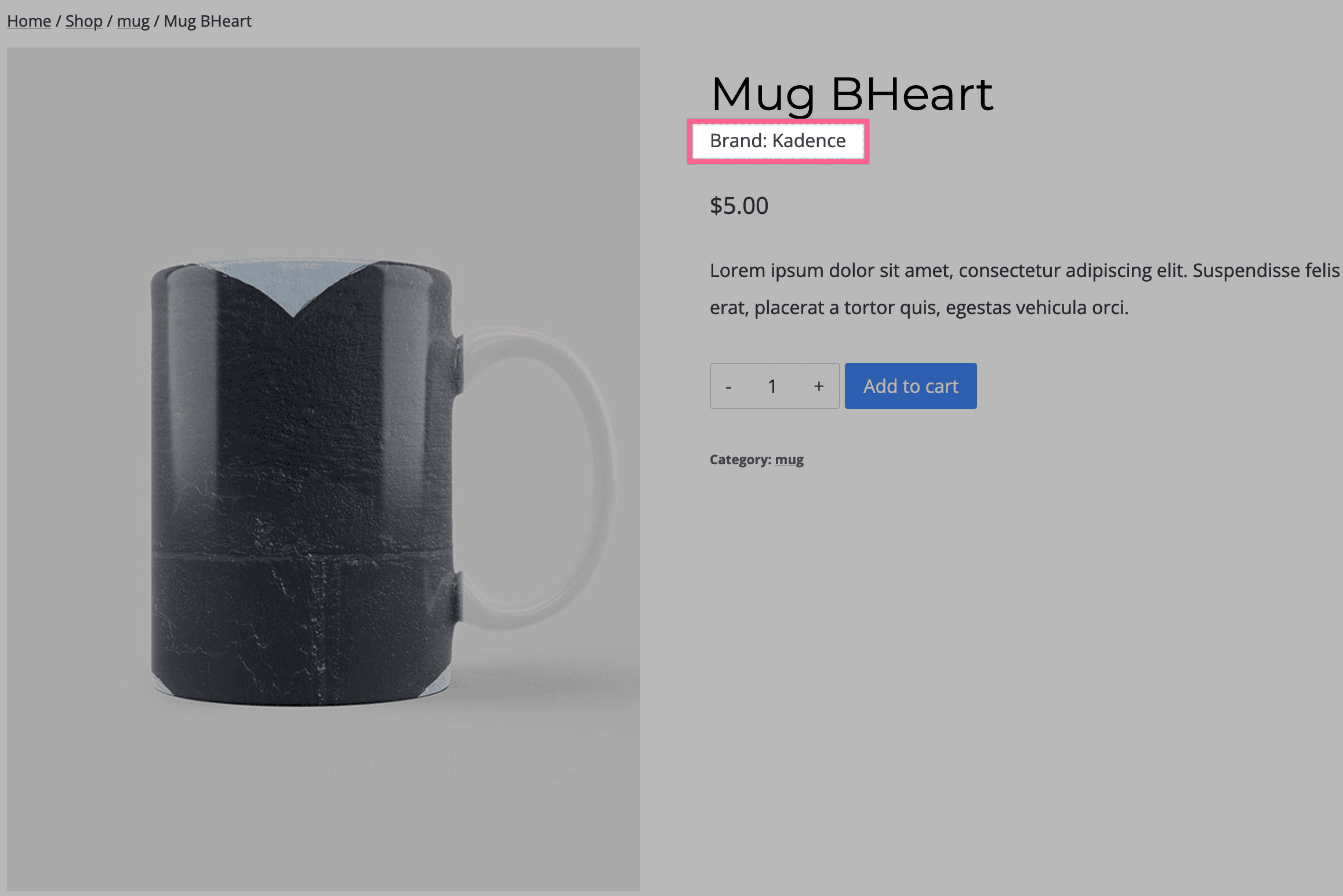
Kadence Shop Kit allows you to add brands to your products. The Product: Brand block lets you display the Product’s Brand on a Woo Template.
Enabling Product Brands
You can enable Product Brands in Shop Kit. The WordPress Dashboard Shop Kit page has a section labeled Product Brands. You can Enable Product Brand Options here.

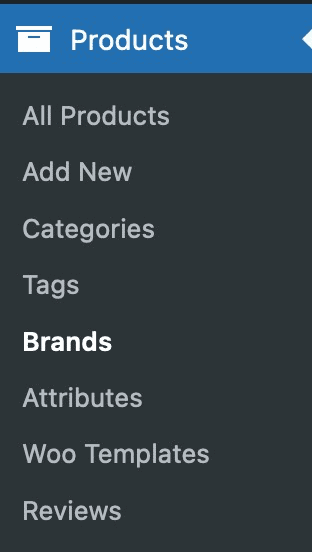
Once you have enabled product brands, you can add a new brand in your Products > Brands.
When editing a product, you can add a brand to your product by finding the brands box and selecting a brand.

You can learn more about configuring product brands by Clicking Here.
Product: Brand
You can add a new Product: Brand block to your Woo Template by finding it under the Woo Templates section.

Product: Brand Block Settings
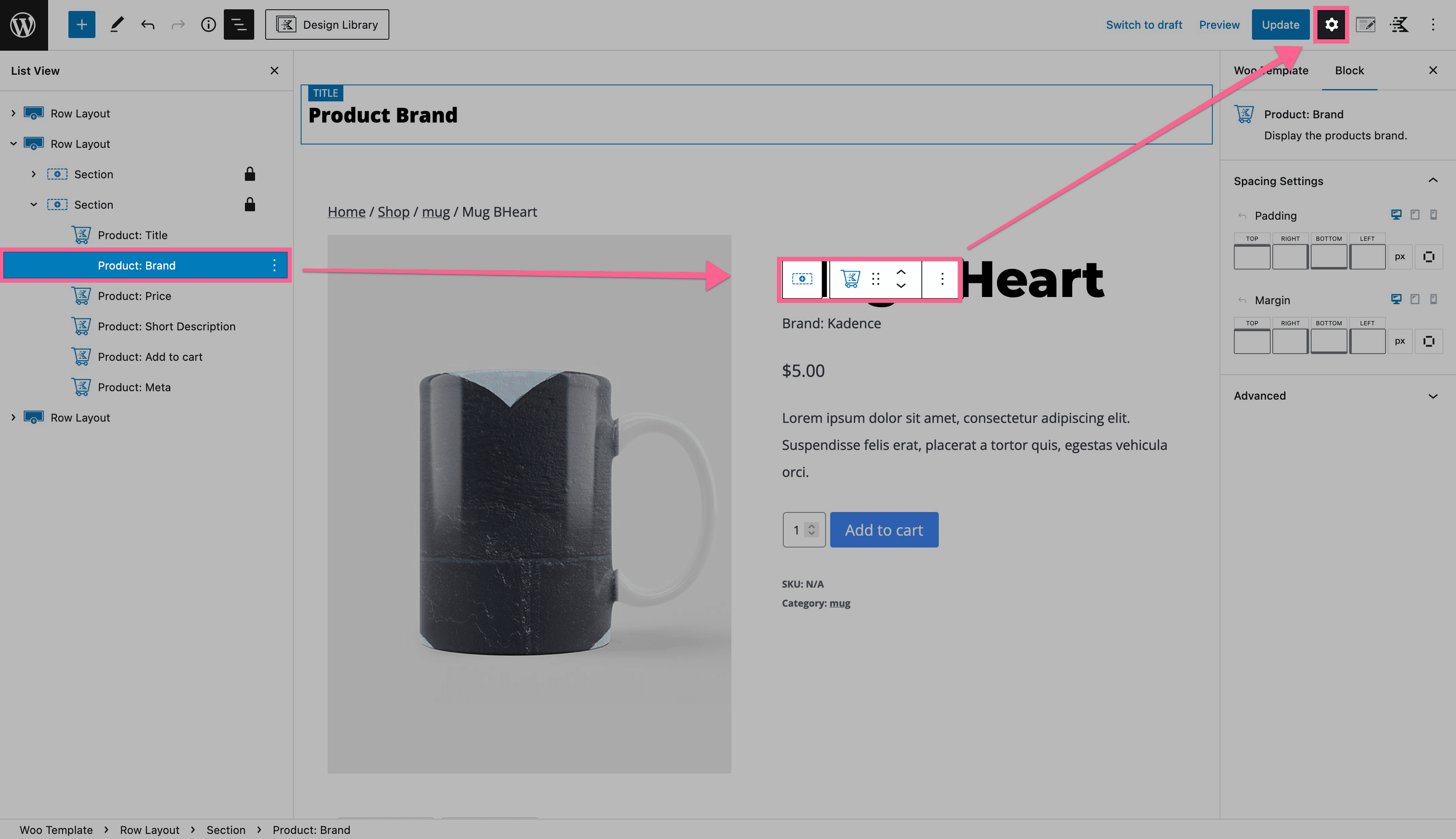
You can customize your Product Brand by accessing the Block Settings.
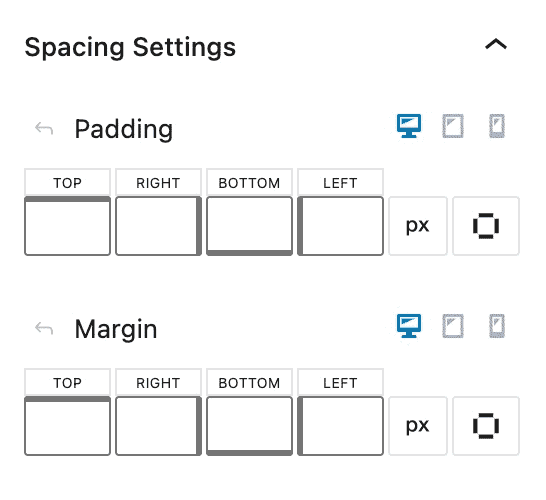
Spacing Settings
The Spacing Settings allow you to adjust the padding and margin on your Product: Brand block for mobile, tablet, and desktop devices.
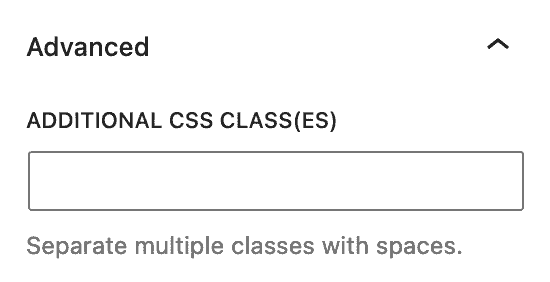
Advanced Settings
The Advanced Settings allow you to add Custom CSS Class(es) to your Product: Brand block.