Installing Woocommerce
- Login to your WordPress admin and go to Plugins >> Add New.
- Search for WooCommerce.
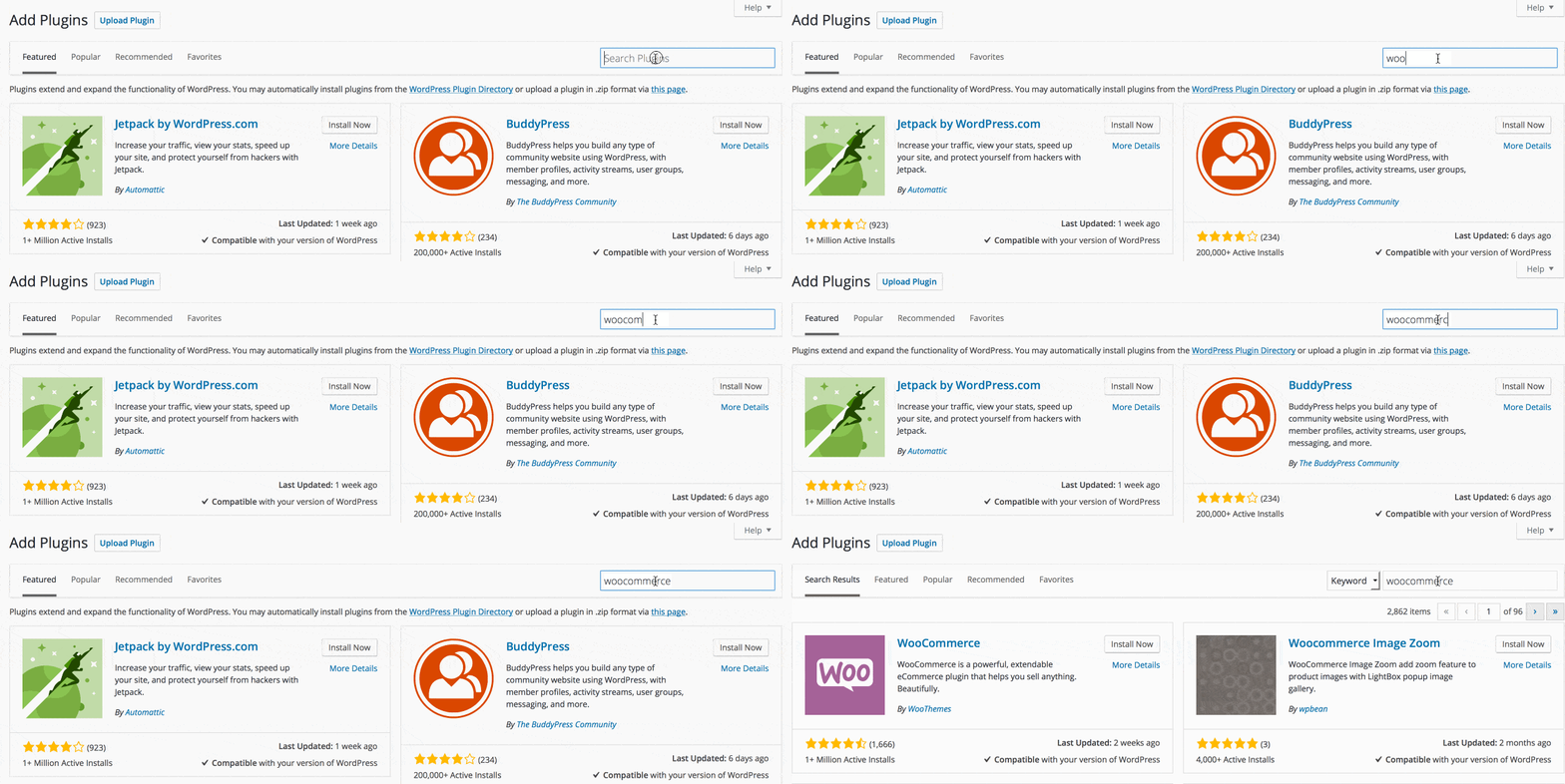
- Click the Install Now link.
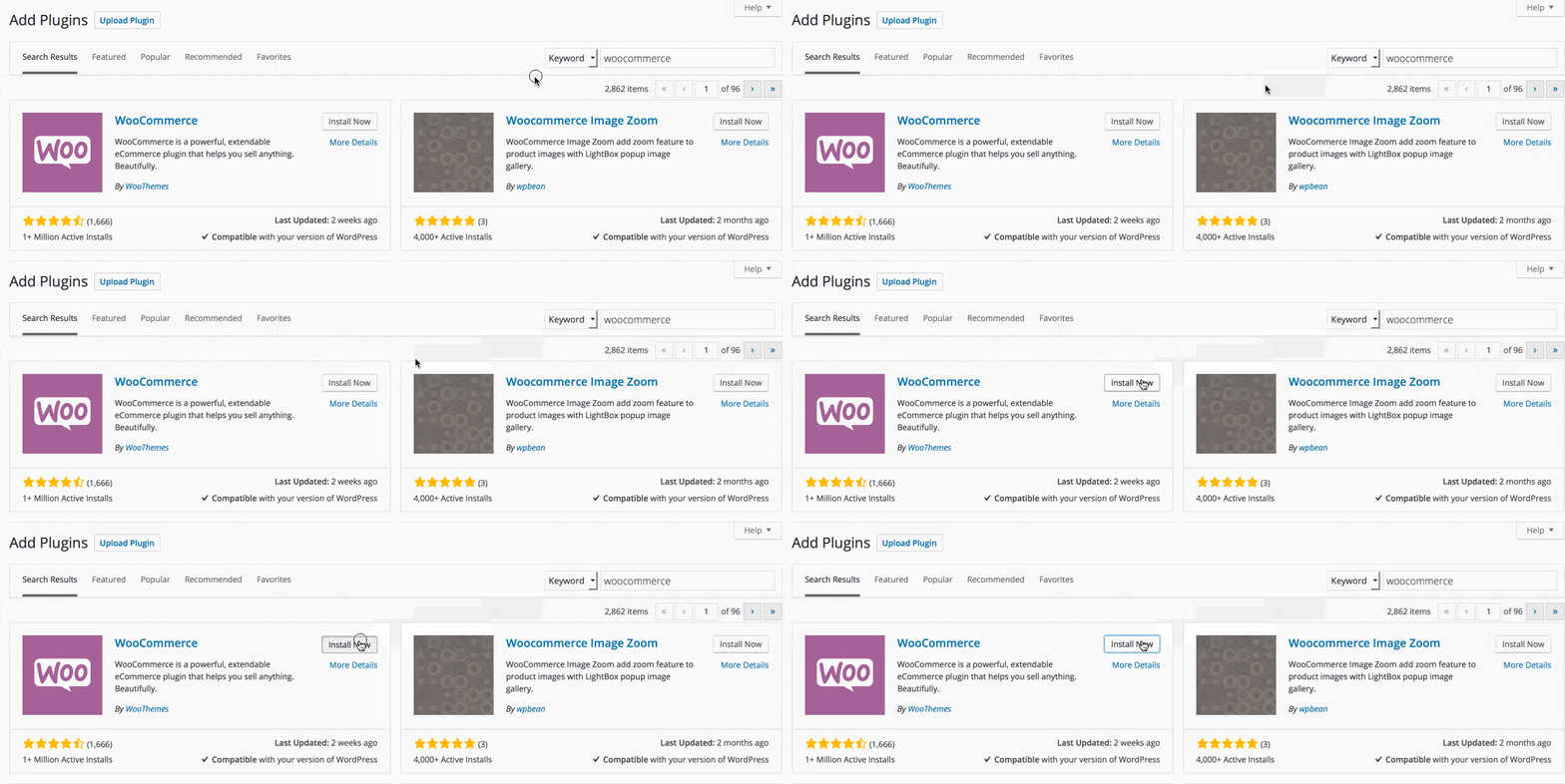
- Once installed, click the Activate Plugin link.
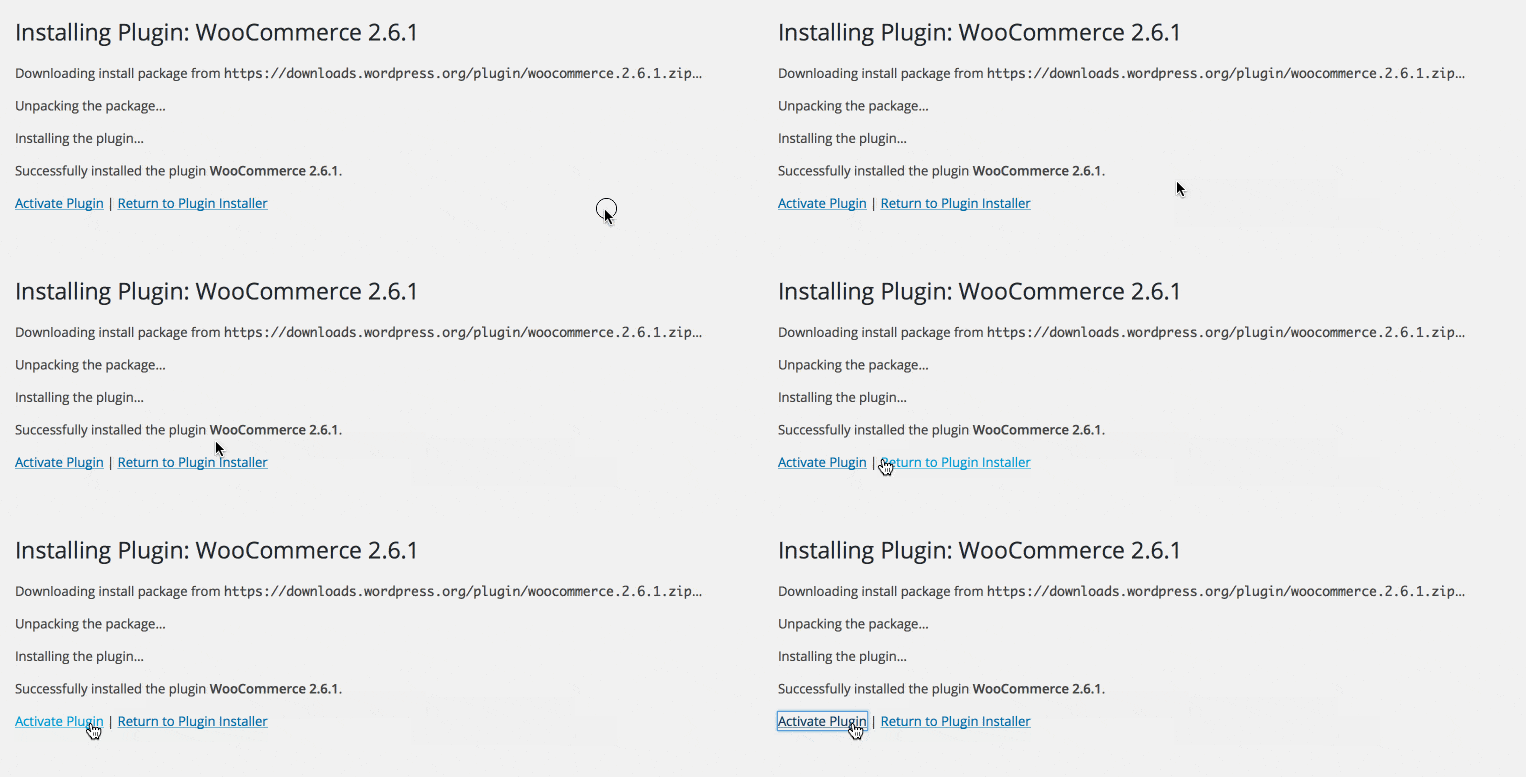
- Once activated, click Run the Setup Wizard.
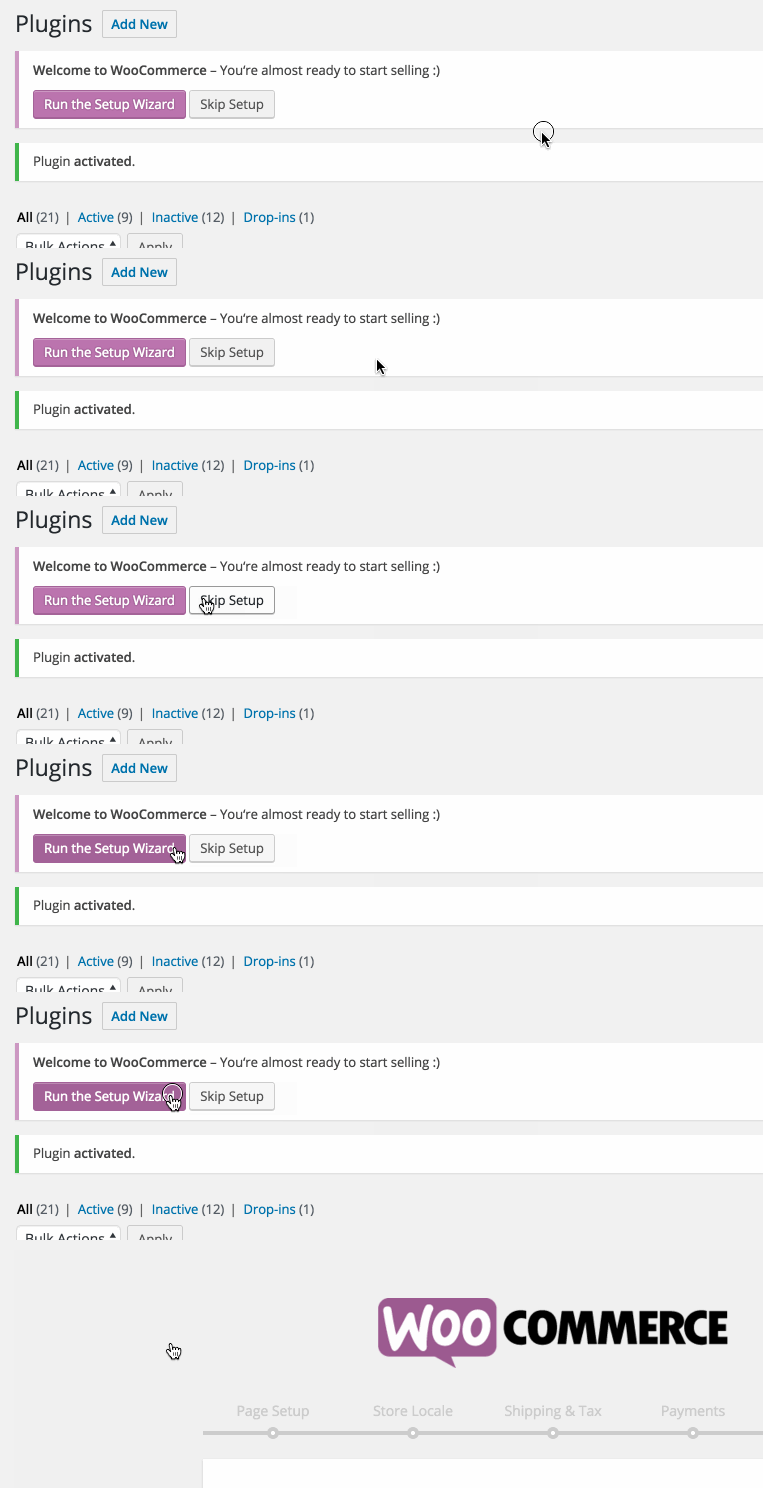
Now that WooCommerce is installed, let’s get all the settings up and running.
For your general settings, WooThemes has extensive documentation for WooCommerce here.
Installing Woocommerce Demo Content
[btn text=”Demo Content Help” tcolor=”#ffffff” link=”http://docs.woothemes.com/document/importing-woocommerce-dummy-data/” undefined=”pen” size=”large” font=”h1-family” icon=”icon-pencil3″ target=”true”]
Configuring Woocommerce Settings
[btn text=”Woocommerce Settings Help” tcolor=”#ffffff” link=”http://docs.woothemes.com/document/configuring-woocommerce-settings/” undefined=”bas” size=”large” font=”h1-family” icon=”icon-basket” target=”true”]
Help Adding Products:
[btn text=”Woocommerce Products Help” tcolor=”#ffffff” link=”http://docs.woothemes.com/document/managing-products/” undefined=”bag” size=”large” font=”h1-family” icon=”icon-bag2″ target=”true”]
Create Your Website With KadenceWP Today!


Written by Ben Ritner
Ben Ritner is the Sr. Director of Product at StellarWP and the founder of Kadence WP. Ben builds innovative tools that empower individuals and small businesses to compete with major corporations on the web. He creates comprehensive tutorials that guide users through WordPress, enabling them to build effective and engaging websites. His expertise in product development, strategy, and marketing drives innovation and success for users worldwide.
By Ben Ritner
Ben Ritner is the Sr. Director of Product at StellarWP and the founder of Kadence WP. Ben builds innovative tools that empower individuals and small businesses to compete with major corporations on the web. He creates comprehensive tutorials that guide users through WordPress, enabling them to build effective and engaging websites. His expertise in product development, strategy, and marketing drives innovation and success for users worldwide.
Updated July 22, 2024
Create Your Website With Kadence