Notice: These forums are now retired and closed. For active support, please Submit a Ticket or visit our official WordPress.org community pages.
Kadence Theme | Kadence Blocks | Starter Templates | WooCommerce Email Designer | Ascend | Virtue | Pinnacle
Search Results for 'COLUMNS'
-
AuthorSearch Results
-
In forum: Virtue Theme
Topic: Home page custom carousel
July 20, 2018 at 5:11 am #196487Hello
I’m not quite sure how this is happening unless it is a caching issue (I’ve already purged all caches twice) but the home page custom carousel seems to have an extra blank entry in it. There is only 5 slides set in theme options but there are 6 on the front page with the last one is empty space.
My custom carousel settings are as 4 columns for 5 slides.
Any ideas on how I can remove this entry?
Thank youIn forum: Virtue ThemeIn reply to: WooCommerce Button Appearance
Hey John,
You can add a hover effect with this css:.add_to_cart_button.ajax_add_to_cart.kad-btn.headerfont.kad_add_to_cart:hover { background: #333; }As far as your columns not coming together, do you have “Force products into rows” turned on in Theme Options > Shop Settings? If so, try turning it off.
Hannah
In forum: Virtue ThemeHello,
I am running woocommerce. Everything is going well except:1) The “add to cart” button doesn’t appear until it is hovered over.
2) The masonry layout is not compressing the images in the columns together.Here is a link to the gallery. It’s the first gallery titled “new works” *Login to see link
Looking for solutions. Thank you.John
In forum: Ascend ThemeIn reply to: Limit gallery to 5 columns
In forum: Ascend ThemeTopic: Limit gallery to 5 columns
I use the following code snipped on one of my sites to ensure my Ascend Gallery doesn’t exceed 4 columns regardless of how large my display is or the fact that I have my screen width set to 1440.
@media (min-width: 1500px) {
.kt-width-large .col-xl-25 {
width: 25% !important;
}
}Now I have an instance were I’d like to limit the gallery columns to 5, rather than 4, and I thought it would be easy to just modify this code, but I’ll be darned if I can get it to work. I’m betting one of you folks can tell me how to do it without even breaking a sweat though!!
Thanks so much. THIS is the page in question in case you need it.
In forum: Virtue ThemeIn reply to: how to remove background color on submenu footer
Sorry, I thought you were referencing your footer navigation menu at the bottom. This css should remove the background of your menu items within the footer columns:
#containerfooter .menu li a {
    background: transparent;
}
As for centering your footer content, let me know how this css works for you:
.footerclass a {
    display: inline-block;
    float: none;
    text-align: center;
}
Hannah
In forum: Ascend ThemeOn Windows it happens on Chrome and Firefox – on Firefox it almost always displays as one column.
On MAC it happens on Safari (almost all the time as 1 column) and Firefox (randomly goes back and forth between the layouts)
I wonder if it’s a responsive issue…sometimes when it’s one column and I stretch the window it switches to three columns.
In forum: Ascend ThemeI created a blog post page with the blog page template – but the page doesn’t consistently load properly.
I set it up to display images and summary text in 3 columns – and sometimes it does, and sometimes it puts it all on one oddly spaced left column. If I refresh it often goes back and forth between the two different displays.
It’s a pretty basic page – just a title and the blog items.
Thanks as always! Great products – great support!
In forum: Virtue ThemeIn reply to: Product page images out of grid
Hey,
Had it been awhile since your last update? You may need to go to Customize> WooCommerce and increase the size of your thumbnails. The amount of coulumns will depend on screen width, so if your browser window is wider the columns will increase.
Does changing the image size make any difference?
-Kevin
In forum: Ascend ThemeIn reply to: Tags collections
Kevin,
I’ve attached a link below which takes you to a collection of Galleries all tagged United States of America. Is there a way of changing the appearance such as the number of columns, spacing and appearance etc? I would also lke to be able to do this with post tagged pages as well if possible.https://takinginthesights.com/portfolio-tag/united-states-of-america/
In forum: Ascend ThemeIn reply to: Equal Height Info Box
Hi Kevin, it didn’t quite work as the first 2 boxes are not the same size as the last 2. What I was looking for was to make the boxes are the same height as the tallest (this is what equal height columns should do but doesn’t seem to work with these info boxes). Also, I’m going to be adding another 4 of these boxes and would want the same to happen.
Apologies for being a pain and many thanks for your help
ChrisIn forum: Virtue ThemeIn reply to: Icon flip box on home page on same row
July 7, 2018 at 2:52 am #195171It says “New feature – Icon Flip Box widget (and shortcode) allow you to easily add content that flips on hover.” The trouble is I can’t find the shortcode for it, otherwise I could put them into columns using shortcode. :s
In forum: Virtue Themewwww.debbiesun.com
I did a series of plug in updates and now my website format is not aligned properly. I don’t know what went wrong to be able to fix it.
on the home page, the two side by side images should be right next to each other.
On the shop link, it should be a grid with 3 columns
The Meet the artist, the images should be right aligned.
There may be more…
Help 🙂 and thanks!In forum: Virtue ThemeTopic: Staff grid and small photos
I had my staff grid page set up on and older version of Virtue theme (really old, from 2015, I do feel bad for not updating) with two columns and portraits in 400×400 size. It worked fine and looked nice.
Last week I updated the theme finally to the latest version and now the staff grid page has lots of empty space around the portraits and I can’t seem to figure out, where the space is coming from and how to make it go away, because I rather liked my 400×400 portrait size. Currently the theme seems to reserve 560×560 space for the portrait in two column full width layout.
Example of the issue: *Login to see link
Another staff grid page set to three columns looks okay, but the two column version made more sense for us: *Login to see linkIn forum: Ascend ThemeTopic: single column blog post
Hi Kadence team,
Question 1:
*Login to see link
in the above link, the single column blog post content is show at full article, but i just want this article to show 2 or 3 paragraph and follow by ……..read more)i have tried the type => normal, below_title, full, grid_standard, grid, photo, mosaic but only type=”full” is close to my design
my current shortcode for single column blog post is [blog_posts items=”1″ type=”full” orderby=”date” columns=”1″ cat=”top in agricultural”]
Question 2:
*Login to see link
refer to above link, how to delete the line show by red arrow? and how to adjust the title close to image?thanks
In forum: Ascend ThemeIs there a way to close the space gap between two rows only? Or add subtitles to the Portfolio type boxes on homepage? Currently using [portfolio_types items=7 columns=7] for the row of boxes. And added another row with subtitles. Client wants to have a title or subtitle with a link below each box as well. Is there an easy way to do this?
In forum: Membership ForumsJuly 1, 2018 at 4:10 pm #194568Hi Kevin
I have made a test product now for you to use: https://thisgiantpapiermacheboulderisactuallyreallyheavy.com/shop/
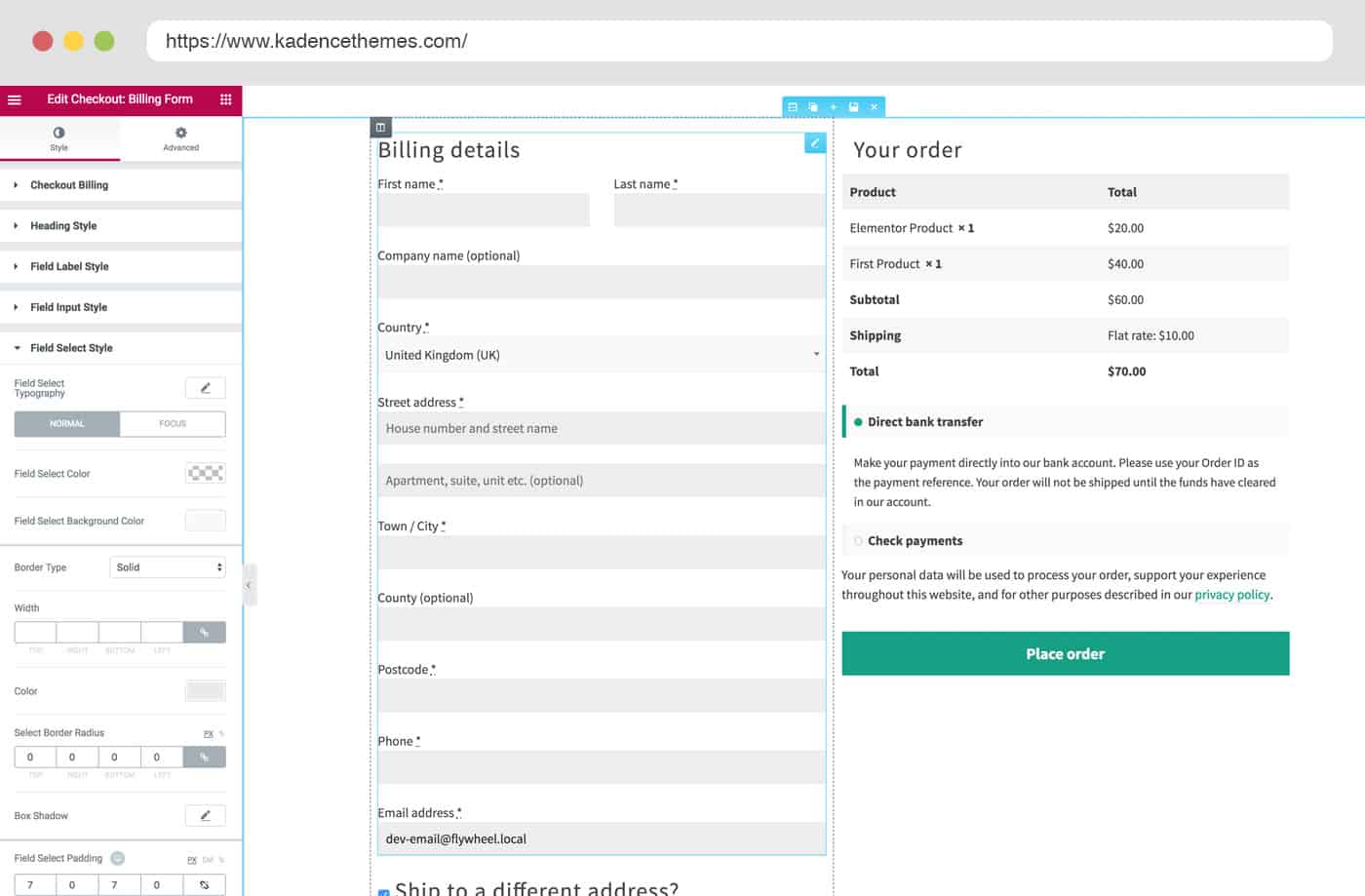
I have managed to sort out the two columns on the checkout page but I would like the Order Summary and payment info to be under the shipping address portion – as per your screenshot https://www.kadencewp.com/wp-content/uploads/2018/06/checkout_edit-min.jpg
Also is there a way to easily add a GST (Tax) Number to a customer invoice email or do I need to use the new Kadence WooCommerce Email Designer?
ThanksIn forum: Ascend ThemeIn reply to: Home page post carousel header
Hello,
In theme options> Home layout, you should be able to set the posts up to 16. Can you post a link so I can be sure I’m referring to the same carousel as you are?
One option that would allow you to customize the carousel even more would be to add it to your page content via a page builder widget or shortcode. You could also add it to the home widget area.
Here’s an example of the shortcode you could add to a text editor:
[carousel type=post columns=3 items=20]For more shortcode options, see this page:
http://docs.kadencethemes.com/ascend-premium/shortcodes/Does that help?
-Kevin
In forum: Membership ForumsJune 30, 2018 at 9:52 pm #194508Hi
I would like to be able to edit the layout of the checkout and shop pages and thought that the new Kadence WooCommerce Elementor Pro would help with this but I can’t get it to do what I need. I feel like it is perhaps not working correctly – I have installed all 3 plugins required.1. On the checkout page if I use Elementor to edit I can drag the various checkout widgets onto the page but when I do this the check box for specifying a different shipping address doesn’t appear so you have to use the shipping address widget – but then the checkout page is very crowded with all the billing and shipping fields displayed from the start. If I don’t use Elementor the shipping check box is active but the layout looks terrible – 1 full width column – I would prefer two columns like in your screen shot https://www.kadencewp.com/wp-content/uploads/2018/06/checkout_edit-min.jpg
Can you tell me where I am going wrong here?2. The shop page – I can’t get the elementor editor to open at all on this page – I have tried setting different pages as the shop page but no luck.
The examples of this elementor plugin look great and I hope you can point me in the right direction so I can make the most of them. I found laying out the individual product pages with elementor to work well.
Thanks
KirianneIn forum: Ascend ThemeIn reply to: Blog posts shortcode width varies
June 27, 2018 at 7:28 am #194153Here is css you can force 2 columns regardless of screen size:
@media (min-width: 1500px) {
    .page-id-21 .kt_blog_shortcode .col-md-6.kad_blog_item {
        width:50%;
    }
}
Ben
-
AuthorSearch Results