Notice: These forums are now retired and closed. For active support, please Submit a Ticket or visit our official WordPress.org community pages.
Kadence Theme | Kadence Blocks | Starter Templates | WooCommerce Email Designer | Ascend | Virtue | Pinnacle

Search Results for 'page '

Home / Forums / Search / Search Results for 'page '

Viewing 20 results - 7,881 through 7,900 (of 53,646 total)
  • Author
    Search Results
  • #250411

    I just found this posts on wordpress.com which shows me where I can go to find reusable blocks. It also says you can edit them but that may be in their reusable block section not the page… I might see if I can message them for more info.

    https://wordpress.com/support/wordpress-editor/blocks/reusable-block/#edit-reusable-block

    #250410

    Hi Ben,

    Hopefully they add it back in at some stage. I would even be happy with a blocks section where you can go to edit your reusable blocks – rather than having to add it in when you don’t really need to and then being navigated off the page you are working on just to edit it… it’s a bit painful.

    Thank you, I appreciate your time to look at this.

    Mel

    #250409
    This reply has been marked as private.
    #250405

    Using Kadence Blocks Pro, I want a basic grid of recent news articles, displaying only featured image, title and excerpt. With the Post Grid/Carousel block, the Below Title Meta controls give me options to Show Date, Show Modified Date, Show Author and Show Comment Count (all of which I have turned off), plus Meta Divider, Meta Color and Meta Typography Settings (all left at their default settings). When I publish a test page with this block ( it shows the list of linked categories for each article, with “Posted in” as the pre text. How can I turn off this category meta info to achieve the desired display?

    In forum: Virtue Theme

    In reply to: search results page

    #250393

    You would have to add more pages and more content to those pages for your search results to show more. Currently, you have:

    https://firestopperuk.com/?s=8b

    You can change the style of that page in your theme options > misc settings

    Ben

    #250383

    All I know is that while I was testing with BPS Query Monitor threw errors on just about every page for things related to BPS. It’s concerning to me that those things are not getting fixed.

    I would suggest that you not use PHP 7.4 with that plugin…

    Where can I download these themes?

    That is one theme, the Kadence Theme. There is not an “agency” theme. It’s all one new theme, the Kadence Theme.

    https://www.kadencewp.com/kadence-theme/

    Let me know what BPS says, glad to hear their support is good, Also I was testing with their free plugin, perhaps their pro is much different.

    Ben

    #250377

    Hey,
    Thanks for the note about the widget titles, I’ll fix that css priority issue.

    The spacing above the footer is your Content Top and Bottom Spacing, you can turn this on an off in your settings and in pages. (there are cases where you would want your content to touch the footer).

    You could do a workaround by adding an empty widget area in the top row.

    Ben

    In forum: Ascend Theme

    In reply to: Orphaned staff pages

    #250375

    Hi Hannah,

    I don’t remember as it was so long ago (maybe a year now?) – but even so, they would be deleted after 30 days, wouldn’t they? What I can’t remember is if Ascend adds a ‘Staff’ section in the dashboard addition to the standard ‘Posts’ and ‘Pages’ sections – and if I deleted that, creating orphans. I can’t find anywhere in the dashboard to access that staff page I linked to above, but obviously it still exists. Any idea how I can delete it?

    Thanks,
    Tracy

    #250359

    Hi there, I’m using a shortcode to display some featured projects and can’t get it to be centered on a wide screen. On a standard screen it looks fine and fills the page so it appears to be centered. As I widen the screen it’s left aligned. Is there anyway to make it centered as the page gets wider?

    Scroll down to very bottom and see “View Recent Projects”

    #250354

    Hi all,

    I have a pb with the responsive image size on my homepage. “Media settings” do not work for tablets and mobiles.
    Thanks,
    Regards,

    Laurent

    #250349

    Hi Marina,
    Apologies for the delay! In your post edit page under Post Options what do you have the Post Summary set to?

    Hannah

    #250346

    Hi Hannah,

    Regarding the boxes on the frontpage of this page: ab-design.dk – how do I change the padding in the boxes?

    Thanks, Best Susanne

    #250345

    Hi Hannah,

    I have tried that but no luck. It is the frontpage with this headline here in the support forum: Equally Sized boxes in row – ascend theme. Ben has helped me a lot with this. Maybe he has some ideas.

    Best Susanne

    #250343

    Hi,

    How can I move the sales badge to the normal position over the product title on product pages?

    Thanks,

    BenA

    #250341

    Hi there,
    I tried to delete staff pages from the theme when I first installed – but I’ve come across pages still existing, which I can’t edit or delete (I get an ‘invalid post type’ when I try, supposedly because I tried to delete those pages/post type initially). See

    How can I get rid of this staff entry, and check for/delete others?

    Thanks!
    Tracy

    • This topic was modified 5 years, 11 months ago by tracy2.
    #250340

    Hi there, I hope you’re all healthy and well!

    Quick q about hiding one category from a sidebar on this site – The category ‘TruePOS’ has been created for certain customers only – there’s a direct link to that category’s page shared only with those customers, but of course the category still appears in the category list widget in the sidebar. The category id is 239; can the category be hidden with a line of targetted CSS code?

    Thanks very much!
    Tracy

    In forum: Virtue Theme

    In reply to: search results page

    #250337

    HI Hannah, yes have done 🙂

    The domain is https://firestopperuk.com/ (nothing much on there yet)

    Essentially the customer wants links to PDFS which I have done an example of here: https://firestopperuk.com/8b/

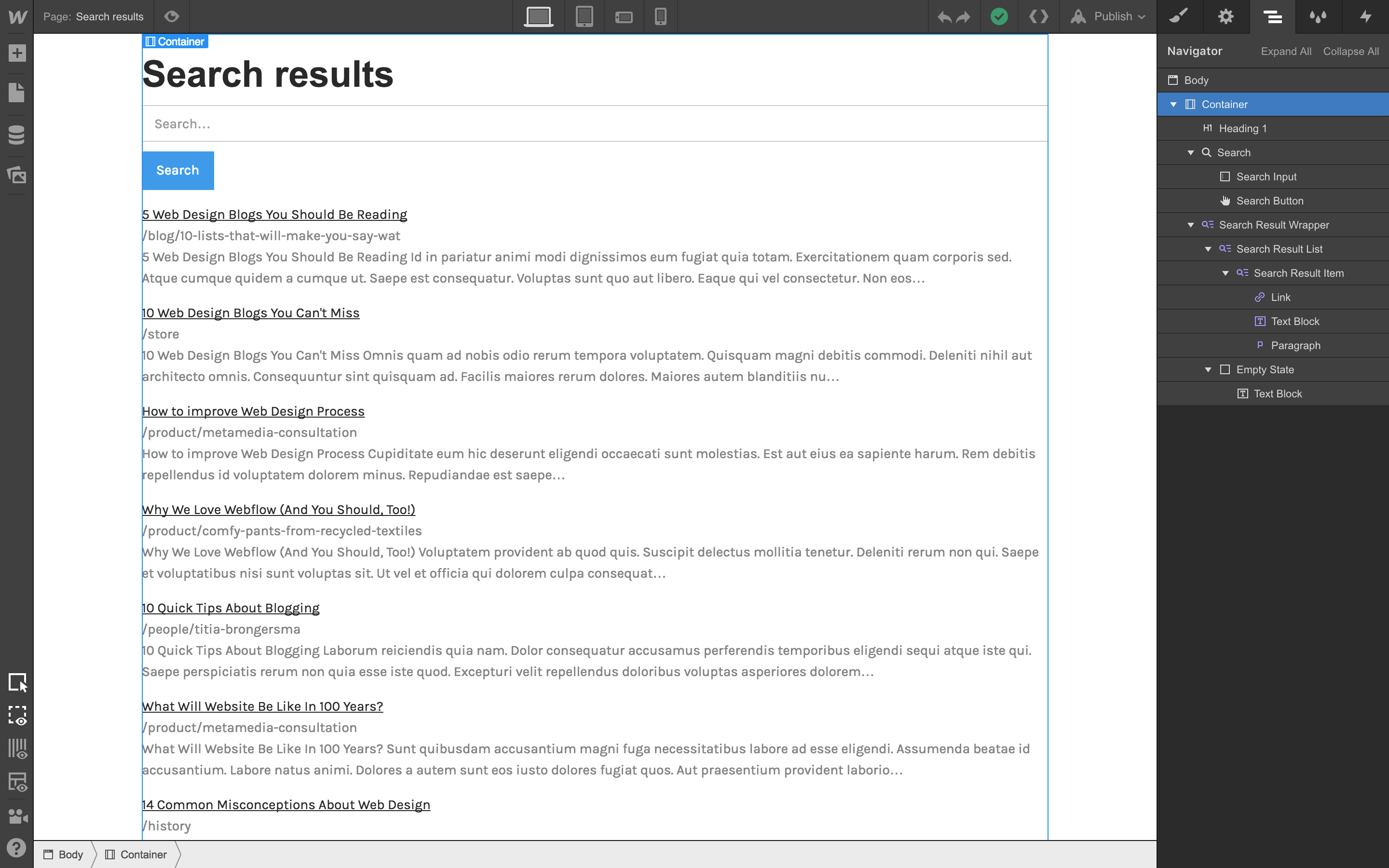
    I was hoping that if they typed in “8B Plot 25” the search results would display more than just the page they are on as it currently does. Something more like this:
    https://assets-global.website-files.com/55e67eeba2e73cb76514f165/5a1f468eeddda900014e68c8_starting%20point%20for%20SERP.png

    Sorry for my complete ignorance on this.

    #250336

    Hi we are trying to create a WCAG 2.0 AA level accesible page. By the moment we got it in a simple page with title an text, but there are problems when using some Kadence Blocks. We have tested all blocks an the feeling is good, a lot of blocks validate ok, but we found some problems in some other.

    I will try to explain:

    a) Advanced Gallery: have problems with <figcaption> tags, they are links but not well formed HTML code.

    b) Modal dialog, has problem with an svg object, some attributes are not correct, for example when you write <svg strokewidth=”… the correct attribute according w3c is stroke-with. There are various like this.

    c) Port and Portfolio grids, have some problems when you insert a <style> object inside HTML

    d) Forms have some problems of HTML5, like using type attribute in a textarea object, and some other of accessibility, in the labeling of fields. We use to validate.

    Those are the main errors we found, we are at your disposal to help you validate it if necessary

    Thank you very much

    #250334
    This reply has been marked as private.
    #250333

    Hi Guys,

    I’ve been Googling this problem and some info has come up that it can be a theme problem – not sure if it is.

    On our standard Woo Checkout page the two fields which are dropdowns (Country and State) appear for a second or two and then disappear – so the user can;t fill it in and they can’t complete the sale – any ideas?

Viewing 20 results - 7,881 through 7,900 (of 53,646 total)