hi! thanks ben !
about the woocommerce product gallery slider: it is sliding in the wrong direction not in the logical one. i want to slide images in the opposite direction. if right now i need to slide right i want to slide left from the first image. (mobile version)
Hi Team,
Does Virtue theme include a pre-defined layout or template for the organisation’s Team webpage that we can use?
The existing Team page on our website follows no particular style. Refer *Login to see link
We would like to make it more user friendly and add a bit of style to it.
Regards
Yogi
Dear support,
Would it be possible to remove the site name from the top right corner? I do not actually need a logo there neither. One additional question, is there a way to remove the white space between the gray text are and the full width Cuban flag? It is around half way on the home page.
Thank you
Fabrizio
http://www.bailalma.com
Dear Support,
I am setting up a new website using Pinnacle and The Event Calender. It works a kid of ok except that under the every single event and the overall event URL I see blog posts being showed. Is there a way to remove this option?
Thanks,
Fabrizio

The theme has an option to animate in your products (theme options > misc settings) this requires javascript to run. In case someone is browsing without javascript or your site is being crawled by a bot like google that doesn’t run javascript there is animation css that will fade in your items if javascript hasn’t loaded.
Because your site is taking so long to load before javascript starts running this fallback is happening assuming that the browser isn’t running javascript. So you see the items appear, then javascript finally loads and your images run through the animation of fading in which is causing that flicker or appearance of a second load.
The image changes sides on mobile because masonry has finally loaded to align the products.
Overall your site would benefit from performance optimization which depending on your server may or may not be possible for you.
So you can go into your theme options and turn off “animate in” which will make the load process a little smoother for your site.
i have also noticed that image slider inside product page is not right i want to slide to the logical side but i need to slide the other side
Please exaplin this in more detail.
The link to the actual post will be helpful so I can know what site I’m looking for in the search results. I know which site in my search results to be looking for.
I’d also like to view the page source for your posts so that I can make sure the date is being output correctly in the post for google to read.
-Kevin
Hey Hannah,
my apologies there was a typo on the slug on the website, the link should work now.
Thanks,
Nick.
Hi,
In the Events Calendar Pro there is a possibility to publish events in the blog feed, but i can’t get it to work with Ascend. I disabled all plugins, but it was still not showing. When switching to the theme Twenty Nineteen, the events do show up among the blog posts.
Any idea why it doesn’t work?
My site is to be found here
The blog page is to be found here
Dear Support Team,
I’m having a problem on my website sashaz.com. When I’m activating the woocommerce plugin I get only the products shown on the home page although the layout includes much more sections. Switching woocommerce off solves it but I would like to be able to use the plugin.
Thanks for your support.
Best regrads,
Sasha
Sorry for some reason I can’t past the code I have put in as the website is blocking me to do so?
Hello,
I got some code off of the internet to make a picture change to another picture when you hover over it. I have it working to change, however I want the picture to be in the center on my footer and also I want to make the size 150px by 150px. Above the large image that says (our gear) is the example of how I want it to look Please could you advise me on how to write this code to make it work.
I am using html (using custom html widget), should I be using CSS instead?
website homepage, please scroll down to the footer:
2islandtravellers.com/
Many thanks
Elliot
Just wondered if there was un update dute as after recent wordpress update the slides appear with a gap to the left, dont know enough to know if it is my themes fault or the slider, help would be appreciated,
thanks Richard
New sites i am developing with the issue (in mobile resonsive views)
newsite.fossilbeach.co.uk
newsite2.fossilbeach.co.uk
Hi Kevin:
We are having the same issue, but in reverse. Our Secondary Menu is showing left aligned. On all other website we use the Ascend Theme it is center aligned. I have made no customizations that I am aware of. What could be causing this and how do I correct it to default center aligned?
https://socalcommunitytennis.com/
Thank you,
Loren
Hi,
searched some pagescrolls but did not find something relating to showing date in Google …
I have some very old posts (it is set to “no show” in blog settings”) – so in SERPs for my website the date is shown as Nov 2012 – other SERP results show no date
Is there a way to remove this from within the theme?
I found a plugin (not tested), but would rather set something in the theme …
Thank you
Dan
Wonderful. Your code works. Can you add the code to have a different hover color and “visited” color to my financial statement links?
-Donna
Hey,
Can you post a login to your site I would be happy to take a look
You can use “set as private reply”
Ben
The website page is our “about-us” page: https://plcnh.org/about-us/
I would like to change the colors of my links on a specific page of my website. I tried to modify some CSS code you gave me for a different page, but was unsuccessful. I’d like to change the active (selected link) color and the hover color on the link to our financial statements near the bottom of the page.
Your help would be greatly appreciated. I will send you a link to my webpage ASAP.
-Donna
Link:
https://postimg.cc/9wFZwkd6
Direct link:
https://i.postimg.cc/PJ149sP5/111.png
Markdown:
[111.png](https://postimg.cc/9wFZwkd6)
Markdown:
[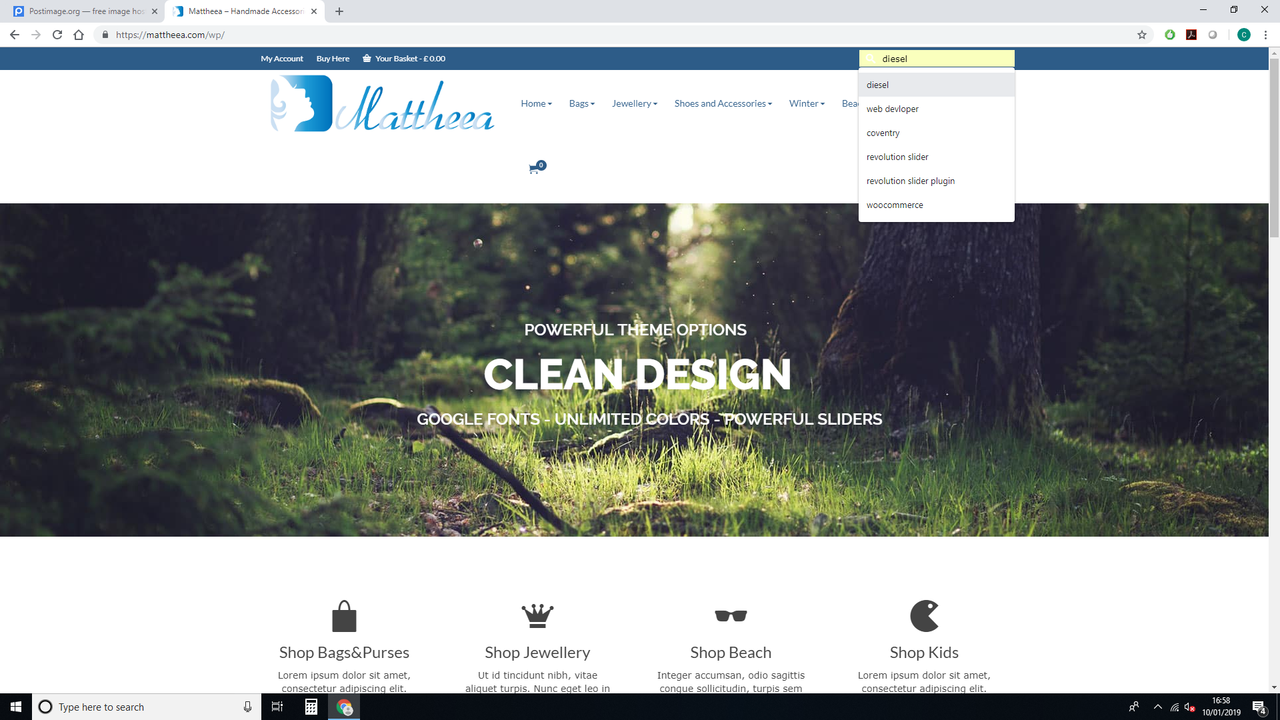%5D(https://postimg.cc/9wFZwkd6)
Thumbnail for forums:
[url=https://postimg.cc/9wFZwkd6][img]https://i.postimg.cc/9wFZwkd6/111.png[/img][/url]
Thumbnail for website:
Hotlink for forums:
[url=https://postimg.cc/9wFZwkd6][img]https://i.postimg.cc/PJ149sP5/111.png[/img][/url]
Hotlink for website:

Removal link:
https://postimg.cc/delete/4DQPg4Fv/8d0d2206
This reply has been marked as private.





%5D(https://postimg.cc/9wFZwkd6)