
Coming to Kadence Blocks Pro: Advanced Query Loop
If you’ve been around the Kadence community, you have probably heard talk of what will be our newest addition to Kadence Blocks Pro: The Advanced Query Loop. This has been in the making for some time now, and we are SO excited to finally get it into your hands.
Overview
The Advanced Query Loop is our enhanced version of the core query loop block, incorporating many user-requested features. The Query Loop consists of blocks within a block that use similar function to our advanced form block. The parent query loop block allows you to specify which post types and taxonomies to display, along with the number of posts per page. This block is saved as a custom post type and is reusable across any page on your site. A notable setting inside the Query Loop block is custom transition animation which can be used when viewers click between pages, search, or apply filters on the front end.
Query Card
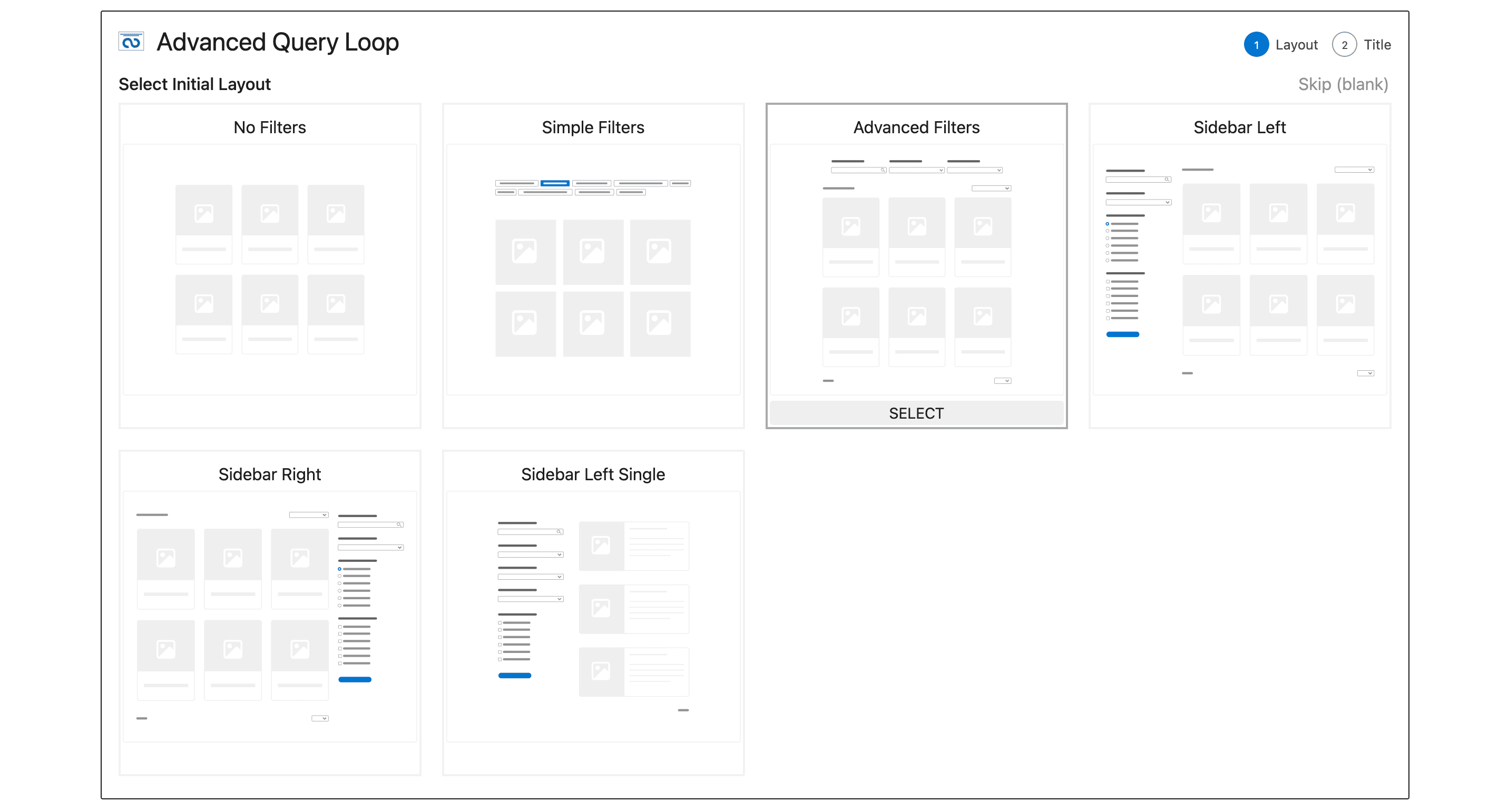
The query card is a child block of the query loop; it defines the template for individual posts within the loop. If you’re familiar with the core query loop block, this would be the post-template block. Saved as a custom post type, the card can be reused in various query loops, enabling you to maintain a consistent style across your site using a single card. The card supports inner blocks for post content, styling for each card, and column settings for the overall layout. When you create a new card you will be prompted if you would like to use an existing card or build a new one and from there you can select a prebuilt card.
Filters
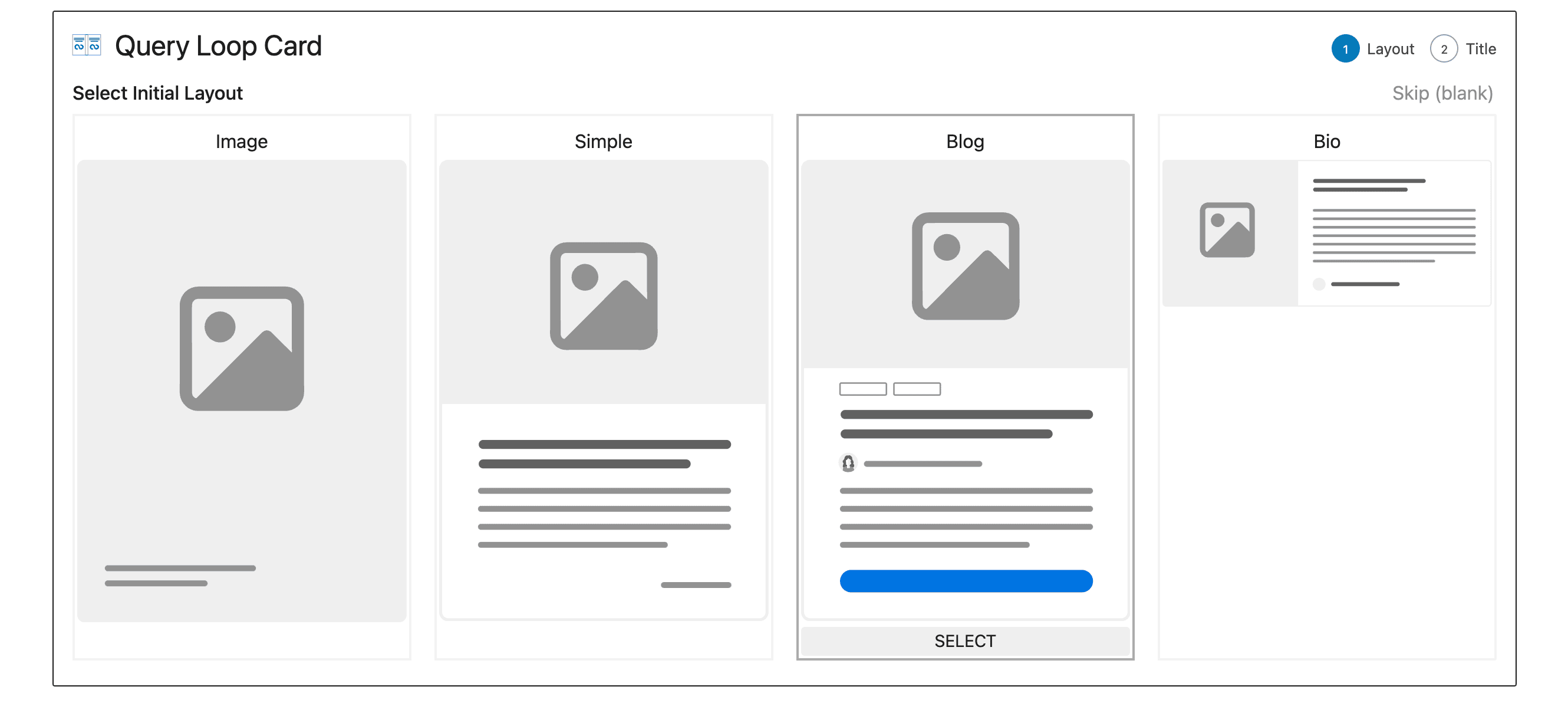
We have added many filtering options, letting users refine their search. Select dropdown, checkbox, and button filters enable limiting results by category, tag, post meta, and custom taxonomies. Date filters facilitate searching for posts before or after a specific date. Plain text searching is also supported, utilizing the native WordPress search.
When creating a filter, we index metadata relevant to that filter into a custom table. This creates a much more preformant filtering experience on the front end as we can use simple queries to fetch the posts. If you have a special use case or would prefer not to use a custom filter we’ve included a wordpress filter to disable indexing.

Pagination
Customizable pagination includes options to modify the previous and next buttons with custom text or icons. Multiple pagination blocks can be added for placement above and below the results.
The result count block indicates the current pagination interval, total number of results, and the user’s entered search term.
No Results Block
We’ve added a no results block to display custom content when a user’s query yields no results. Any blocks can be added to this to really customize the output. Users can sort the displayed results on the front end, providing a comprehensive querying and display solution.
Wrapping Up
The Advanced Query Loop was released on November 29, 2023 to Kadence Blocks Pro 2.1.4. If you’ve not yet purchased Kadence, it’s the perfect time to get a Kadence Bundle to ensure that you’ve got the Advanced Query Loop in your dashboard. If you missed our Livestream on November 27, you can watch it here to learn more about the Advanced Query Loop, Kadence AI, and the roadmap ahead.
We are so excited about the Advanced Query Loop. We think it’s a powerful addition to the block editor and, truthfully, we’re pretty convinced you’ll love it. Get a Kadence Bundle and you’ll get access to the Advanced Query Loop and so many other powerful features included when you go pro.
Create Your Website With KadenceWP Today!


Written by Ben Ritner
Ben Ritner is the Sr. Director of Product at StellarWP and the founder of Kadence WP. Ben builds innovative tools that empower individuals and small businesses to compete with major corporations on the web. He creates comprehensive tutorials that guide users through WordPress, enabling them to build effective and engaging websites. His expertise in product development, strategy, and marketing drives innovation and success for users worldwide.
14 responses to “Coming to Kadence Blocks Pro: Advanced Query Loop”
-
-
This is awesome! Great to see this in the development of Kadence!
Also I think this is a big milestone to empower Kadence in many other ways as a primary driver for WordPress websites.Thank you for your spirit and power!
-
Very nice! Will this now allow ACF repeater to be used?
-
Sounds awesome ! Already tested it on beta. A custom filter source would be awesome – meaning being able to filter by a specific post custom field. Any plans here yet?
-
Nice one Ben! I am still working with Toolset in Kadence, but maybe for smaller projects I’ll get by with Kadence only soon. I’m looking forward to getting my hands on it.
-
It would be awesome if pagination gave us the ability to infinite scroll through those cards!
-
Great! On big missing functionality: the layout as a slider! Greyd Themes have that and make it possible to pull custom fields from a custom post type into a slider. If you could provide that – perfect!!! Thumbs up and all the best, Fabian
-
I tried this new block and I can’t see the Pagination when I use it.. and it’s exactly what I need. Is pagination available for all layout types?
-
Just as I was cursing the limitations of the postgrid block this very afternoon … Awesome. Works like a charm.
-
Loving this new block! I’m currently implementing it for a client’s grid of staff members that needs to be ordered by seniority (who has worked there the longest), and I realized a feature I’d like to see added to the plugin. In GenerateBlocks, you can order a query loop by custom field value: https://docs.generateblocks.com/article/order-query-loop-by-custom-field/
This would be great for setting an explicit order for the query results not available in the current options of alphabetical ordering, date added/modified, menu, and random order. I’d love to be able to use a custom field value such as “start date” for a staff member. Or maybe just assign a numerical value representing their hiring order. In either case, the oldest date or lowest value would correspond to hiring order and the query loop would be ordered exactly as I want it.
Unfortunately, in this particular use case – simply going off of the original published date won’t work as the client has “repurposed” some former employee’s CPT items, so all current employees’ published date isn’t synonymous with their “start date” if that makes sense.
For now, I’m just going to modify the published or modified dates to get the ordering in the proper sequential order. Altogether, I’m loving this update. Way to go Ben and team!
-
Kadence is soo cool, I like this Query Loop block.
-
Thank you so much for your efforts. Every update so far has been awesome, but the Advanced Query Loop will be top-notch. Please keep up the good work.
-
Hi, very good feature but I am really looking forward when you make it more robust. For example that it works seamlessly with wooCommerce and filtering/sorting products by price for example.
Cheers -
“Big thanks to Kadence Blocks Pro for elevating my website design game! Your innovative blocks and features have added a whole new level of creativity and functionality to my site. Grateful for the seamless integration and user-friendly experience. Keep up the fantastic work!


By Ben Ritner
Ben Ritner is the Sr. Director of Product at StellarWP and the founder of Kadence WP. Ben builds innovative tools that empower individuals and small businesses to compete with major corporations on the web. He creates comprehensive tutorials that guide users through WordPress, enabling them to build effective and engaging websites. His expertise in product development, strategy, and marketing drives innovation and success for users worldwide.
Updated July 22, 2024
Create Your Website With Kadence


Hi, is there a way to limit the number of posts shown in preview while creating such loops? It shows around 20 posts at ones and makes too many database requests, causing server overload.