Demo Content for Pinnacle Premium
[clear]
[space size=”30px”]
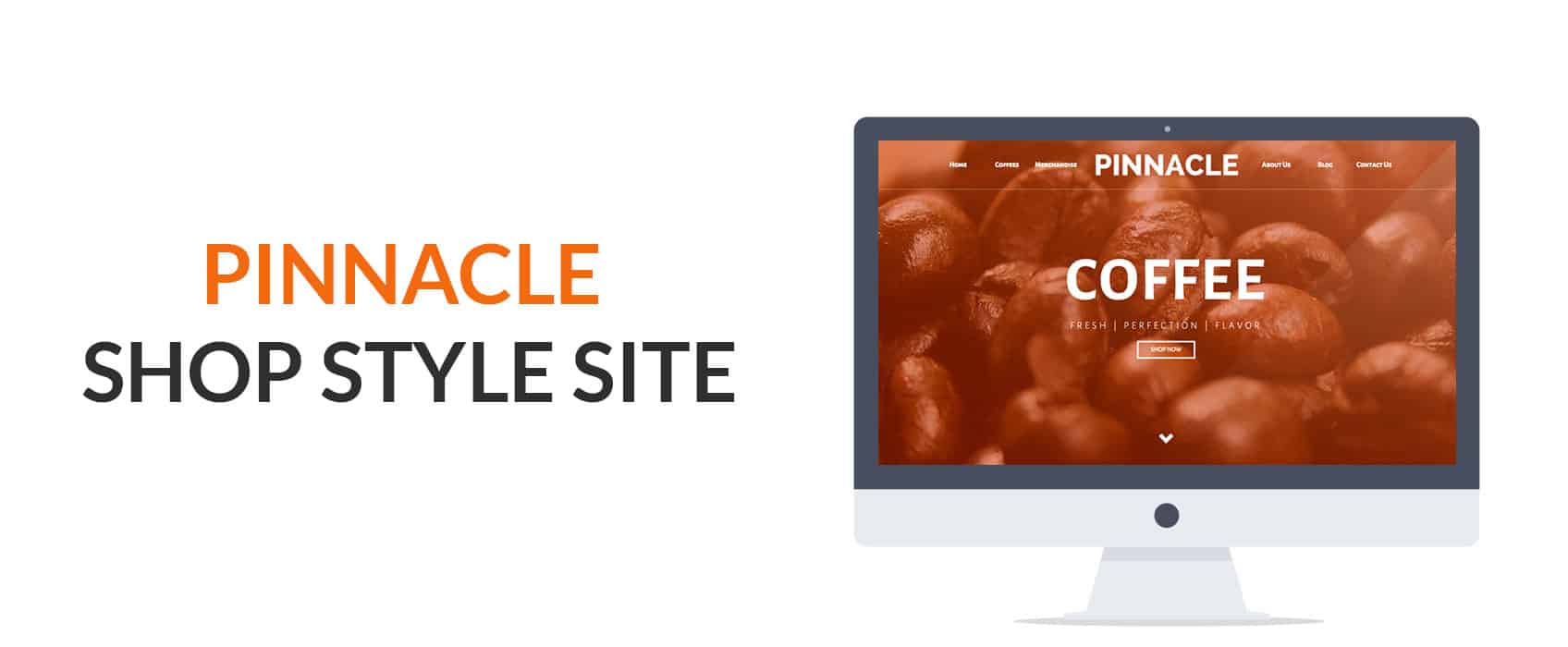
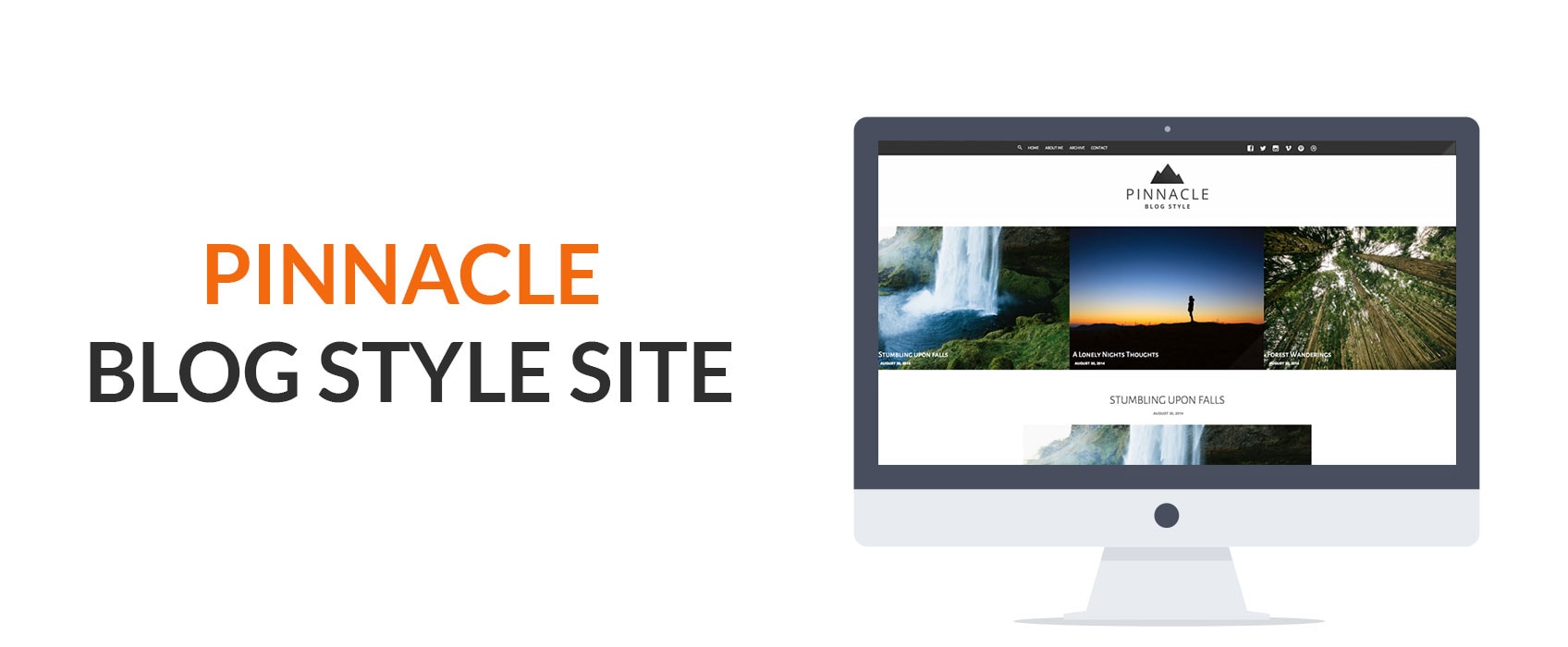
This tutorial will take you through the steps of installing the Pinnacle Premium theme with Demo Content from http://themes.kadencethemes.com/pinnacle-demo-content/. This is a great way to get you site filled with content so you can see how everything works with the Pinnacle theme. Start by downloading the Demo Content and unzipping that compressed file.
[btn text=”Demo Content” tcolor=#FFF link=”https://www.kadencewp.com/wp-content/uploads/2014/09/pinnacle_demo_content.zip”]
Step 1: Install Pinnacle Premium
View tutorial for step by step directions.
Be sure to install the premium plugins
Step 2: Install Woocommerce
View tutorial for step by step directions.
Step 3: Import Demo Content
- In your WordPress admin go to Tools >> Import.
- Click on WordPress.
- You will be asked to install the WordPress installer. Click install.
- Once installed click the activate and run installer link.
- Choose the “pinnacle.wordpress.demo_content.xml” downloaded in the .zip above.
- Once selected, click the upload file and import button.
- On the next page you will be asked to assign a user to the posts you are importing.
- Make sure you have download and import file attachments checked.
- Click the Submit button.
*This will take a little while to upload
Step 4: Import Theme Options
- In your WordPress admin go to Appearance >> Theme Options.
- Click on the Import / Export tab.
- Click on the import from file button.
- Paste in the code from one of the “pinnacle_themeoptions_export.txt” files downloaded in the .zip above.
- Click the Import button.
Step 5: Activating the Menus
- In your WordPress admin go to Appearance >> Customize.
- In the left Menu use the select boxes to enable the menus in the demo content.
Create Your Website With KadenceWP Today!


Written by Ben Ritner
Ben Ritner is the Sr. Director of Product at StellarWP and the founder of Kadence WP. Ben builds innovative tools that empower individuals and small businesses to compete with major corporations on the web. He creates comprehensive tutorials that guide users through WordPress, enabling them to build effective and engaging websites. His expertise in product development, strategy, and marketing drives innovation and success for users worldwide.
By Ben Ritner
Ben Ritner is the Sr. Director of Product at StellarWP and the founder of Kadence WP. Ben builds innovative tools that empower individuals and small businesses to compete with major corporations on the web. He creates comprehensive tutorials that guide users through WordPress, enabling them to build effective and engaging websites. His expertise in product development, strategy, and marketing drives innovation and success for users worldwide.
Updated July 22, 2024
Create Your Website With Kadence