Skip to content
Help Center
  • Pricing
  • ProductsExpand
    • Premium PlansGet all the tools you need in one plan
    • Kadence ThemeLightning-fast performance theme for modern websites
    • Kadence BlocksDrop in ready designs with advanced controls for pixel perfect websites
    • Kadence Shop KitCreate a more effective WooCommerce shopping experience
    • Kadence ConversionsBoost sales and build engaged audiences with popups and banners
    • Kadence InsightsEasily create A/B tests. Optimize your pages to drive higher conversions.
    • View All Products
    • Get Kadence + Hosting
      In One Place

      Enjoy faster setup, top-tier performance, and worry-free WordPress hosting – Kadence Theme, Kadence Blocks, and Solid Security all pre-installed.

      Learn More

  • Kadence AI
  • Starter Templates
  • Blog
  • SupportExpand
    • Resource HubStart here for guides, Product docs, FAQs, and Troubleshooting tips, all in one place.
    • Contact SupportStuck on something? We’re here to help! Open a ticket for top-notch support.
    • Contact Our TeamGot pre-sales questions or need help choosing a plan? Open a ticket and our team will guide you.
    • About usCrafted with love in Missoula, Montana. Meet the team behind the mission.
Account Account
Get Kadence
Kadence Shop Kit
  • Features
  • Pricing
  • HelpExpand
    • Documentation
    • Submit a Ticket
    • Feature Requests
    • Roadmap
    • Changelog
Help Center
Kadence Shop Kit

Woo Template Blocks

  • Product: Quickview Button Block
  • Woo Template Block – Product: Upsell
  • Woo Template Block – Product: Custom Actions
  • Woo Template Block – Product: Add to Cart
  • Woo Template Block – Product: Title
  • Woo Template Block – Product: Price
  • Woo Template Block – Product: Gallery
  • Woo Template Block – Product: Image
  • Woo Template Block – Product: Short Description
  • Woo Template Block – Product: Description
  • Woo Template Block – Product: Meta
  • Woo Template Block – Product: Tabs
  • Woo Template Block – Product: Rating
  • Woo Template Block – Product: Related
  • Woo Template Block – Product: Upsell
  • Woo Template Block Product: Additional Information
  • Woo Template Block – Product: Reviews Block
  • Woo Template Block – Breadcrumbs
  • Woo Template Block – Product: Notice
  • Woo Template Block – Product: Brand
  • Woo Template Block – Archive: Main Query
  • How to Enable Woo Template Blocks
  • Select a Product for Preview in Woo Template

Shop Kit Setup

  • How to Install & Activate Kadence Shop Kit
  • Product Templates (Woo Templates)
  • Product Quickview
  • Variation Swatches
  • Product Badges
  • Product Galleries
  • Shop Kit Product Brands
  • Kadence Advanced Reviews
  • Size Charts
  • Enable Custom Add to Cart Text
  • How to Set Variation Options
  • Snackbar Style Notices
  • Enable and Add Global Tabs
  • Conditional Cart Banners
  • Checkout Coupon Modal
  • Checkout Editor
  • Extra Category Description
  • Single Product Templates (Woo Templates)
  • Product Catalog Loop Item Templates (Woo Templates)
  • Product Archive Templates (Woo Templates)
  • How to Add Gutenberg Editor to WooCommerce
  • Open Affiliate/External Products In A New Tab

Troubleshooting

  • Troubleshooting Kadence Shop Kit product images not showing

Advanced

  • How to add Extra/Payment Information to Your WooCommerce Product Pages
  • Home
  • Knowledge Base
  • Kadence Shop Kit
  • Kadence Shop Kit
  • Shop Kit Setup

Product Galleries

Kadence Shop Kit allows you to customize how product galleries appear on your WooCommerce products. You can replace the default product gallery with a slider layout and include videos alongside your product images for a richer shopping experience.

Table of Contents
  • Getting Started
  • Choosing a Gallery Type
  • Gallery Settings
  • Adding Videos to Your Gallery
    • View Your Product Videos
  • Variation Gallery Support
    • Dependency Notice

Getting Started

If you don’t already have Shop Kit installed on your site, you can follow these steps to get started.

  • From your WordPress dashboard, click Shop Kit.
  • Open the Product Gallery tab.

Enable the Product Slider Gallery option.
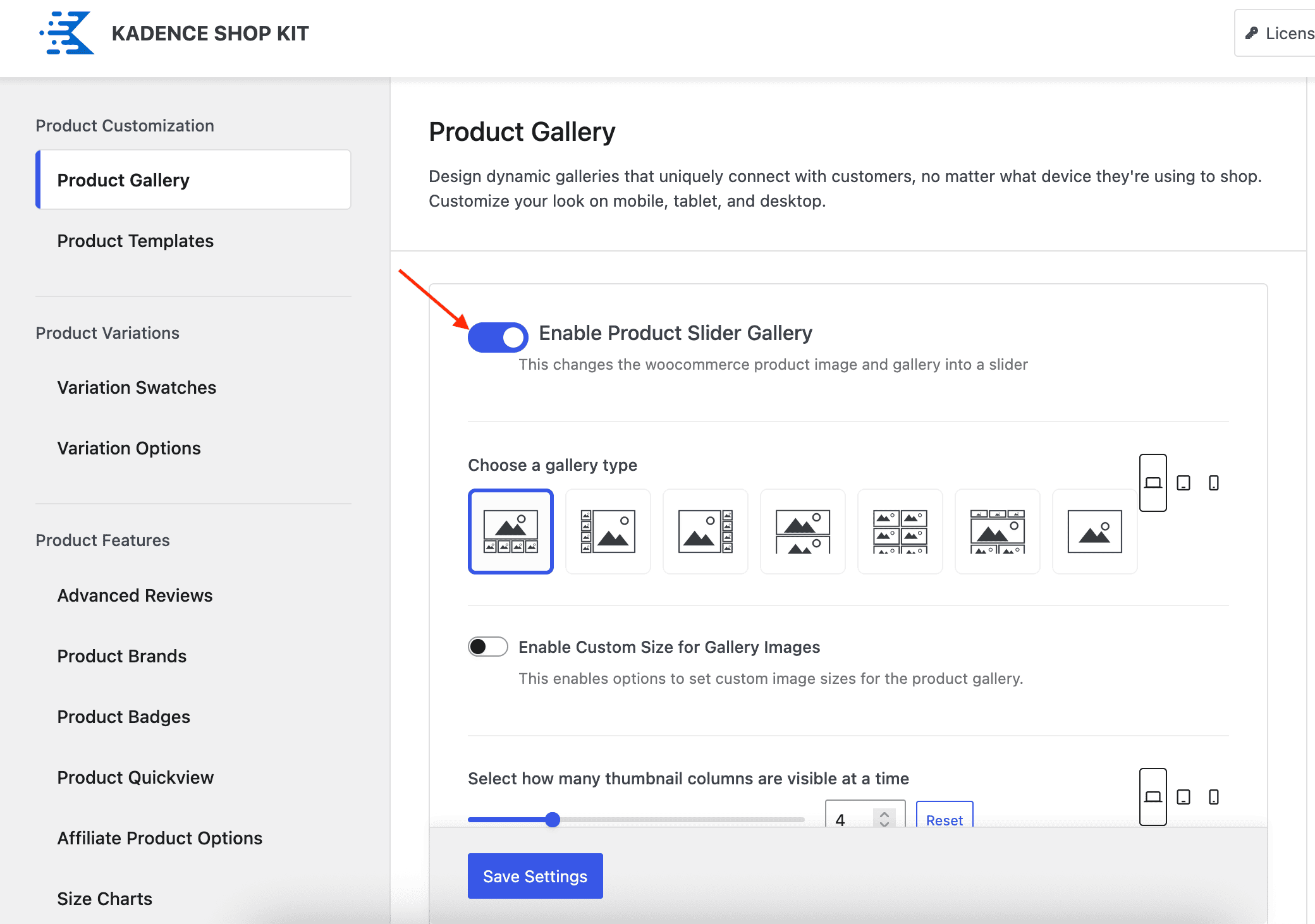
Kadence Shop Kit - Enable Product Slider Gallery

Choosing a Gallery Type

Kadence Shop Kit allows you to control how your product galleries are displayed, including the layout of images and the placement of product thumbnails.
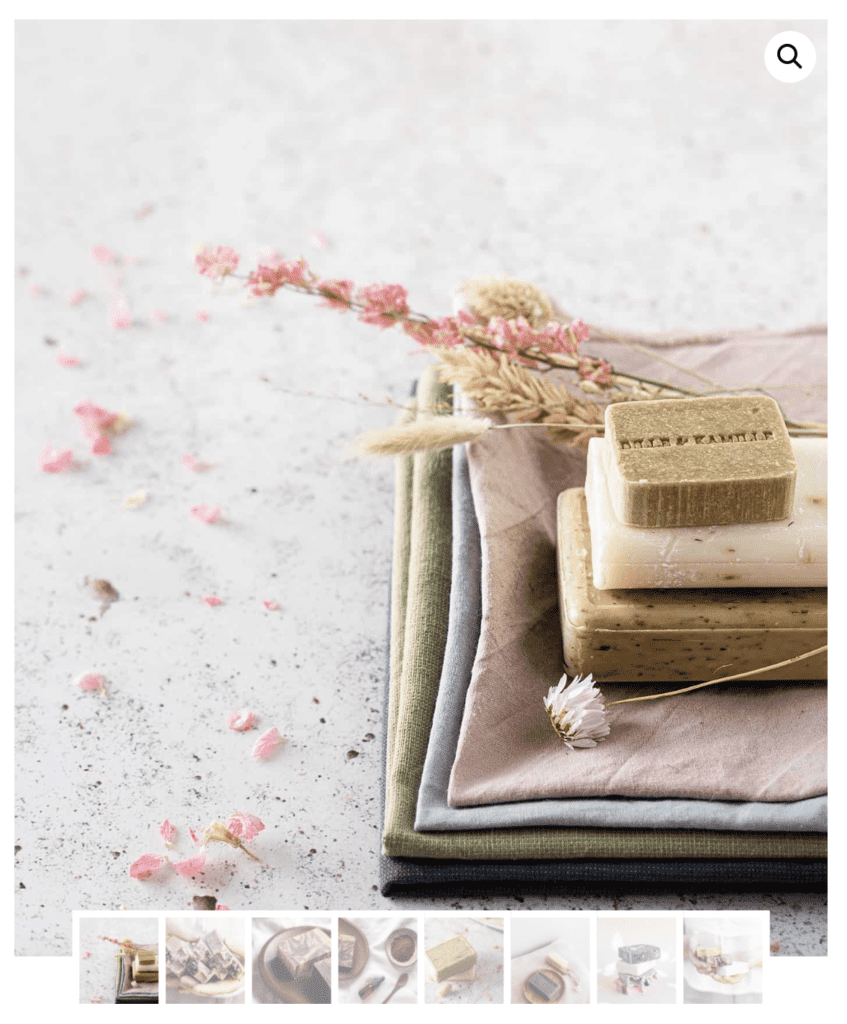
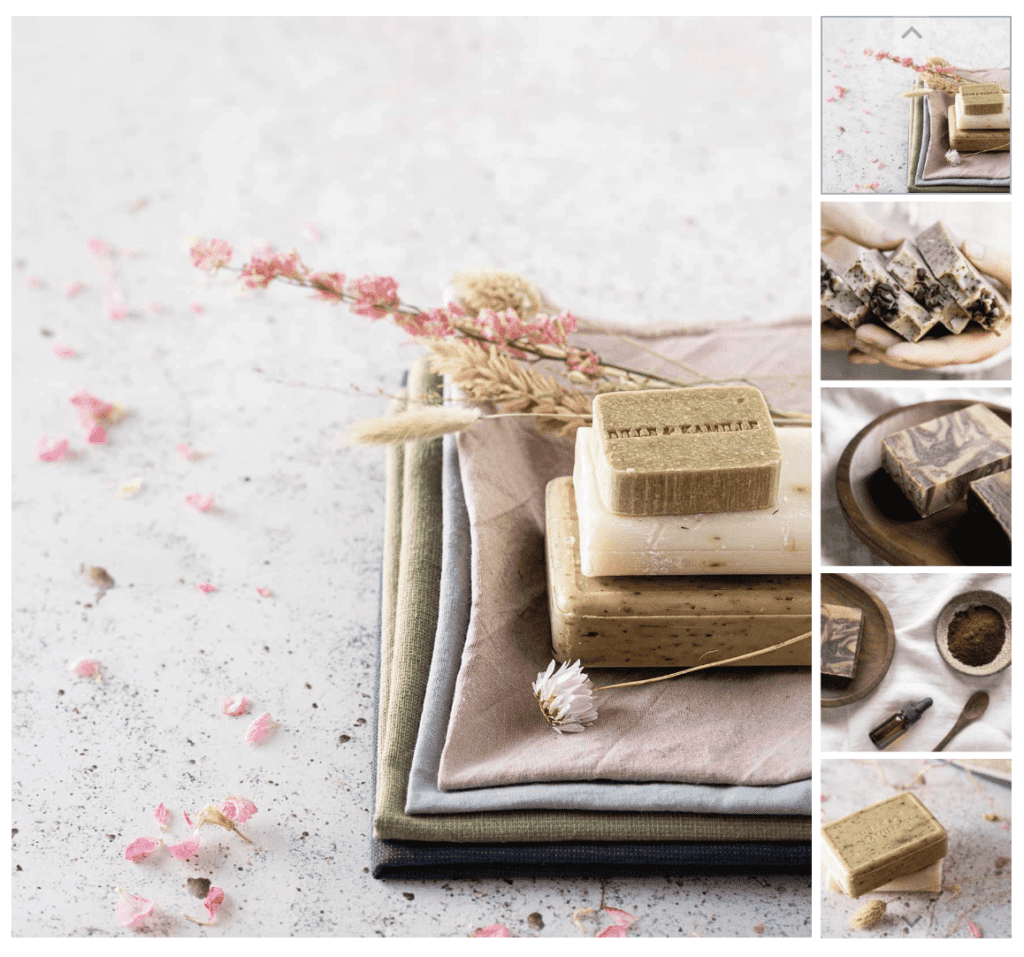
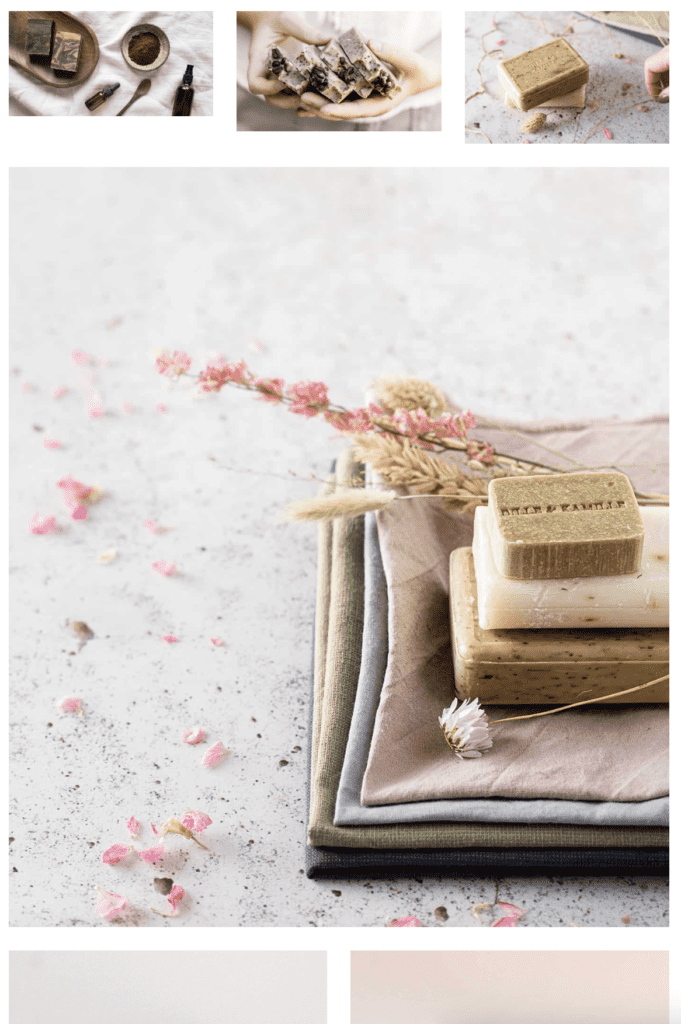
Gallery - Thumbnails Below Image
Thumbnails Below Image
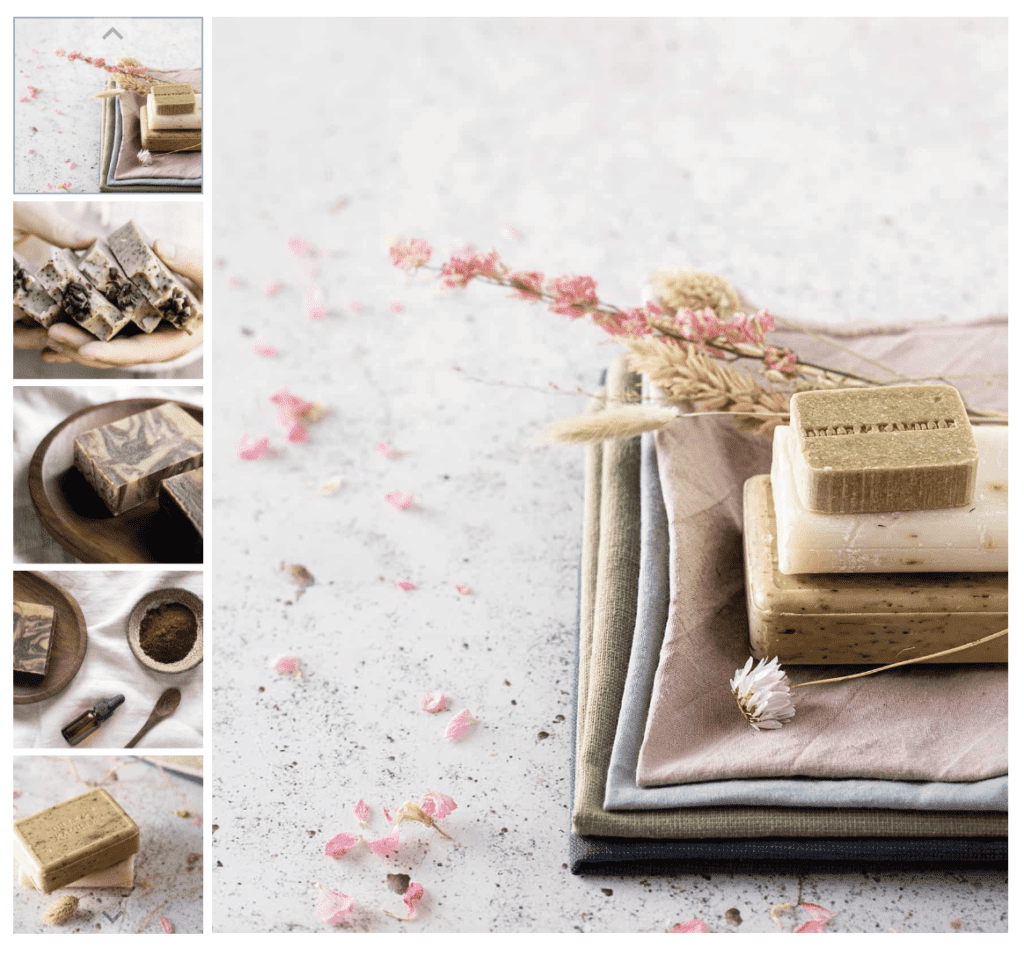
Gallery - Thumbnails To The Left of Image
Thumbnails To The Left of Image
Gallery - Thumbnails To The Right of Image
Thumbnails To The Right of Image
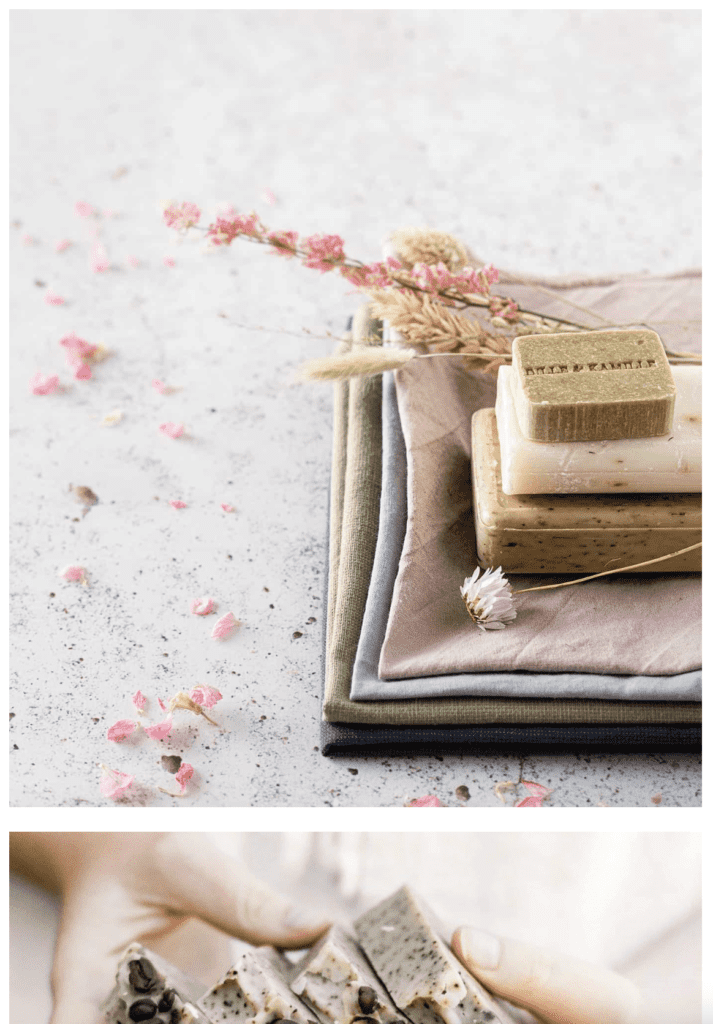
Gallery - No Thumbnails, Images in a List
No Thumbnails, Images in a List
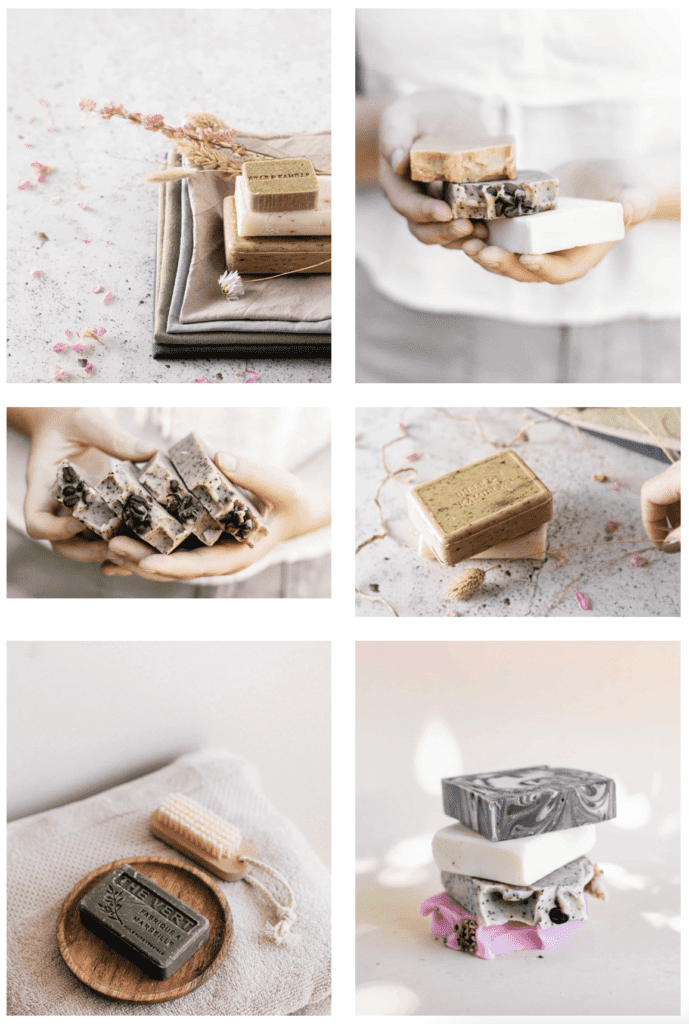
Gallery - Images in a Two-Column Grid
Images in a Two-Column Grid
Gallery - Images in a Tile Layout
Images in a Tile Layout
Gallery - Images in a Slider Layout, no Thumbnails
Images in a Slider Layout, no Thumbnails

Gallery Settings

Next, you can choose to enable or disable custom size for gallery images. Enabling this feature will allow you to set a custom product image width and ratio for your product gallery images.
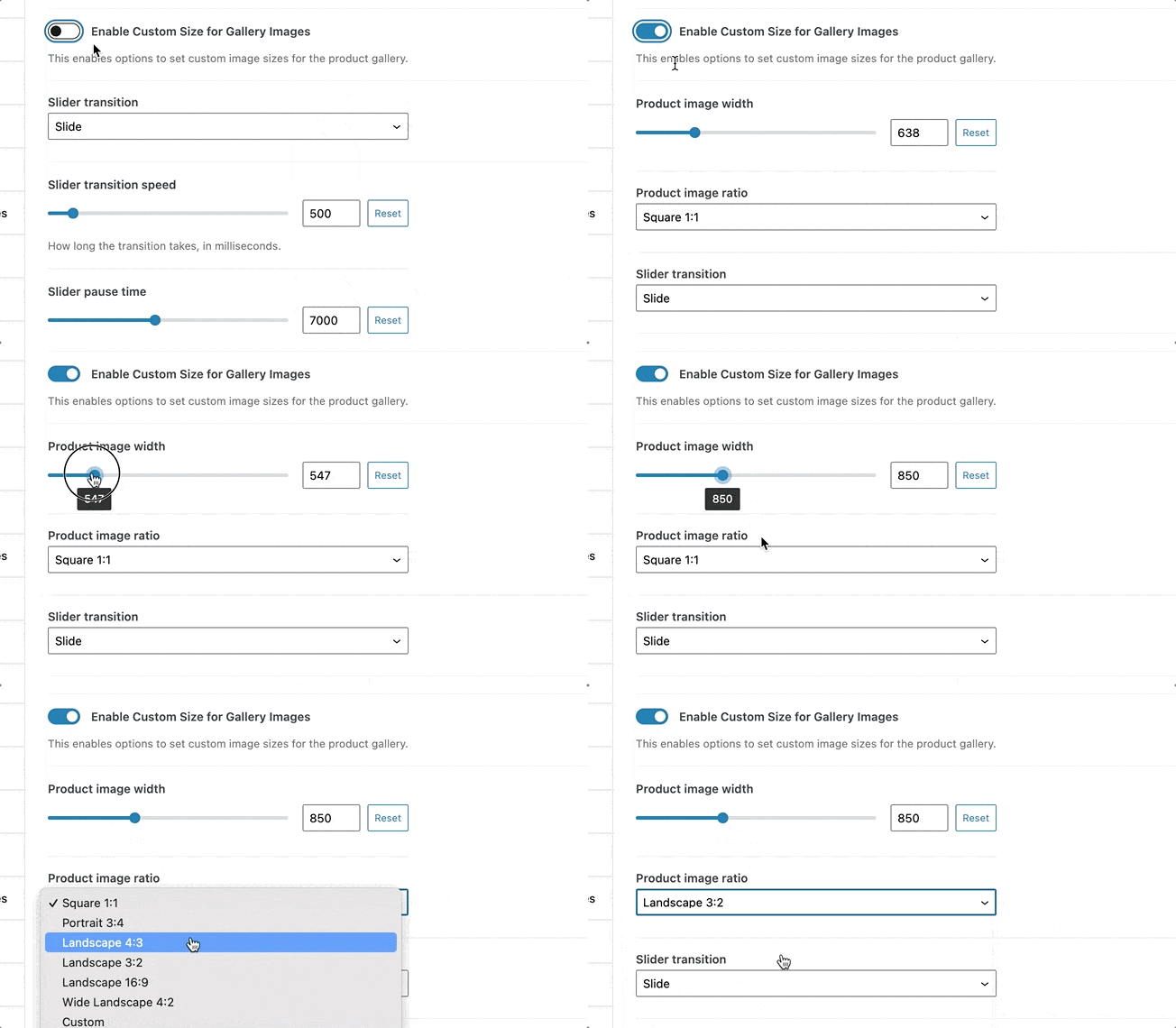
Shop Kit Gallery Settings

Slider Transition – Choose between Slide or Fade

Slider Transition Speed – Adjust the speed between slides

Slider Auto Play – Enable or disable automatic sliding

Slider Pause Time – Set how long each slide is displayed
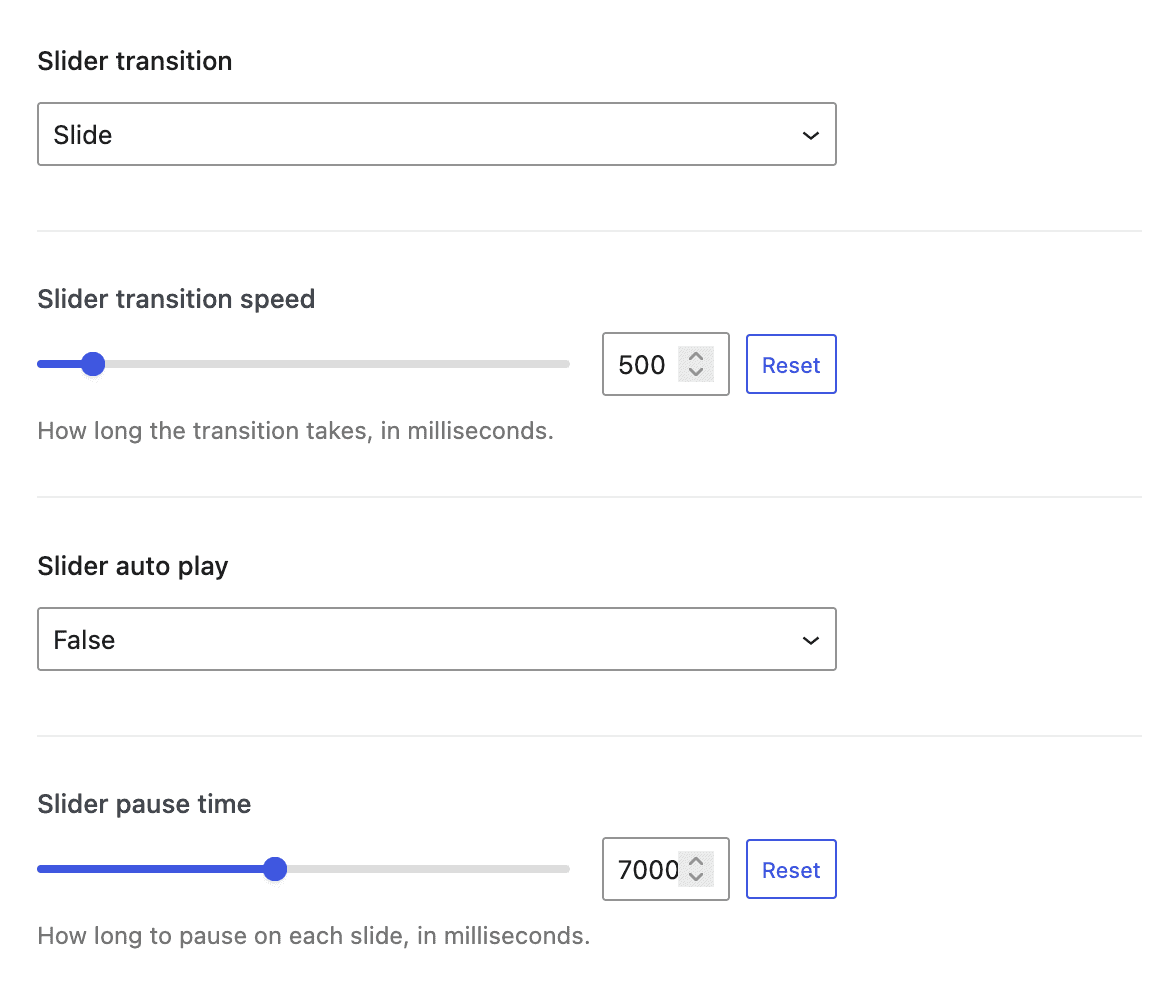
Shop Kit Gallery Slider Settings
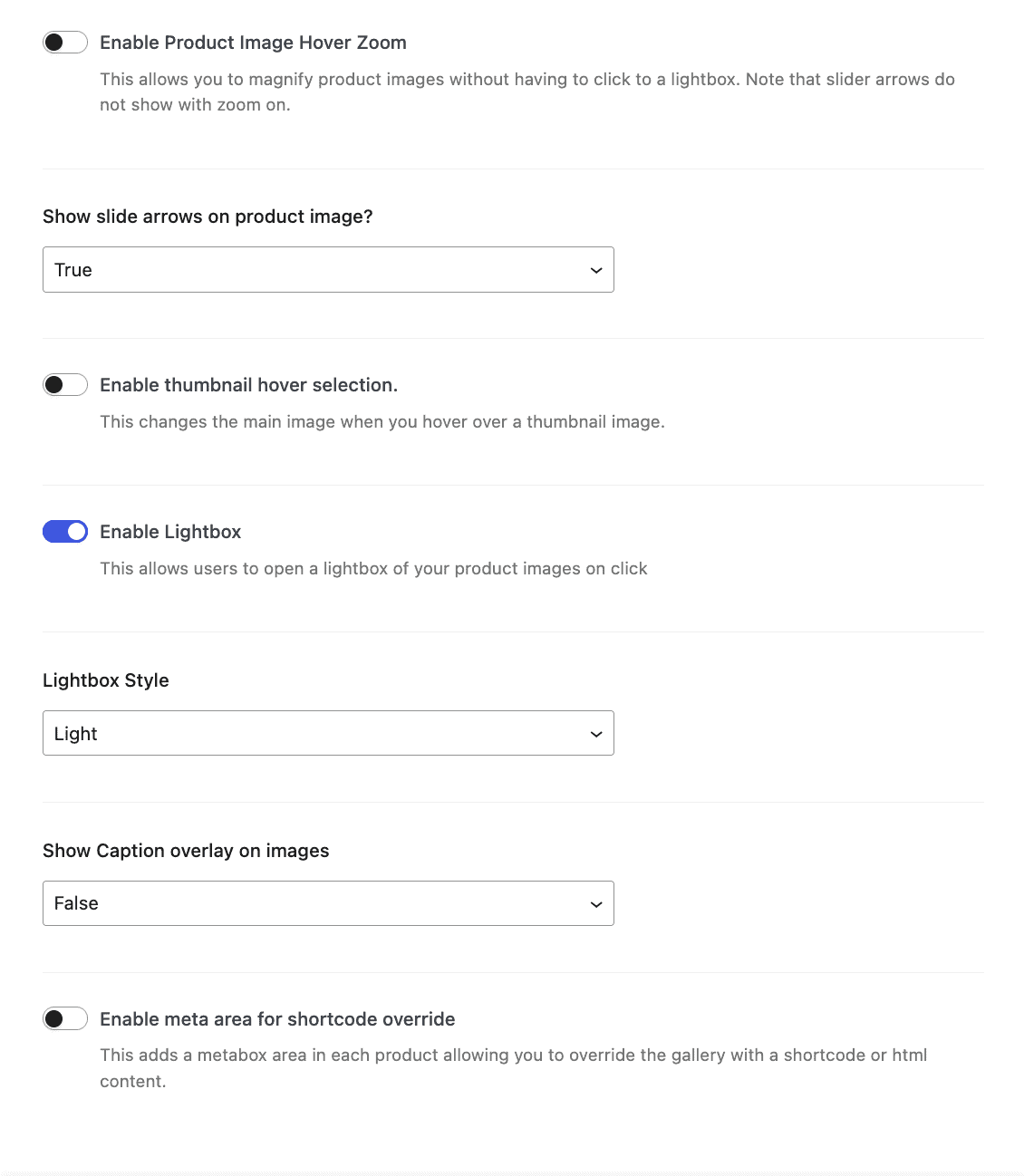
Shop Kit Gallery Settings

Enable Product Image Hover Zoom – Allows image magnification to appear either on top of the image or beside it

Show slide arrows on product image – Enable navigation arrows on the product image slider

Thumbnail Hover Selection – Enable or disable thumbnail hover behavior (applies only to galleries with thumbnails)

Enable Lightbox – Required to display videos in the product gallery

Lightbox Style – Choose between Light or Dark

Show Image Captions – Display image captions as overlays

Enable Meta Area for Shortcode Override – Adds a metabox to each product, allowing you to replace the gallery with a shortcode or custom HTML

Adding Videos to Your Gallery

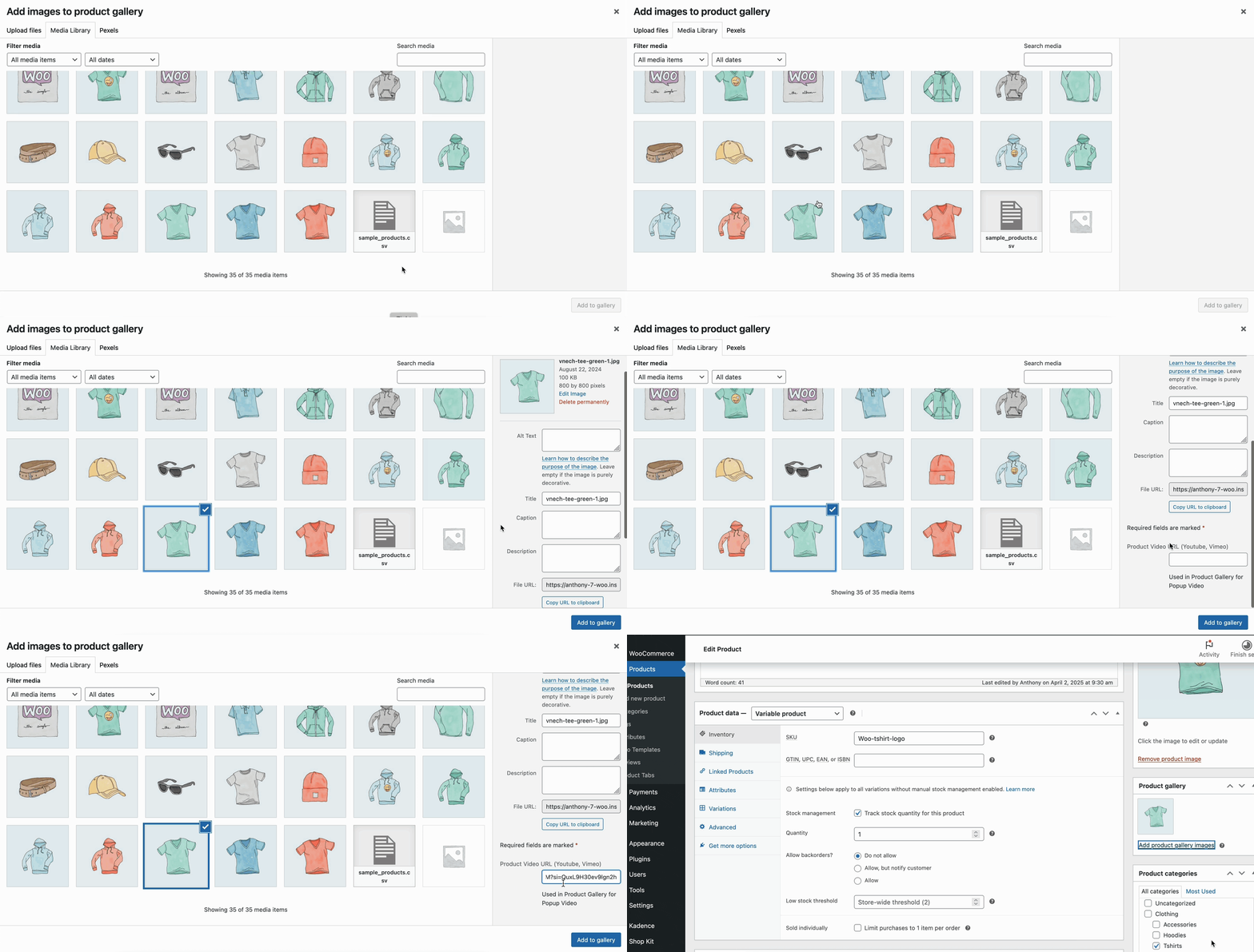
Kadence Shop Kit allows you to include YouTube or Vimeo videos directly in your product gallery. To use this feature, the Lightbox theme setting must be enabled. No additional settings are required.

  • Edit a product.
  • Click Add Product Gallery Images.
  • Select an image to use as a placeholder for the video (required).
  • Scroll down to the Product Video URL (YouTube, Vimeo) field.
  • Paste your video URL.
  • Click Add to Gallery.
Shop Gallery - select image and add video

View Your Product Videos

To view a product video on the front end of your site, navigate to the product page. Click the video thumbnail, then click the main image. The lightbox will open and automatically play the video.
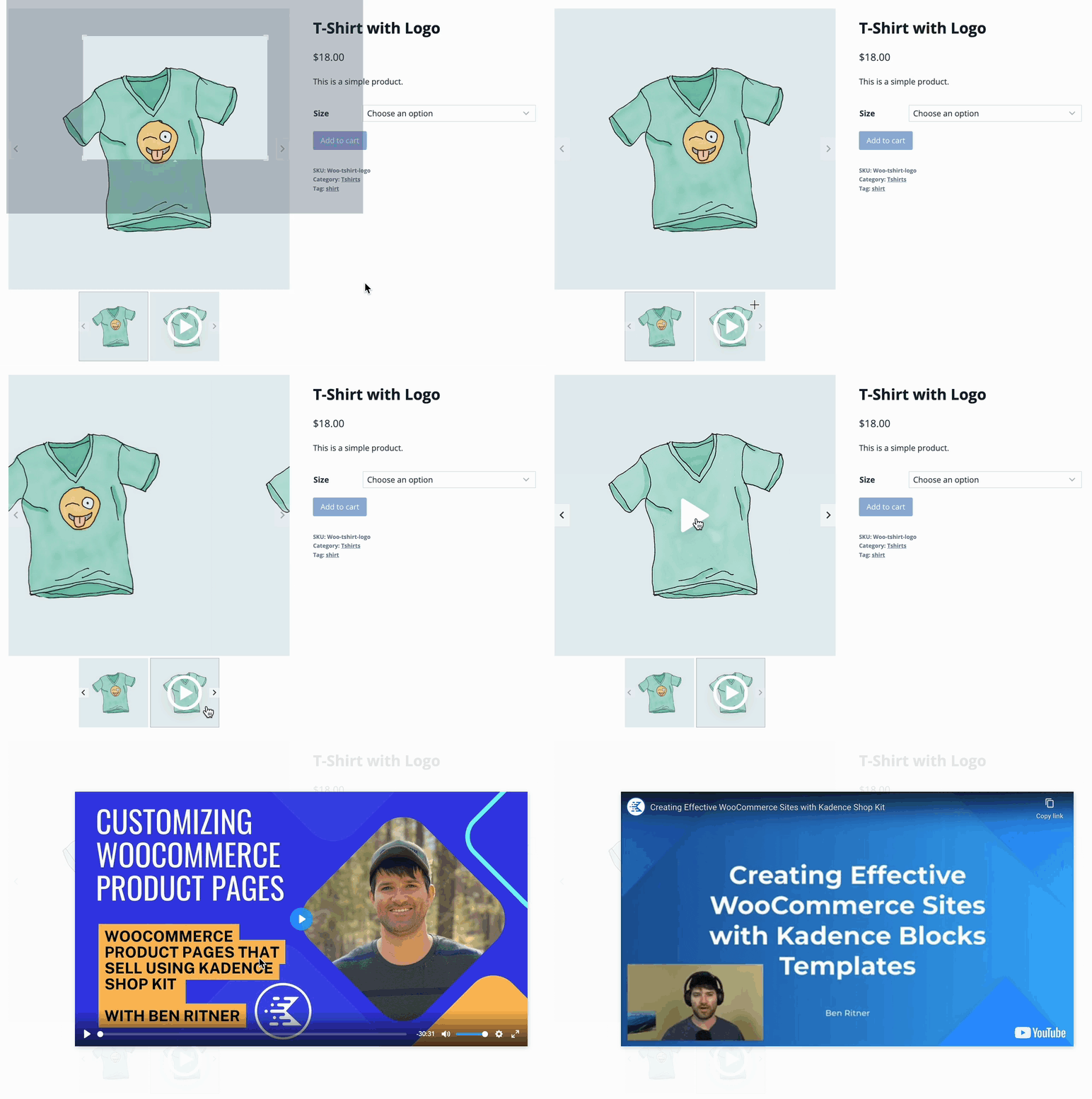
Shop Kit video lightbox demo

Variation Gallery Support

The Shop Kit Product Gallery feature is required to support Variation Galleries. When enabled, Variation Galleries allow you to assign multiple images to each product variation. As customers select different variations, the product gallery dynamically updates to show only the images associated with the selected variation.

Dependency Notice

Variation Galleries depend on the Product Gallery feature. If the Product Gallery is disabled:

  • Variation Galleries will not display on the front end
  • Variation images will not replace the main product gallery
  • The gallery will remain static, even when variations are selected

To use Variation Galleries, ensure the Product Gallery feature is enabled in Shop Kit → Product Gallery.


Do you feel this document was helpful?
Product BadgesShop Kit Product Brands
The Kadence WP Logo
Crafted in Missoula, Montana
  • Follow Kadence on Facebook
  • Follow Kadence on Youtube
  • X
  • Follow Kadence on Instagram
Trustpilot
Products
  • Kadence Plans
  • Kadence Theme
  • Kadence Blocks
  • Kadence AI
  • Kadence Starter Templates
  • Kadence Shop Kit
  • Kadence Conversions
  • Kadence Pattern Hub
  • View All
Resources
  • Blog
  • Podcast
  • Knowledgebase
  • Support ticket
  • Feature Requests
  • FAQ
  • WordPress Hosting Services
About Us
  • About Kadence
  • Become an affiliate
  • Contact us
  • Terms
  • Privacy Policy
  • Security
Our Partner Brands
  • SolidWP
  • LearnDash
  • The Events Calendar
  • GiveWP
  • MemberDash
Kadence Community
  • Kadence Marketplace
  • Join the Facebook Group
  • Subscribe to our YouTube Channel
© 2024 Kadence WP | All prices are in USD
Logo for StellarWP an umbrella brand of Premium WordPress plugins
  • Pricing
  • Products
    • Premium PlansGet all the tools you need in one plan
    • Kadence ThemeLightning-fast performance theme for modern websites
    • Kadence BlocksDrop in ready designs with advanced controls for pixel perfect websites
    • Kadence Shop KitCreate a more effective WooCommerce shopping experience
    • Kadence ConversionsBoost sales and build engaged audiences with popups and banners
    • Kadence InsightsEasily create A/B tests. Optimize your pages to drive higher conversions.
    • View All Products
    • Get Kadence + Hosting
      In One Place

      Enjoy faster setup, top-tier performance, and worry-free WordPress hosting – Kadence Theme, Kadence Blocks, and Solid Security all pre-installed.

      Learn More

  • Kadence AI
  • Starter Templates
  • Blog
  • Support
    • Resource HubStart here for guides, Product docs, FAQs, and Troubleshooting tips, all in one place.
    • Contact SupportStuck on something? We’re here to help! Open a ticket for top-notch support.
    • Contact Our TeamGot pre-sales questions or need help choosing a plan? Open a ticket and our team will guide you.
    • About usCrafted with love in Missoula, Montana. Meet the team behind the mission.
Account Login
  • Features
  • Pricing
  • HelpExpand
    • Documentation
    • Submit a Ticket
    • Feature Requests
    • Roadmap
    • Changelog