
We have had some frequently asked questions related to Kadence. You can view some of our frequently asked questions and the answers to them below.
Premium Starter Templates can only be used when either of the two following requirements are met.
- For users using the Express Plan, use the Creative Kit plugin to access premium Starter Templates and designs.
- For users with plans greater than the Express Plan, both the Kadence Blocks Pro and Kadence Theme Kit Pro plugins must be activated to access premium Starter Templates and designs.
(View our pricing here)
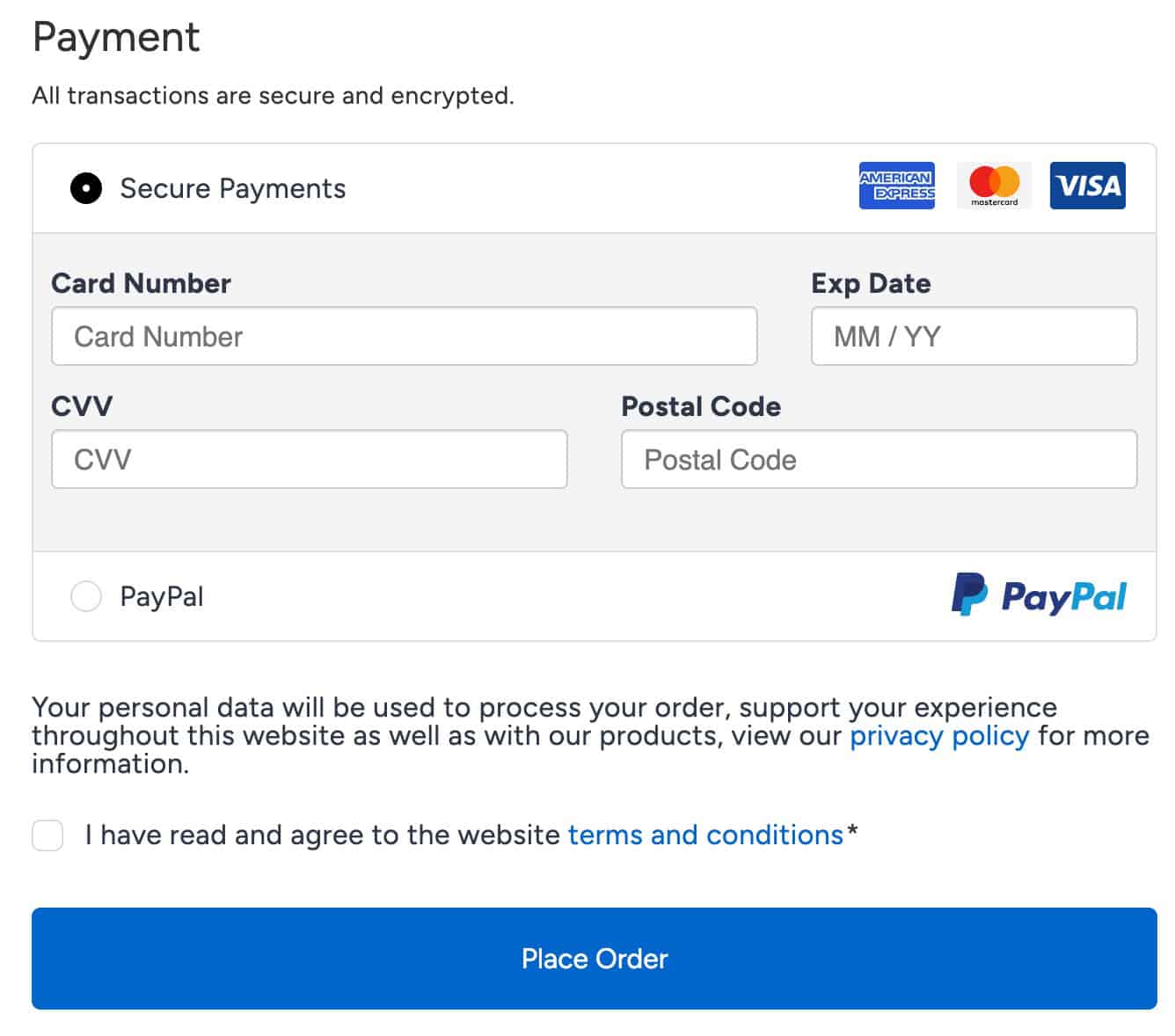
When making a purchase from the KadenceWP website, you can use a card or PayPal. Available card types include MasterCard, Visa, and American Express.
Your KadenceWP License can only be taken off a website by manually removing the License. This can be done by going to the same area where you activated the license, removing the License Key, and saving the changes. Below are the destinations to deactivate your License for different Kadence plugins.
For Kadence Blocks Pro:
The license cannot be unlinked from the website at this time.
For Kadence Theme Kit Pro:
The license cannot be unlinked from the website at this time.
For Kadence Galleries:
Go to your Dashboard -> K Galleries -> License
Other Kadence Plugins:
Go to your Dashboard -> Settings -> Kadence License Activation
Websites shown in the Kadence Account Dashboard are strictly for tracking which websites are currently using your license. This feature does not allow you to deactivate licenses. To deactivate the license, you must use the steps provided in the previous accordion pane.
You can remove sites from displaying on the KadenceWP Account Dashboard, but that is not deactivating the license. So if the website still has the License Activated on it, the next time the premium plugin is updated, it will be added back to the Kadence account dashboard website list. You should only remove websites from this list after deactivating the License on them.
The number of websites you are available to use your License on is limited based on which Kadence Plan you hold. You can learn more about how many websites each plan allows
|
Plan |
Express |
Plus |
Ultimate |
Lifetime Ultimate |
|
Sites |
3 sites |
10 sites |
25 Sites |
25 Sites |
You can learn more here.
(Kadence users who purchased plans before February 1st, 2025 have no website limitations as long as their subscriptions have remained active. Meaning the licenses can be used on an unlimited amount of websites.)
Please note that this does not include any kind of hosting or reselling. Managing a website for your client means you edit pages and posts on behalf of your client, and for all intents and purposes, you are the website admin. Setting up a website by only installing and activating Kadence for someone is not allowed as well and all other forms of sharing the license key with any third party are not allowed.
You can read our Terms and Conditions to learn more. Breaking these terms will result in a loss of license without a refund.
If you cancel or choose not to renew, you can continue using the products for as long as you like, but you will not receive product updates or premium support, and you won’t have access to premium templates and designs. Without an active subscription, you will not have a license and will not be able to activate products.
This means you will still have the theme/plugin files as of the day you canceled your subscription, but you will not have access to any new updates.
Please note that we can not guarantee how long a product will work without updates because WordPress and plugins change over time, so we strongly suggest you keep a valid license.
Yes! you can upgrade your license through your account page on Kadence WP. You must have an active subscription to upgrade your license. When upgrading an active subscription, you will pay a prorated price based on how long your subscription has been active. Upgrading starts a new subscription and a new year, so the discount is prorated.
Translations for Kadence are publicly available. However, Kadence Translations are done with help from our community, and thus, some languages may not be fully translated yet. You can view our translation resources below.
You can view our Kadence Theme translation files by clicking here.
You can view our Kadence Blocks translation files by clicking here.
Multi-language websites:
Kadence works with popular plugins for creating multi-language websites. However, Kadence doesn’t directly add multi-language functionality to websites. You can use a premium plugin like WPML to translate your website into multiple languages. You can click here to learn more about WPML and Kadence. You can also use a free alternative like LocoTranslate. You can click here to learn more about LocoTranslate and Kadence.
Yes, we offer refunds to any unsatisfied customer up to 30 days after purchase. If you would like your money back, simply submit a support ticket with a request.
Didn’t find what you need here? You can view our help center to explore our documentation or submit a new support ticket.

