
Kadence Elements is a feature available in the Kadence Theme Kit Pro plugin. This plugin extends the functionality of the free Kadence Theme.
To create a Hooked Element, you must first install, activate, and license the Kadence Theme Kit Pro plugin. (Click here to learn more.) Once the Theme Kit Pro plugin is activated on the website, navigate to the Dashboard -> Appearance -> Kadence page and enable the Hooked Elements option.
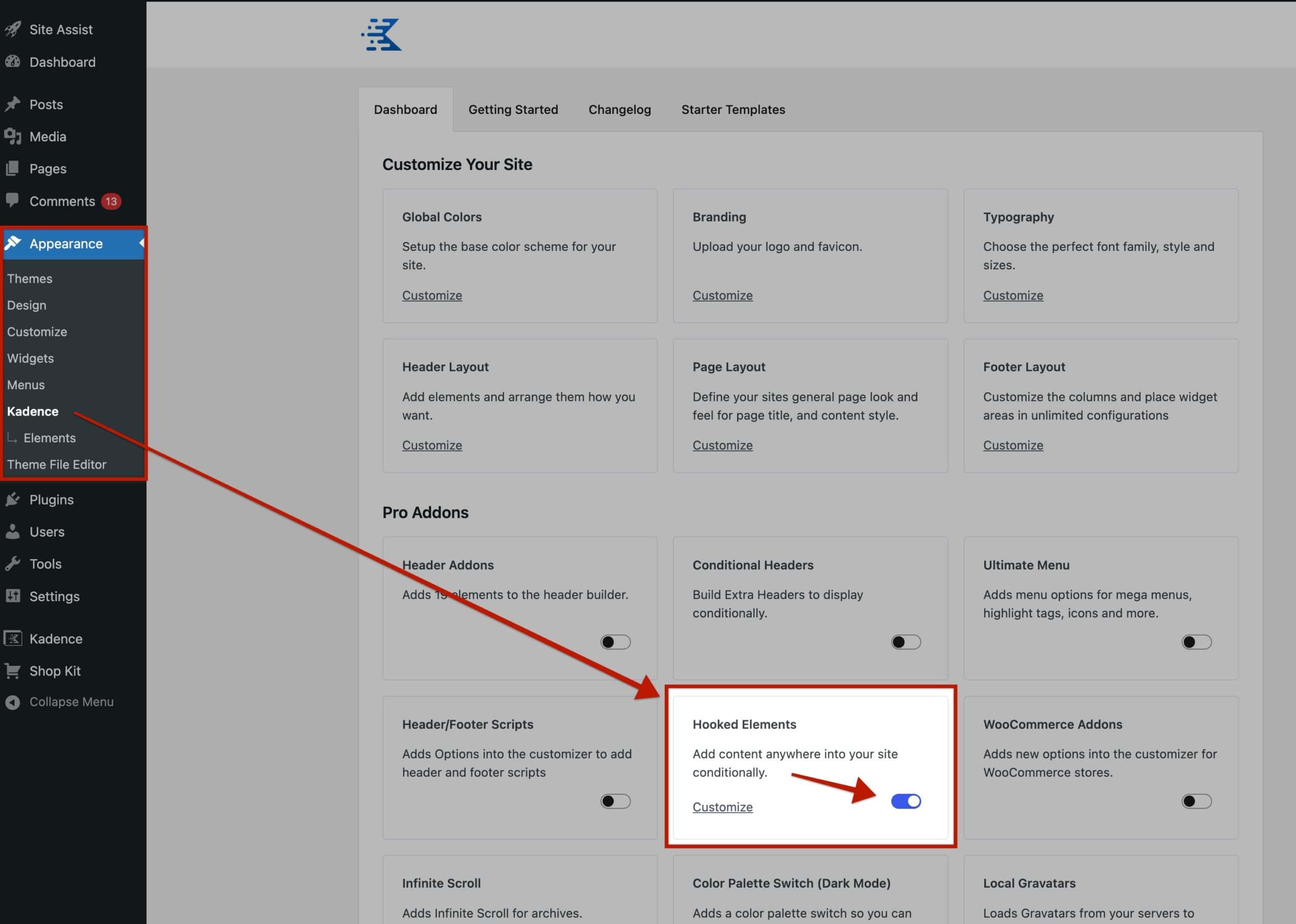
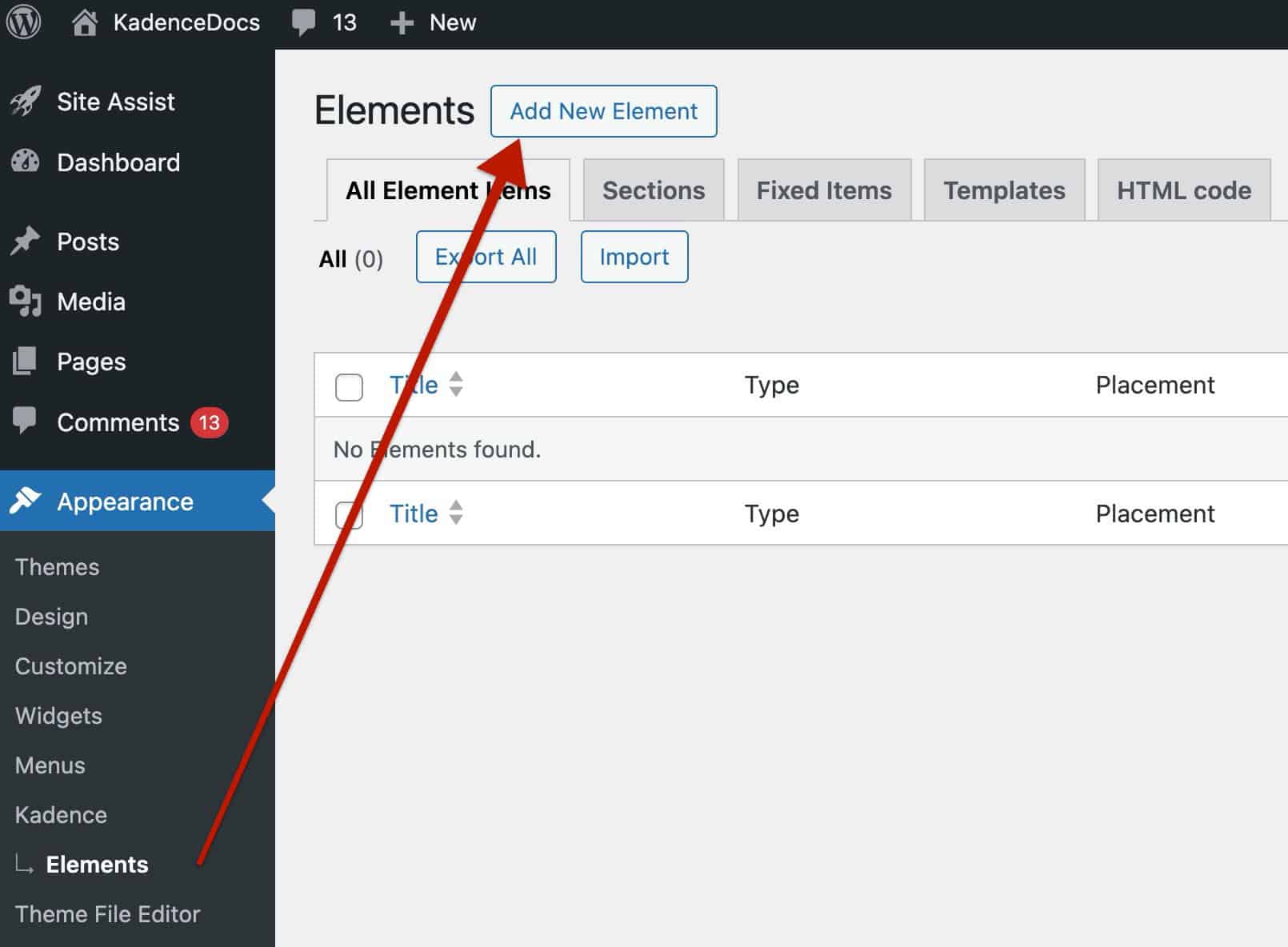
Once finished, either click the Customize button or manually navigate to the new Dashboard -> Appearance -> Kadence -> Elements page. At the top of the page, click the Add New Element button to begin creating your first Element.
You will be prompted to select an Element Type when creating a new Element.
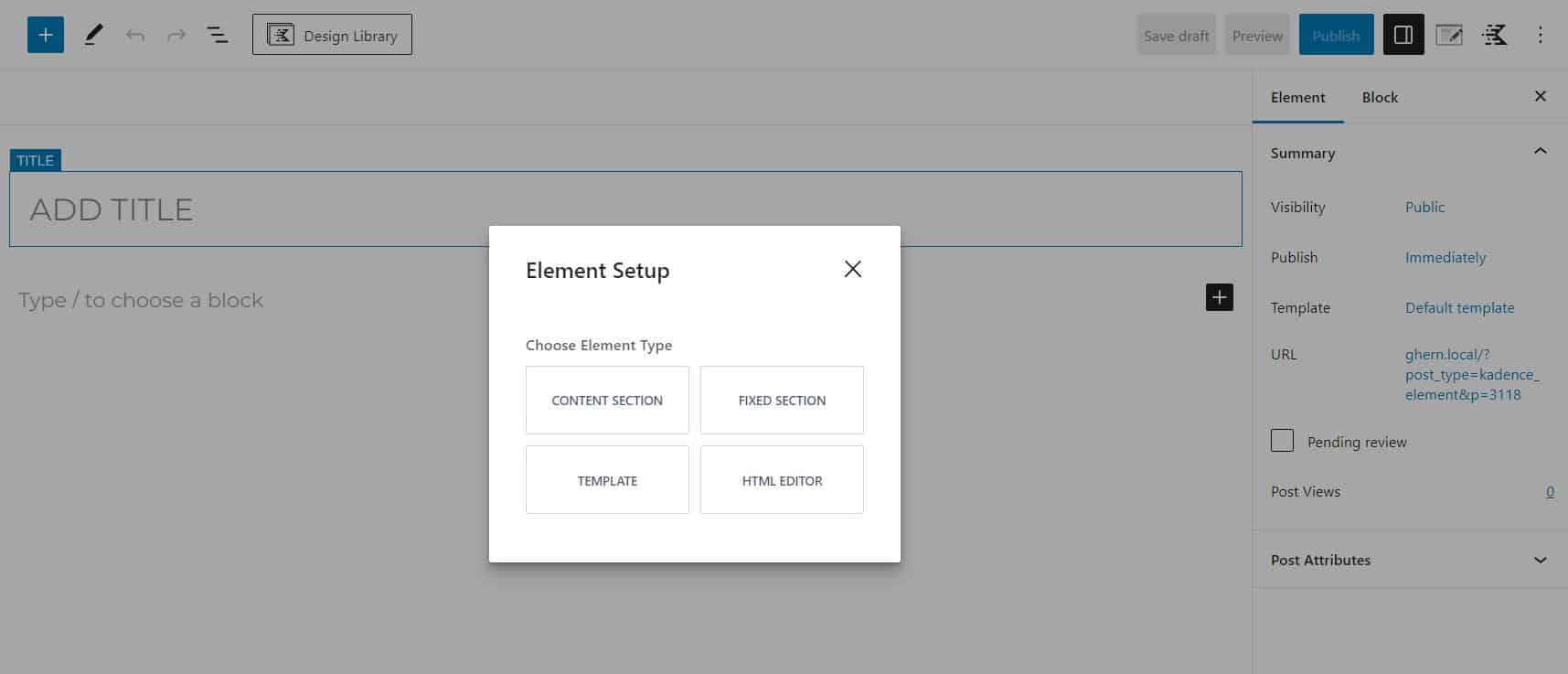
Click here to learn about the Four Kadence Element Types and what each one can do.

