
In today’s mobile-first environment, it’s essential to make sure your website not only looks good but also works properly on mobile-sized screens. In addition to testing on an actual mobile device, there are several other options available that provide additional options and features.
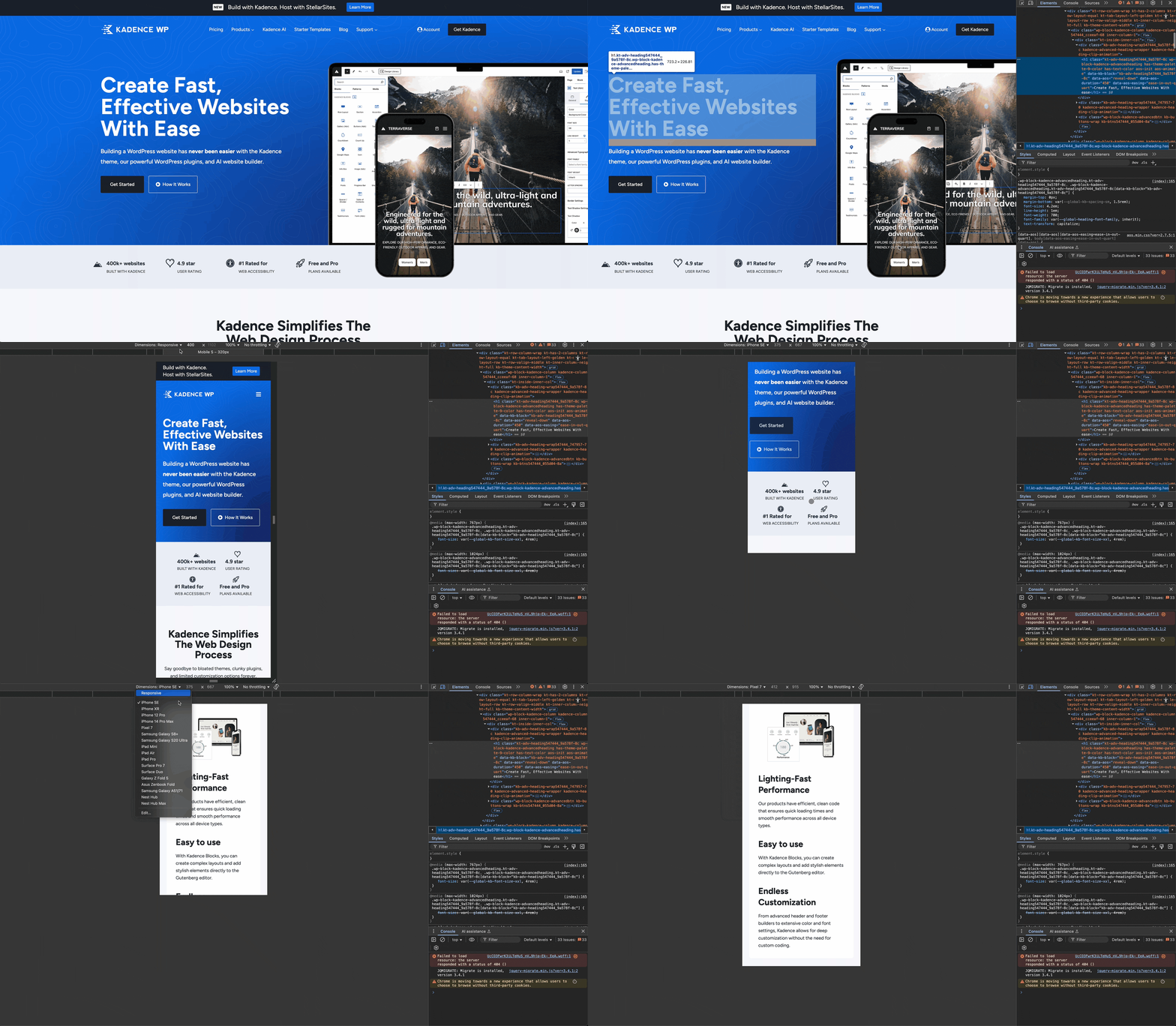
Chrome Browser
Safari Browser
Xcode
To use Xcode with Safari to test websites on real iOS devices, you can take advantage of Safari’s Web Inspector and device simulator integration provided by Xcode. Here’s how to set it up and use it:
Firefox Browser
BrowserStack
BrowserStack is a cloud-based testing platform that lets you test your websites and mobile apps across a wide range of real devices and browsers without needing to own the hardware or set up virtual machines. With this tool, you can:
Visit www.browserstack.com for more information and to create an account.

