
The table of contents block allows you to quickly navigate to the headings within your post or page by automatically creating anchor links to those headings.
You can either add the TOC block after you’ve created your content, or you can add it at the beginning. Either way, the block will recognize your headings automatically.
To add the block, click one of the “+” signs in the editor, or search for it using the “/” function:
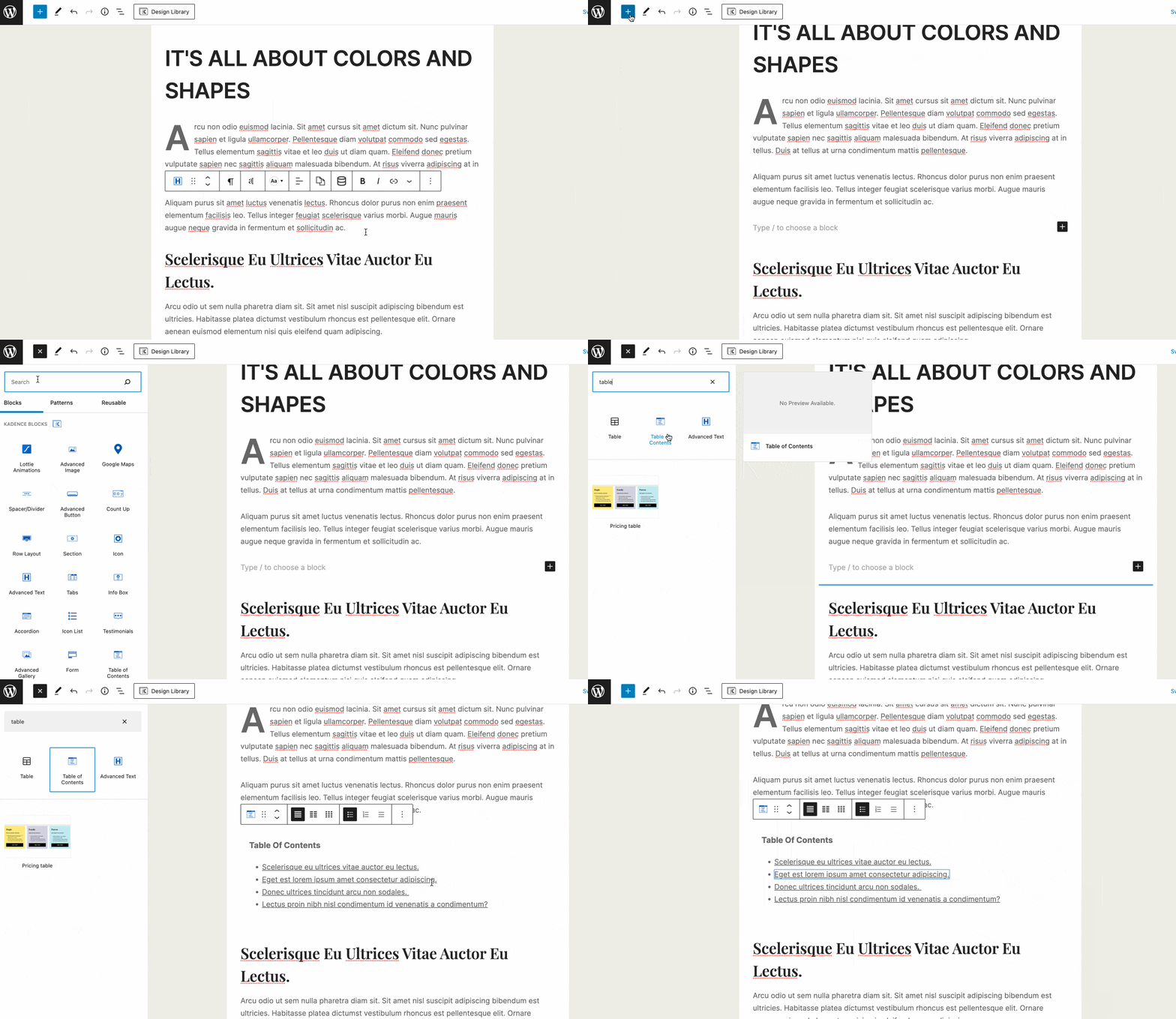
Once the block has been added, take some time to customize it to suit your needs:
General Settings
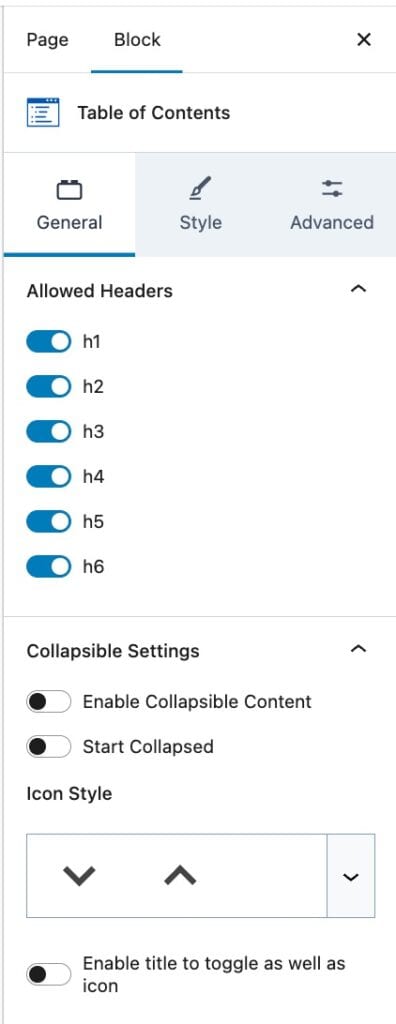
This is the tab setting the “Allowed Headers” and “Collapsible Settings” of the Table of Contents (TOC) block.
The Allowed Headers option is for setting which HTML heading tags (H1, H2, H3, H4, H5, or H6) the TOC block shows on the list.
The Collapsible Settings have multiple options:
- Enable Collapsible Content: Determines whether the TOC block title is collapsible.
- Start Collapse: If collapsible content is enabled, this option will show. Once turned on, the TOC block will show as collapsed on page load.
- Icon Style: Sets the icons that will be shown beside the TOC block title.
- Enable title to toggle as well as icon: If this is turned on, a user can collapse the TOC block by clicking on the title.
Style Settings
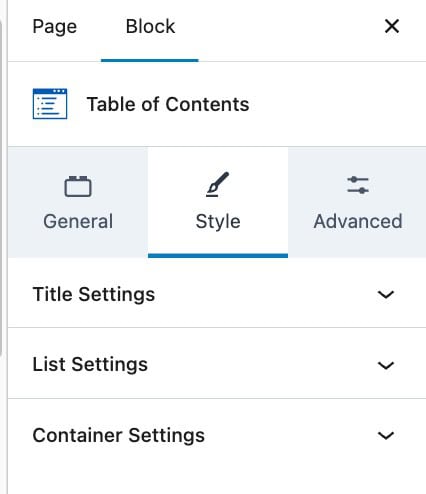
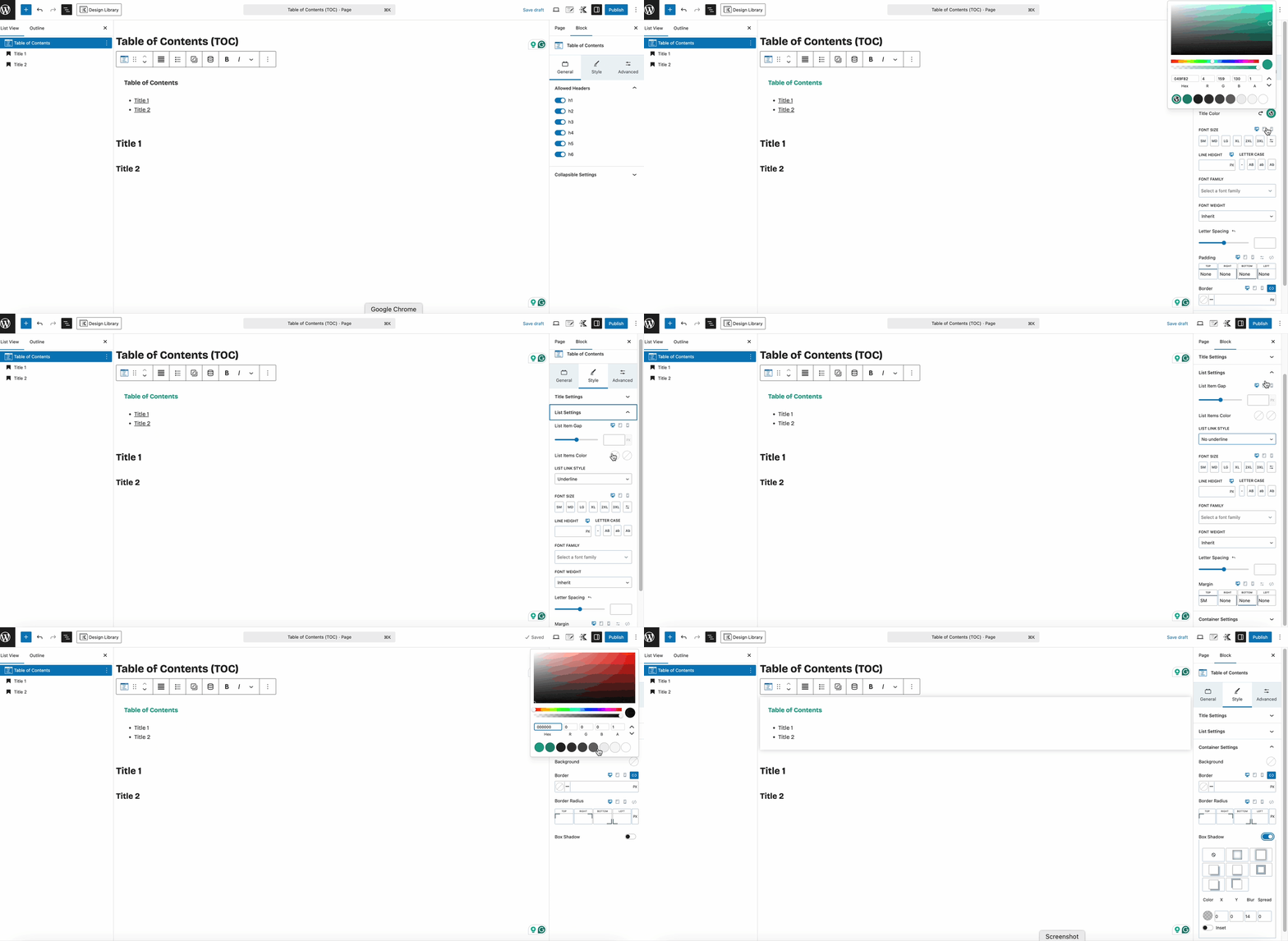
This tab setting lets you customize the TOC block’s Title, List, and Container.
The Title Settings are for the TOC title with the default value of “Table of Contents”. You can click on it to change the text.
The List Settings are for the links below the titles. Those have links to their respective headings/titles on the page.
The Container Settings are for customizing the whole TOC block container.
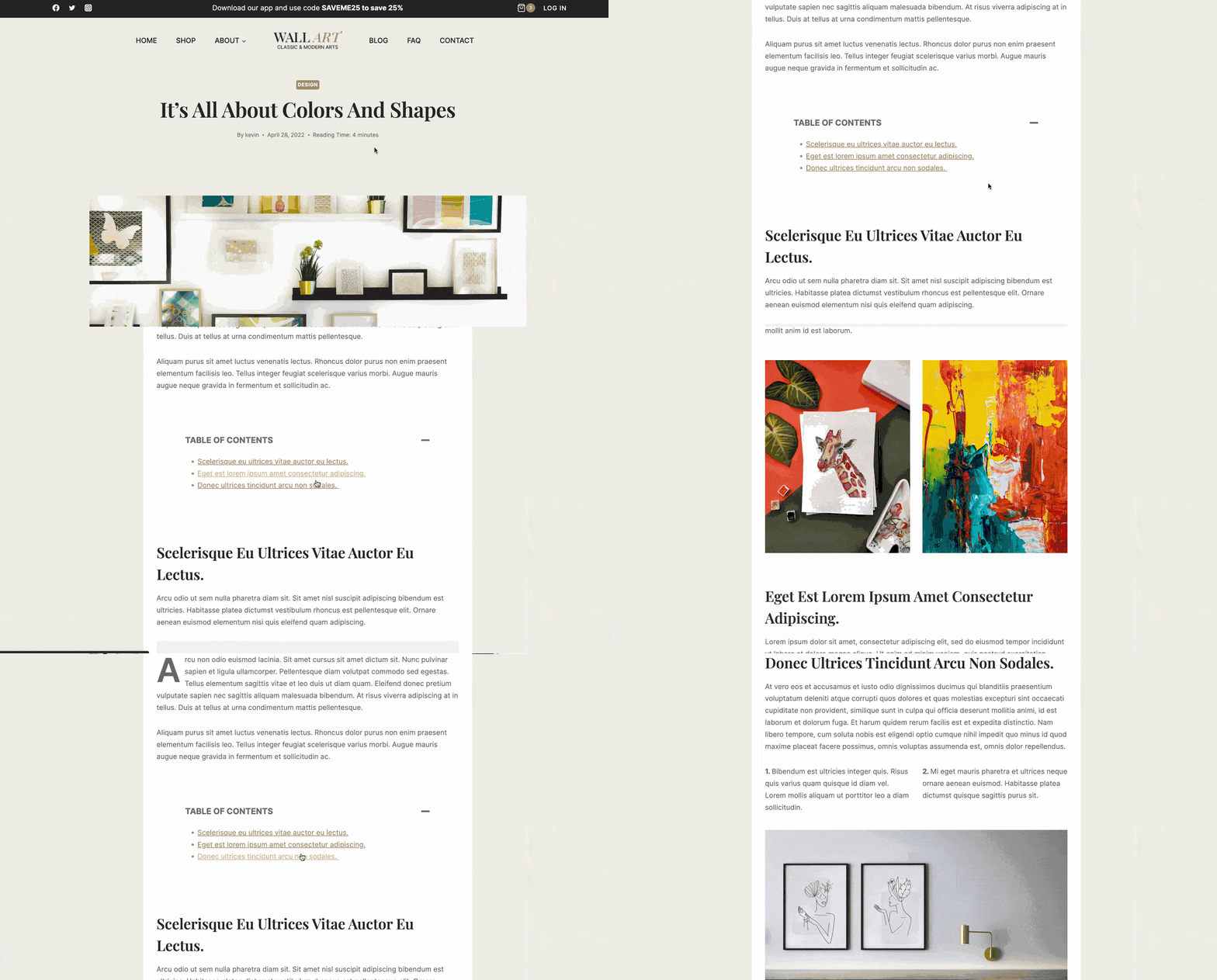
When you’ve achieved your design goals for the TOC block, view it on the front end to ensure it’s working as expected.
Advanced Settings
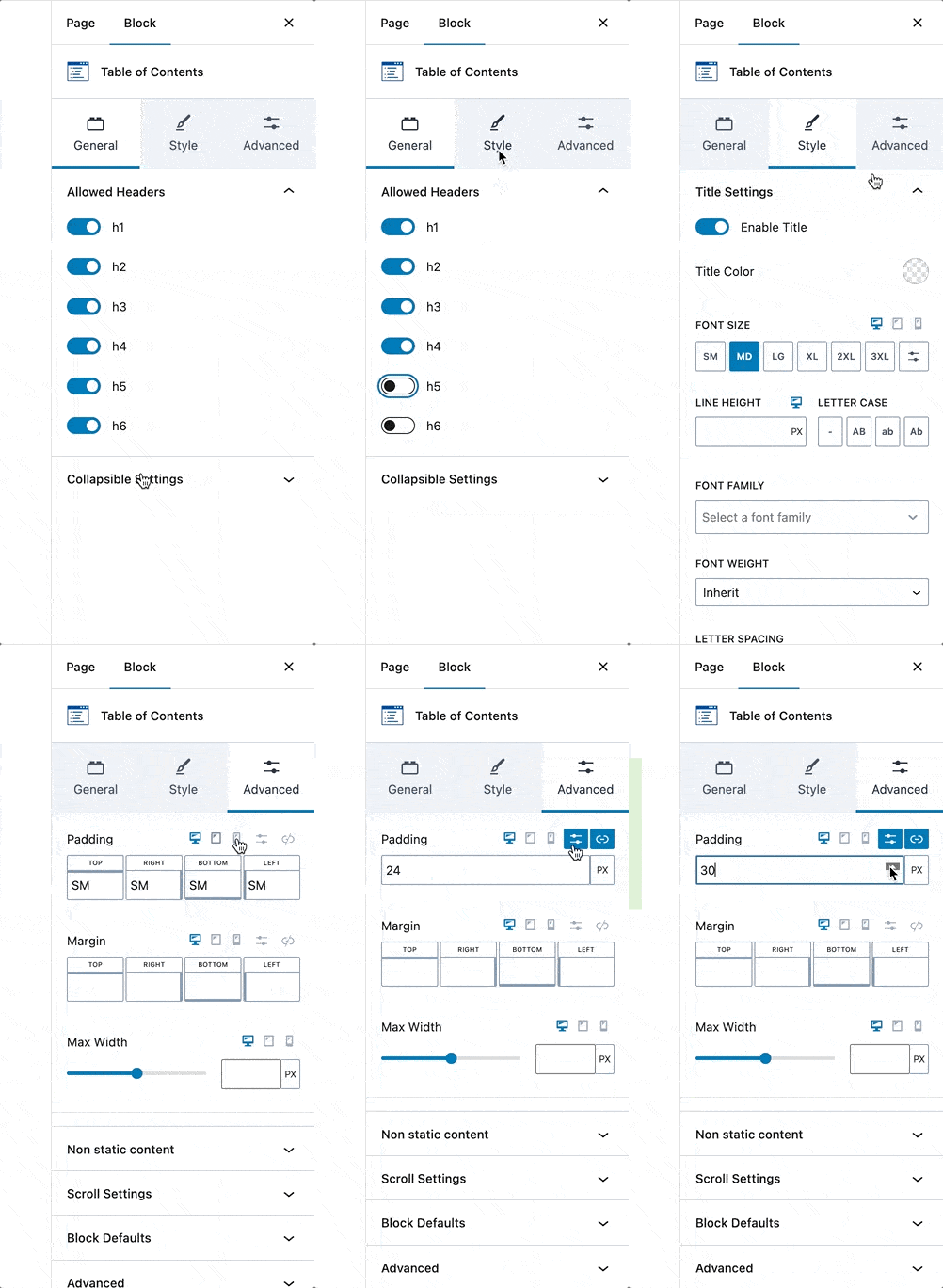
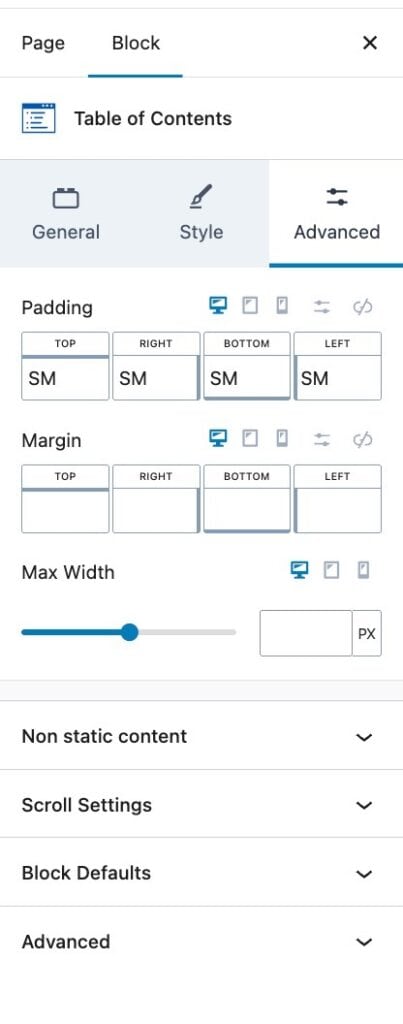
Spacing settings (Padding and Margin) of the TOC block itself can be changed here. There are default margins set by our block CSS files, like the bottom margin of 30px.
If this disrupts your layout, you can override that by setting the bottom margin to 0 or None.
The Scroll Settings will give you 2 options:
- Enable Smooth Scroll to ID: Makes the scroll to the headings/titles smoother.
- Enable Highlighting Heading when scrolling in active area: Makes the current heading show as active. This is useful for layouts where the TOC block is shown inside a sticky section.
- This will give you another option to set the “Active” list item color to a different one.
Advanced Usage of the Table of Contents Block
The TOC block is designed to pull headings from the “current” post or page. It’s not designed to pull headings from outside content, for example, headings that are in your footer, sidebar, or headings added by a hooked element. Headings that are not part of the page or post content are not going to show in your TOC block. It’s purpose is to find the headings inside of a page or post.
You add the TOC block in a sidebar or in an element that is hooked into a page; however the TOC block will not create navigation for an element or sidebar. It’s always looking at the current page content and not any other outside source.
Setting: Search for Headings in Non-static post content?
Your post content by default, is static and saved in the database as HTML with the headings all part of the content. Some blocks are a little different in that they do not save HTML data but instead save attributes and then render the attributes data into HTML markup that can contain headings on the front end when the post or page is viewed. The setting for “Search for Headings in Non static post content?” attempts to capture that content after the render so it can pick up headings that are dynamically generated in your page or post content.
Setting: Search for Headings in Template?
In Kadence Pro you can use hooked elements to create pages or post templates. The “search for headings in template” attempts to find the current custom page or post template you’ve created using Kadence Pro Elements. If found, any headings in those templates are added to the TOC block. If you are not using a custom template form Kadence Pro Elements this setting will not do anything.
Exclude Specific Headings
By default, the Kadence Table of Contents block will skip certain headings such as Kadence Testimonial Titles and Image Overlay Titles. In addition, you can manually exclude a heading by simply adding the class toc-ignore to the block. This is typically done by going to the Advanced tab for the block, scrolling down to the Advanced section, and adding the class to the Additional CSS class(es) field.
You can also add additional CSS classes to exclude using a WordPress filter. Be sure your filter returns a valid array and includes the existing values.
add_filter('kadence_toc_exclude_classes_array', function($classes){
  $classes[] = 'my-class-to-exclude';
  $classes[] = 'my-other-class-to-exclude';
  return $classes;
},10, 1);
