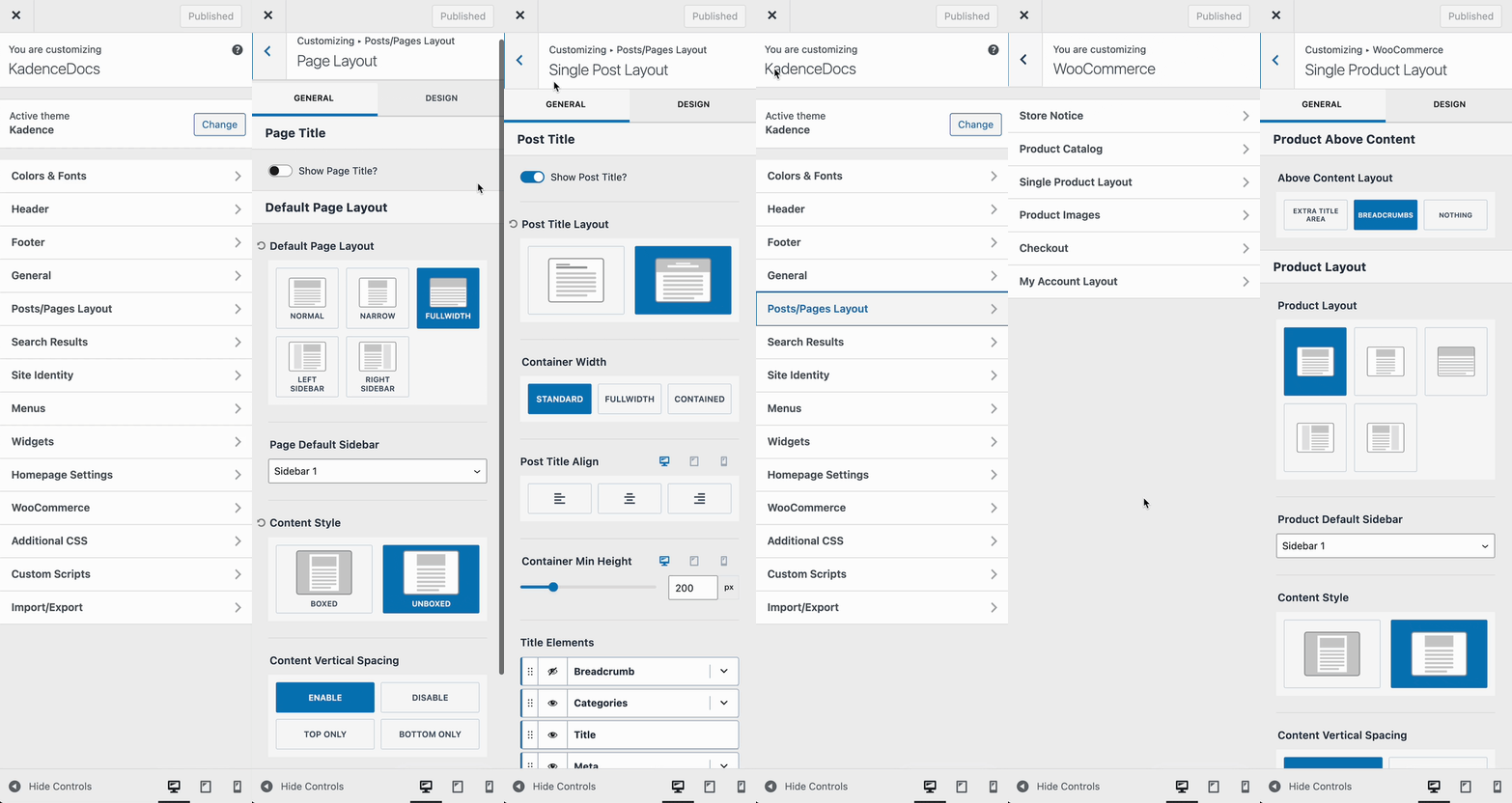
Unlike some themes that rely on page templates, the Kadence Theme uses layout settings to control the design and structure of your posts and pages. These settings can be configured globally through the Customizer.
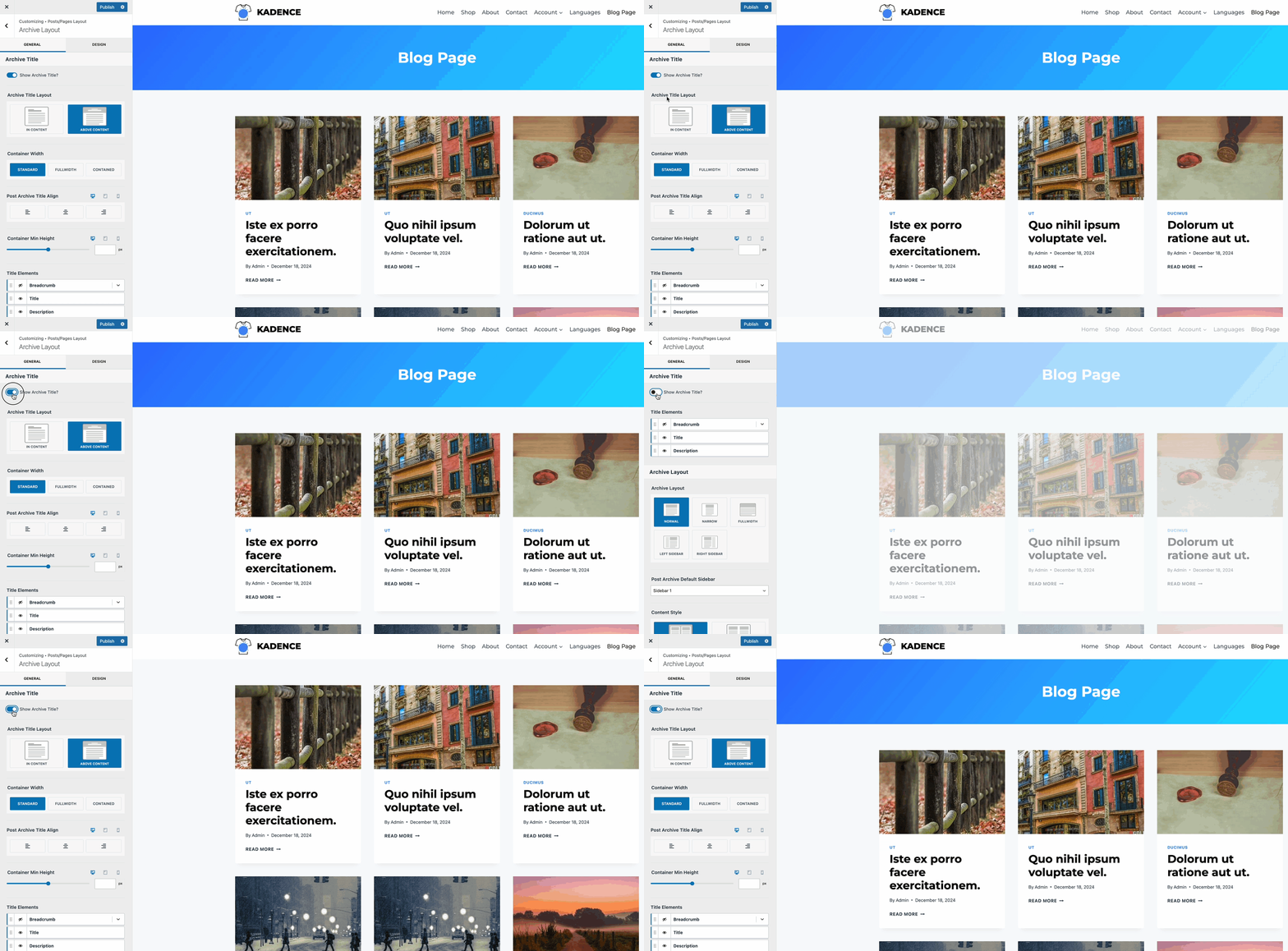
To access them, navigate to Appearance > Customizer > Posts/Pages Layout. From there, you’ll find individual settings for pages, single posts, archives, and any custom post types you may be using. While some layout options are shared across different post types, each section includes its own specific controls.
You can also adjust layouts for other areas of your site, such as Search Results via the Customizer > Search Results settings, and WooCommerce product and catalog pages under the Customizer > WooCommerce settings.
Learn more about each available setting below.
- Single Post Layout – Controls the global layout of single posts. This applies to the default “post” post type. Learn more here.
- Page Layout – Controls the global layout of pages. This applies to the standard pages post type. Learn more here.
- Archive Layout – Controls the global layout of archives, such as the Blog page and category archives. Learn more here.
- Search Results – Controls the global layout of search results. Learn more here.
- WooCommerce Layouts – Control the single product page and catalog archive layouts. Learn more here.
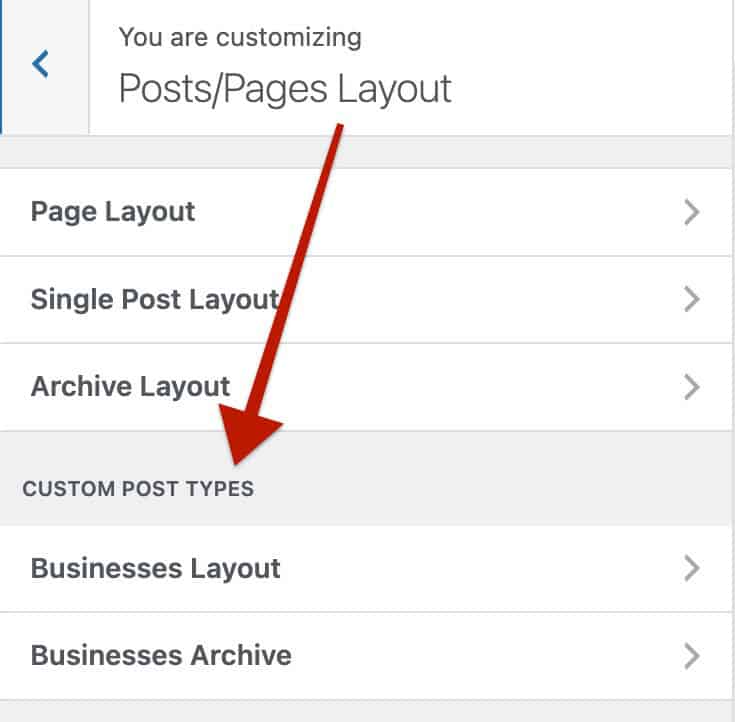
- Custom Posts & Custom Post Archives – Whenever you have Custom Posts, you have additional options. This will include CPT Layouts and CPT Archives. For example, a CPT with the name of Businesses would present below the content, like the image below. These settings follow the same structure as the Single Post Layouts and Archive Layouts settings.
The documents linked above provide great detail on each customizable layout and the provided options.