
The Kadence Post Grid/Carousel block has filters and hooks that allow you to customize the output of the block. This guide will explain how to customize the Kadence Blocks Pro Posts Grid query using the kadence_blocks_pro_posts_grid_query_args filter. This tutorial will demonstrate how to:
- Conditionally modify the query based on the block’s
className - Show multiple post types
Note: If you’re not familiar with adding custom PHP snippets to your site, please see this document.
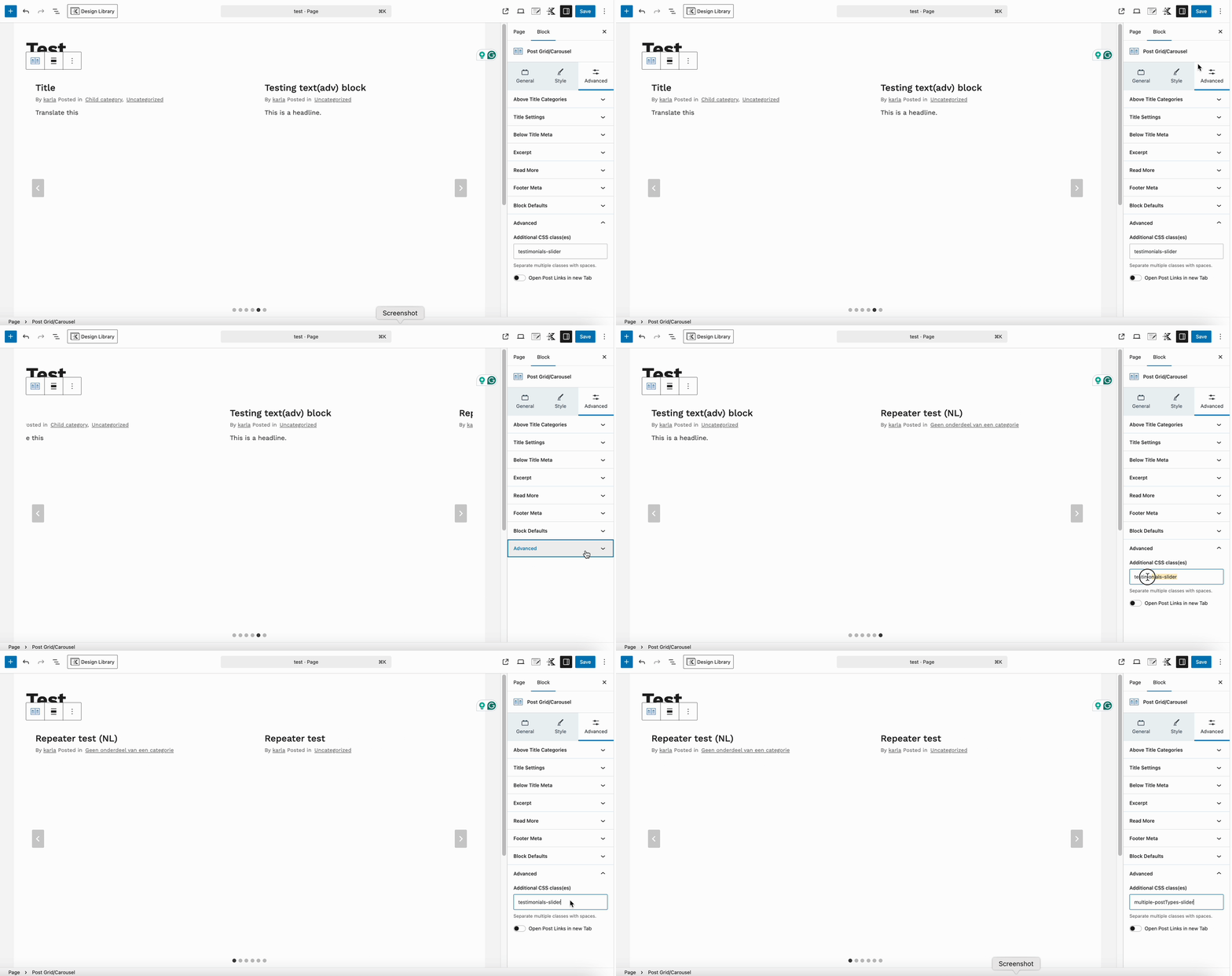
Not all Post Grid/Carousel blocks on your site need special query logic. By assigning a custom class, you can limit the filter to only specific instances of the block. Add the CSS class by going to the Advanced block settings > Advanced tab > Additional CSS class(es) option.
The sample code snippet is:
add_filter('kadence_blocks_pro_posts_grid_query_args', function($args, $attributes) {

    // Check if block has a specific class
    if ( isset($attributes['className']) && strpos($attributes['className'], 'multiple-postTypes-slider') !== false ) {

        // Define multiple post types to include in the query
        $args['post_type'] = array('post', 'pages');
    }

    return $args;

}, 20, 2);
This code will be applied to all Post Grid/Carousel blocks with a specific CSS class, “multiple-postTypes-slider” and show posts and pages.
If you need further assistance customizing your Post Grid/Carousel block query, we’re here to help! Submit a Premium Support Ticket Here.

