The Kadence Dynamic List block allows you to display lists populated from dynamic data sources, such as taxonomies or custom fields.
List Source
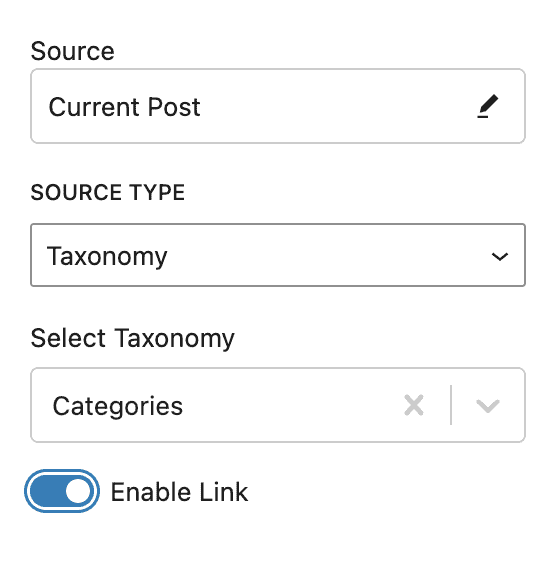
After inserting a Dynamic List block, you will need to configure it to display your dynamic data. You can select the Source as the Current Post or choose a different post from your site. The Source Type can be either Taxonomy or Custom Post Meta.
Taxonomy Source Type
Selecting the Source Type of Taxonomy allows you to choose from taxonomies available on your site such as Categories, Tags, or a custom taxonomy.
Enable Link – links each term to its archive.
Custom Post Meta Source Type
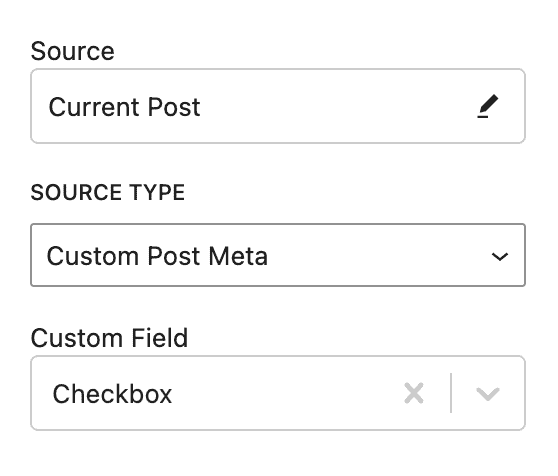
Selecting the Source Type of Custom Post Meta allows you to choose from the available custom fields on your site. Two types of fields work best for this. Both allow multiple values to be stored in a single custom field.
- Checkbox Field
- Select Field (when Select Multiple is enabled)
List Style
You can style your list in many ways.
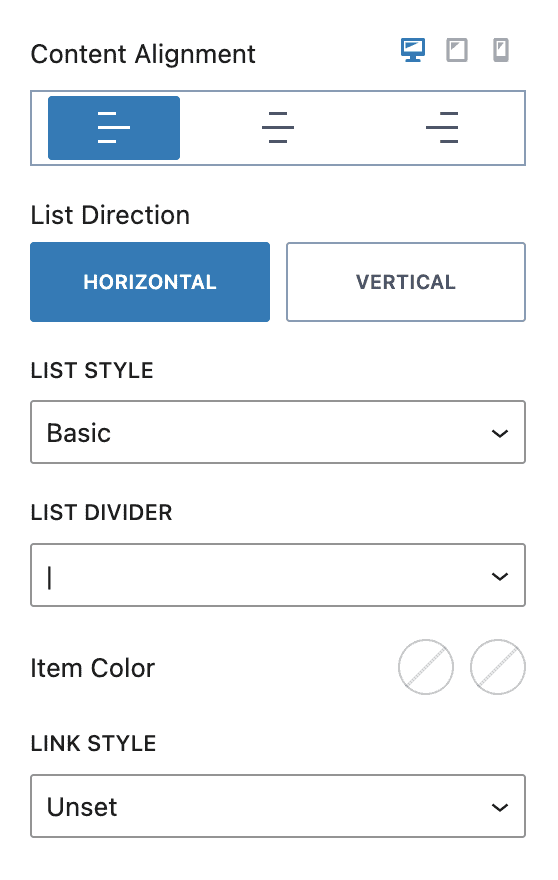
Content alignment allows you to set your list left, center, or right aligned for desktop, tablet, and mobile.
List Direction can be either Horizontal or Vertical.
When Horizontal, the list can be Basic or Pill. Basic allows you to select a List Divider, Item Color, and Link Style. Pill allows you to select Item Color, Item Background Color, and Link Style*.
When Vertical, the List Style can be Bullet, Number List, or None and allows you to set the Item Color and Link Style*.
* Link Style only appears when Source is Taxonomy and Enable Link is enabled.
Typography
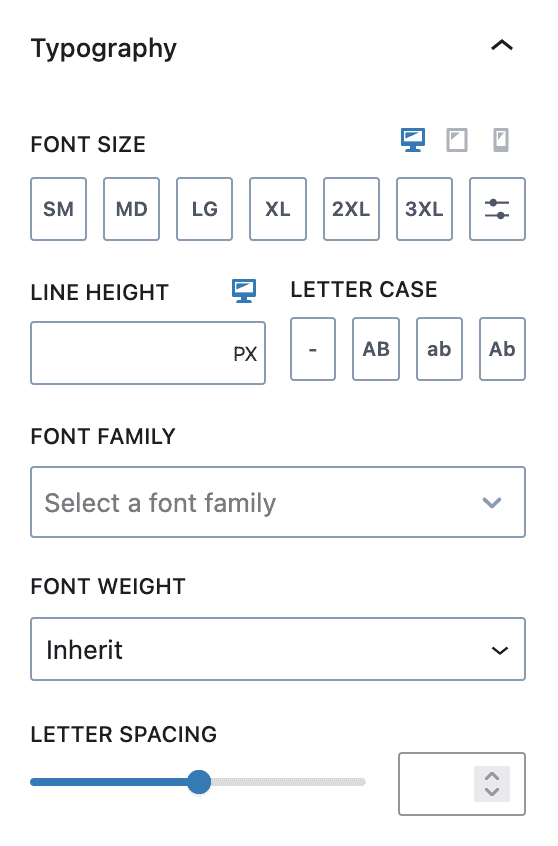
Under the Typography section, you can set your font size, line height, letter case, font family, font weight and letter spacing.
Font size and line height responsive styling is also supported.
Advanced Settings
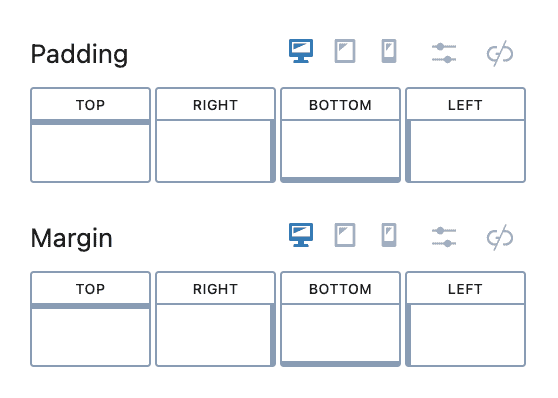
Under the Advanced settings tab, you change the padding and margin for the Dynamic List block for desktop, tablet, and mobile devices.