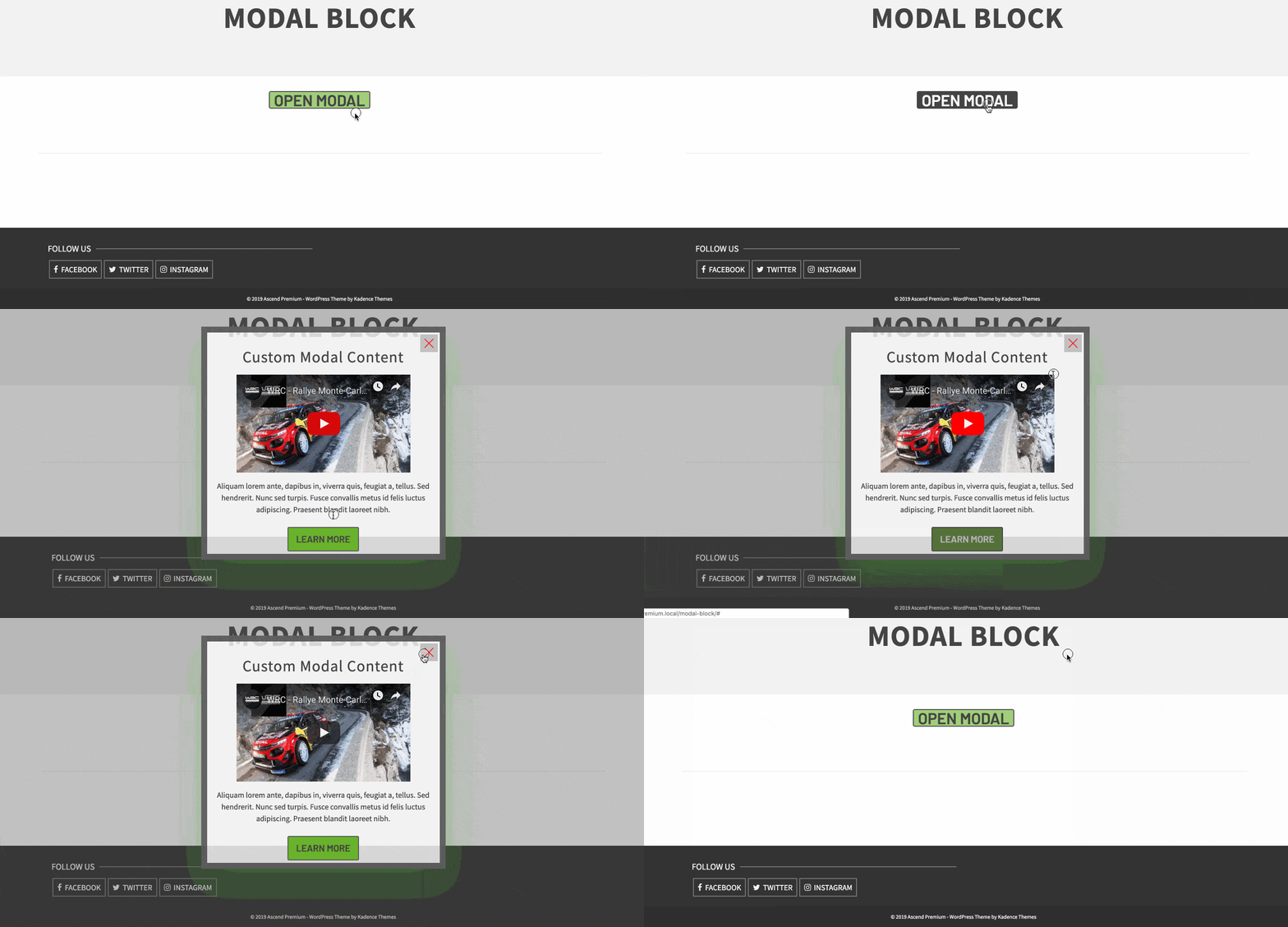
A Modal allows for a fully editable popup to be added to any page. Place any content you wish within the block for any layout you like. The Kadence Modal Block is only available with Kadence Blocks Pro.
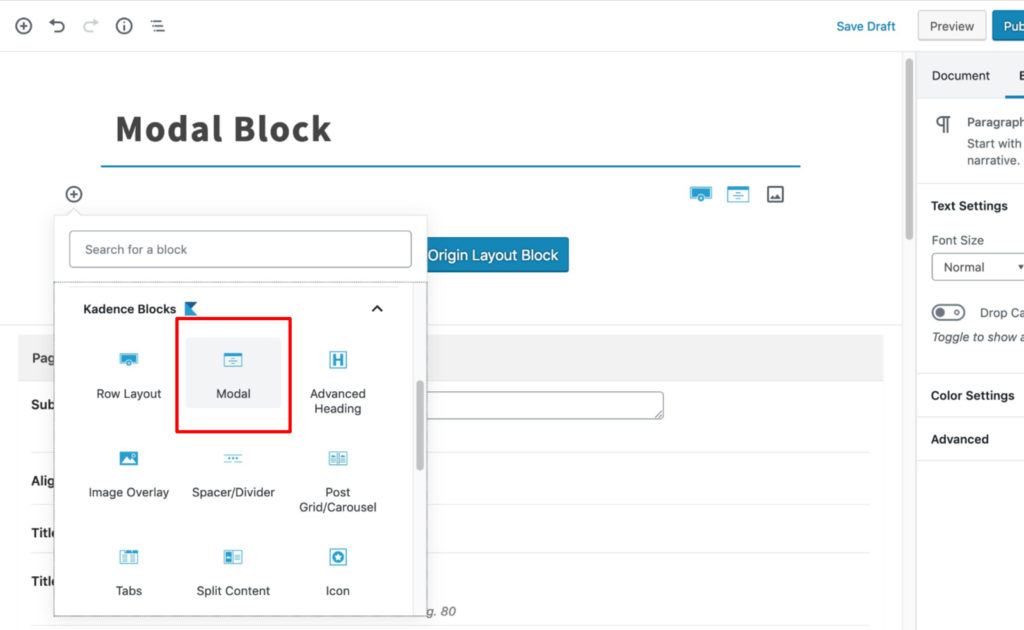
First, select the modal block and add it to your content:
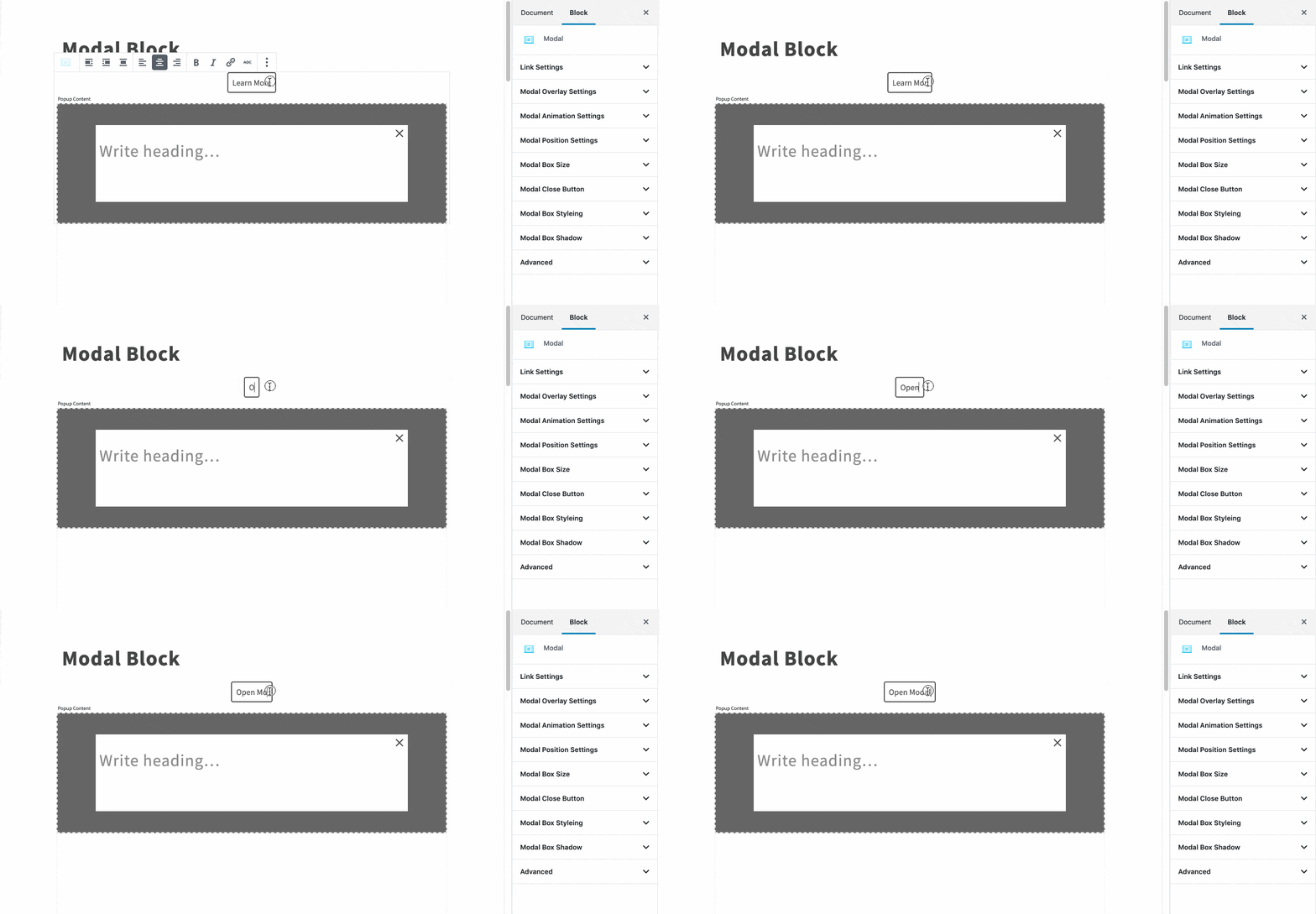
Customize your modal link text:
Customize the content within your modal block:
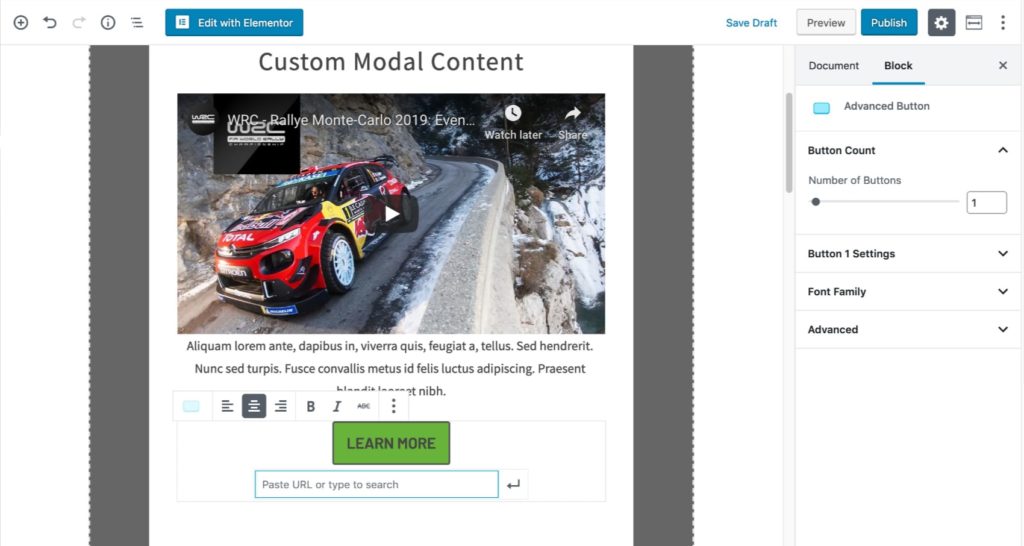
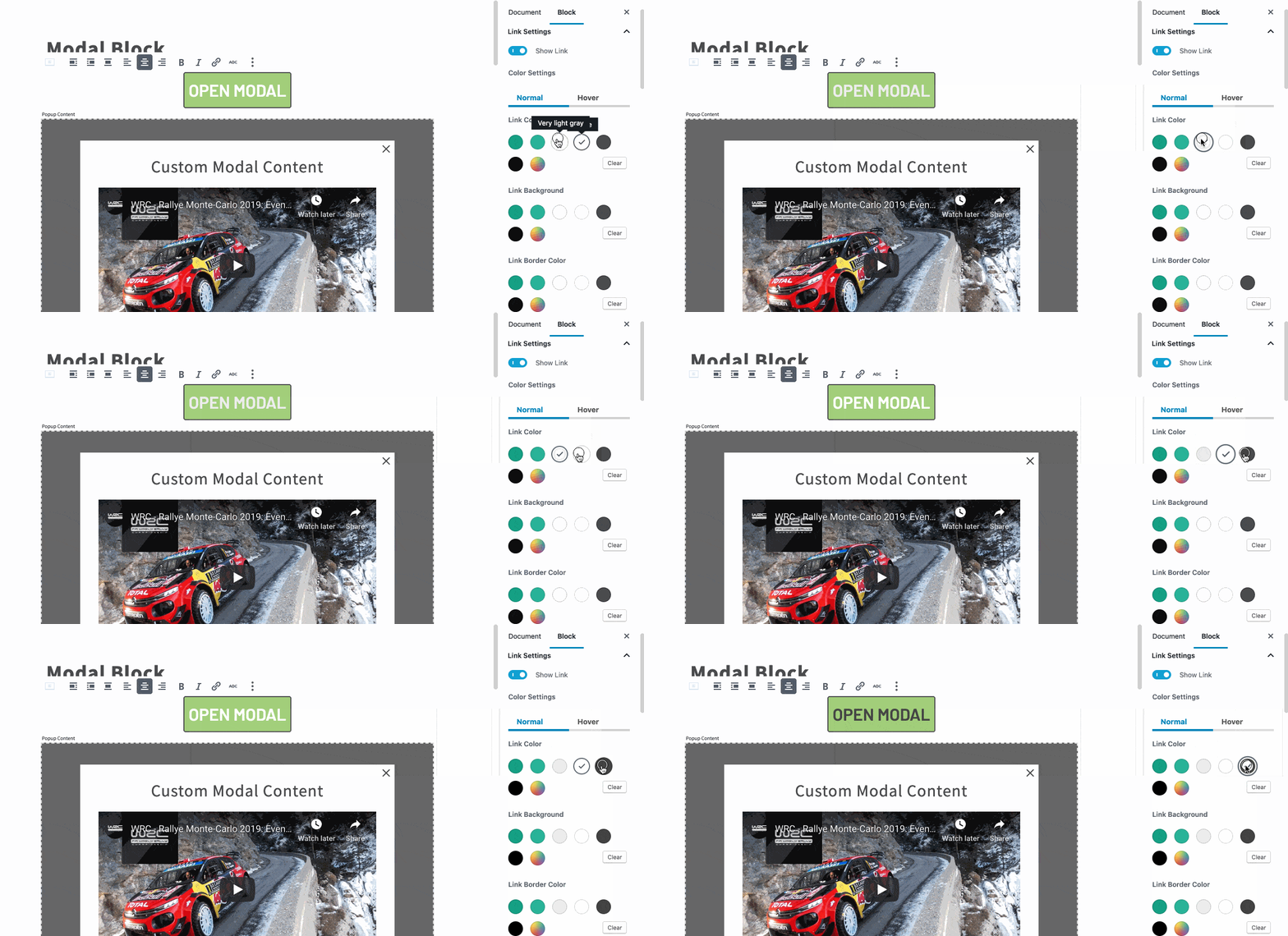
Edit the appearance of your modal link:
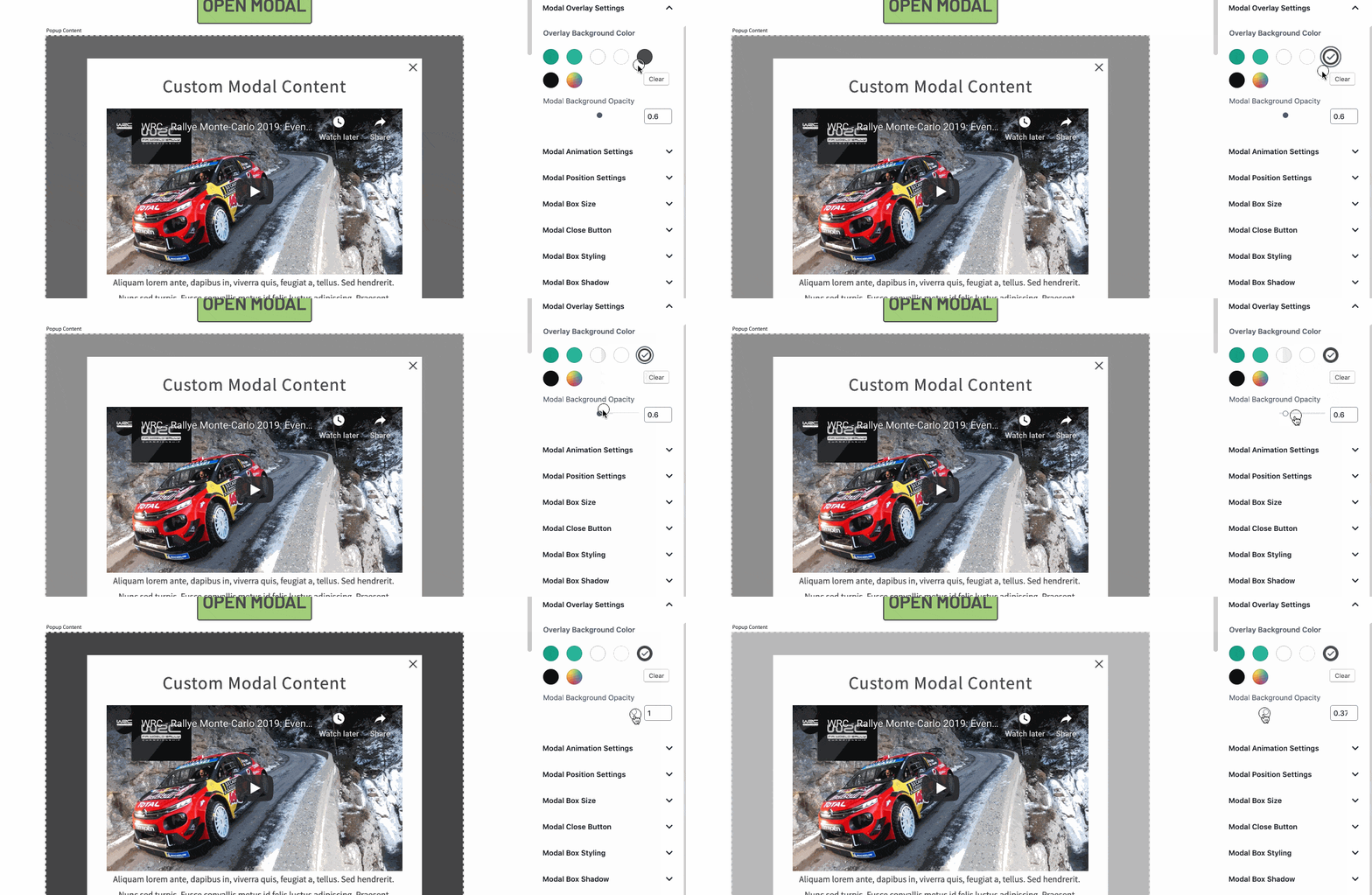
Customize the modal overlay:
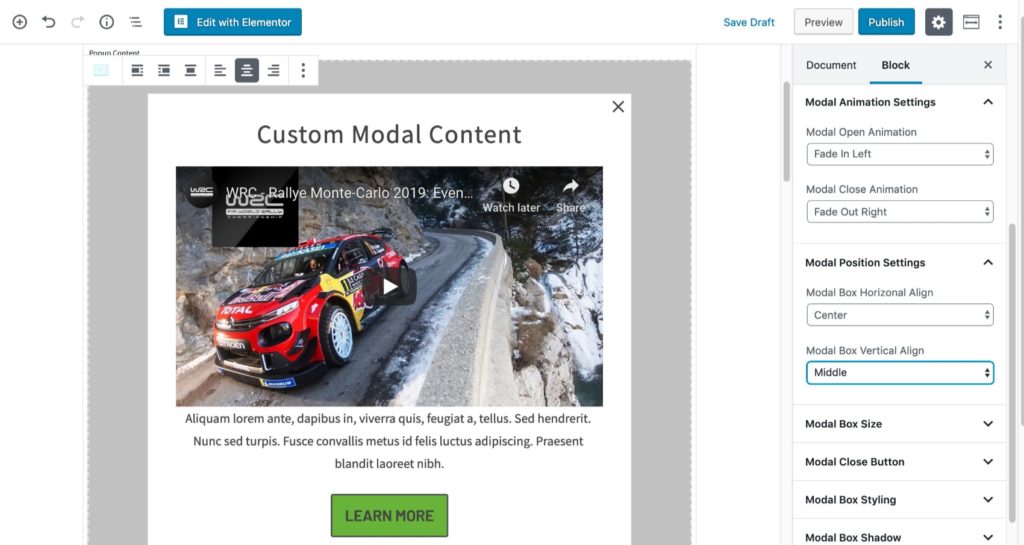
Configure your modal animation and position:
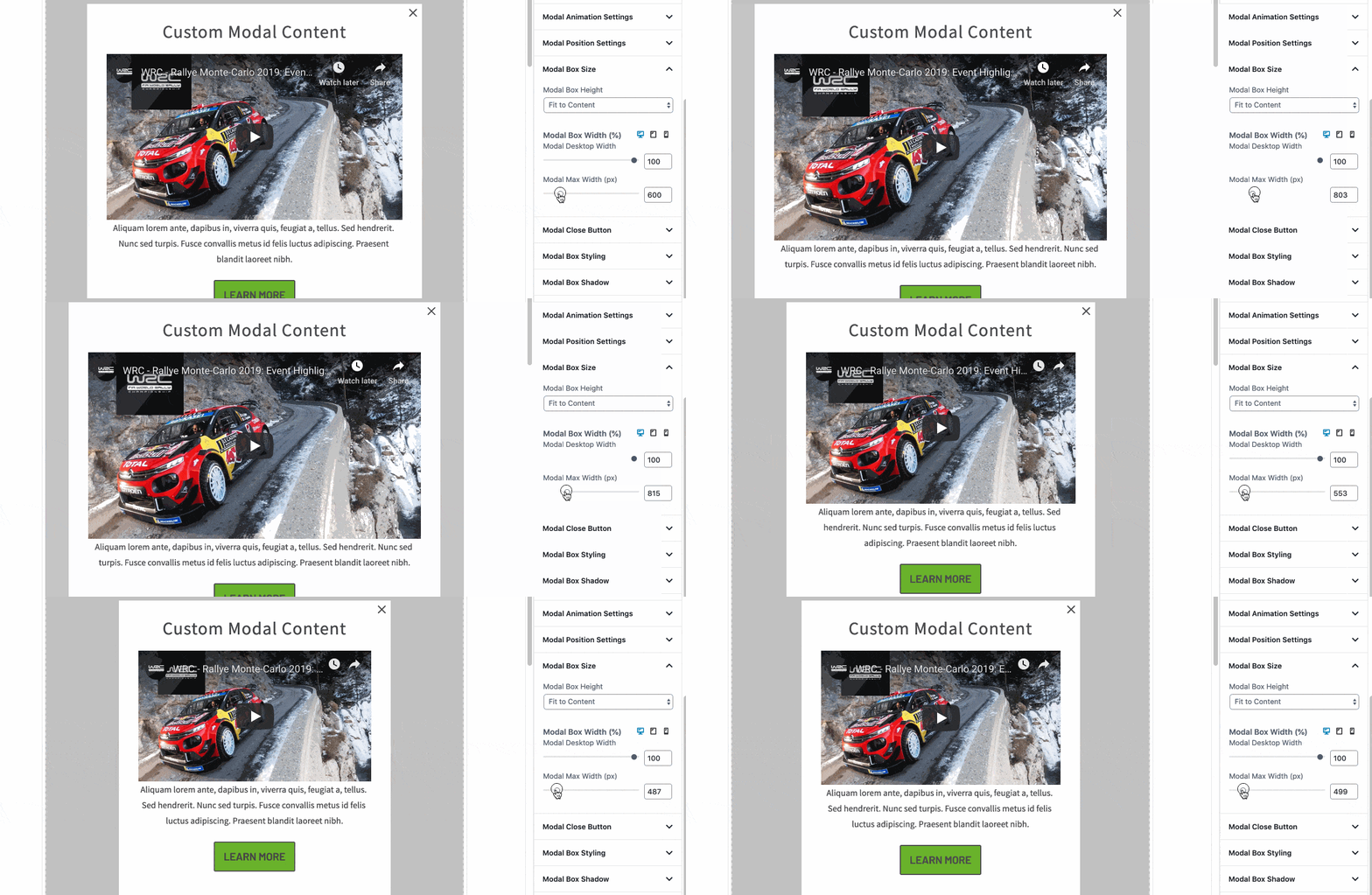
Adjust the width and height of your modal block:
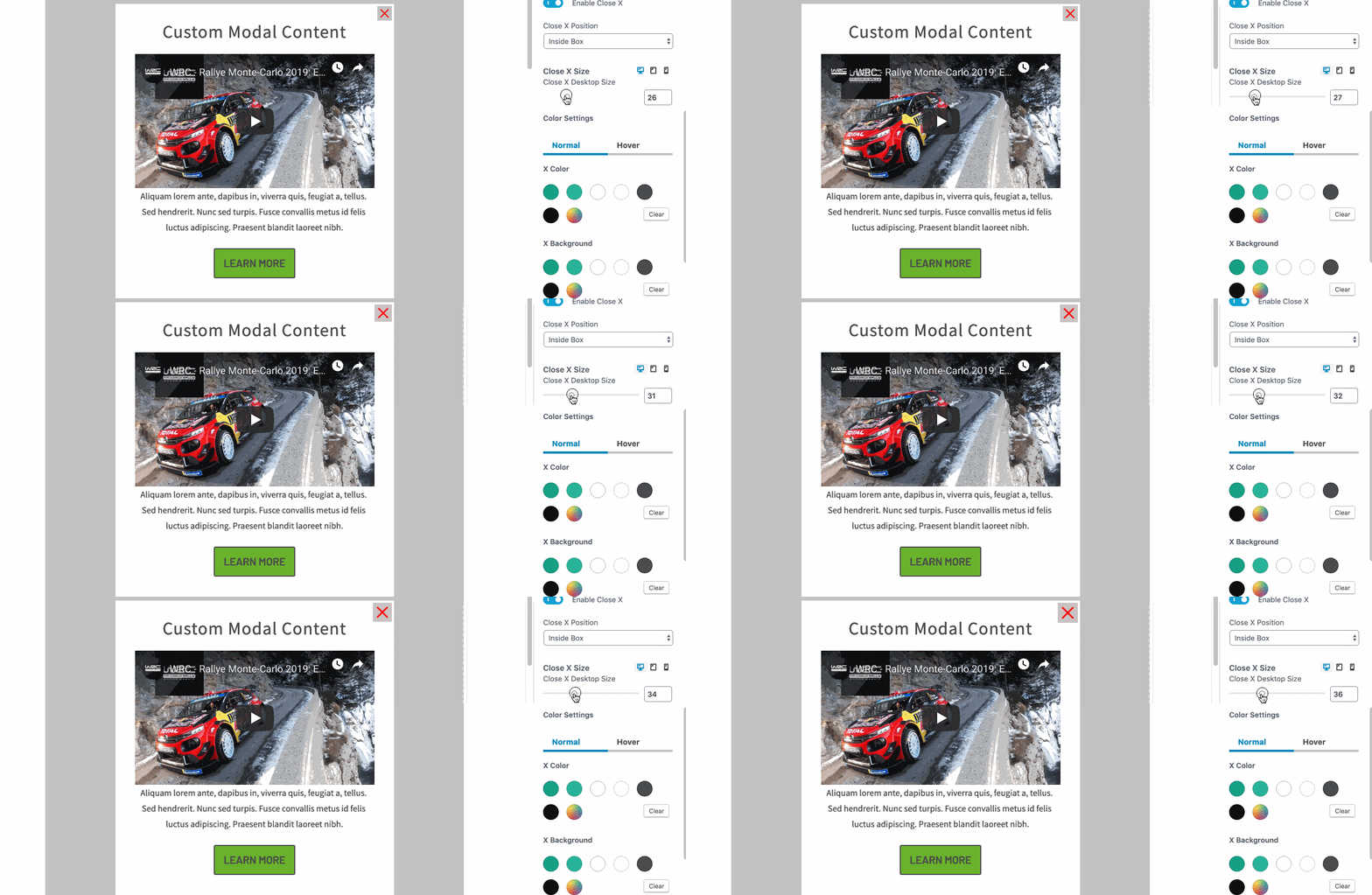
Customize the appearance of the modal “close X.”
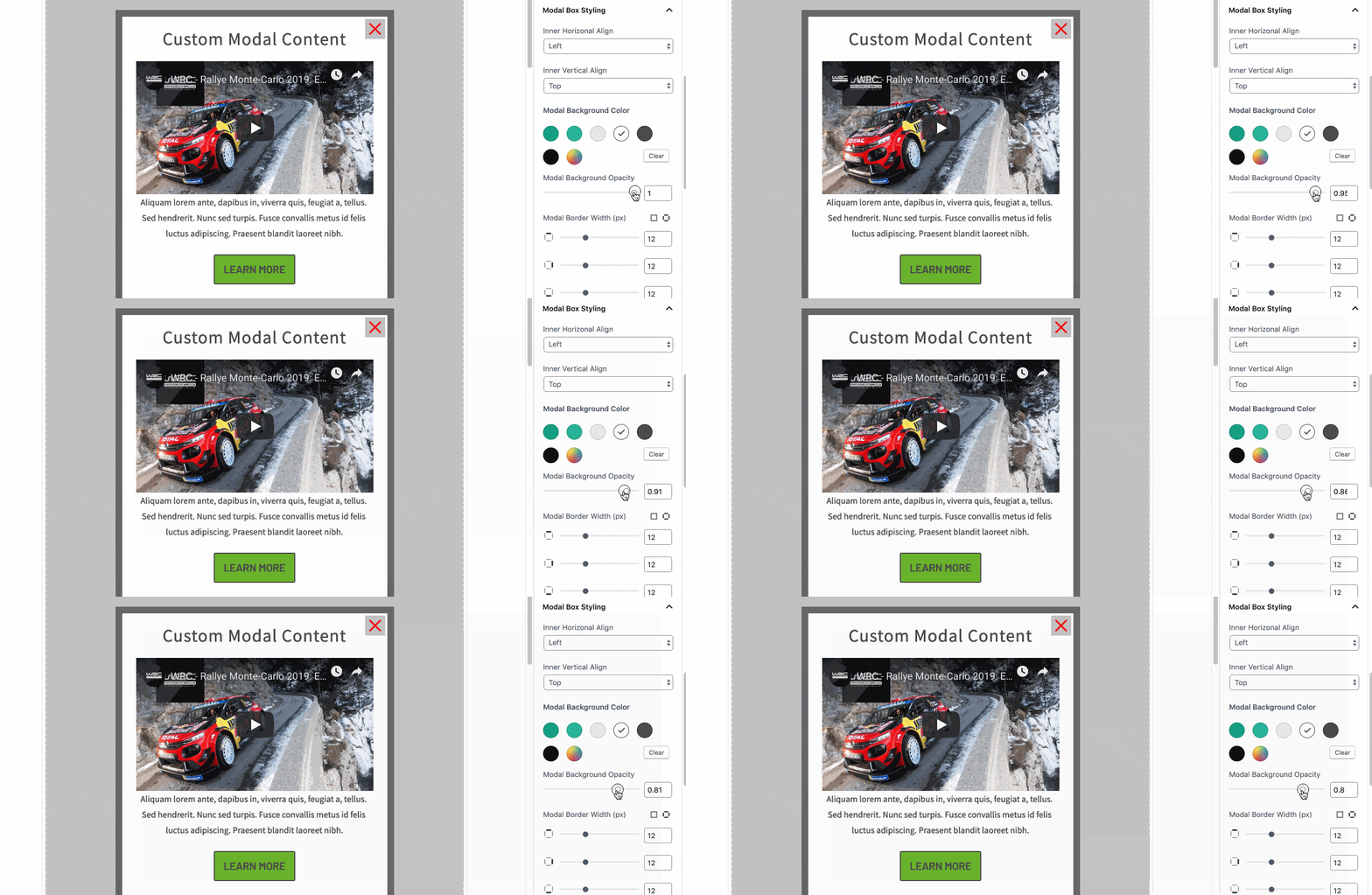
Configure the style of your modal box. Customize backgrounds and add borders:
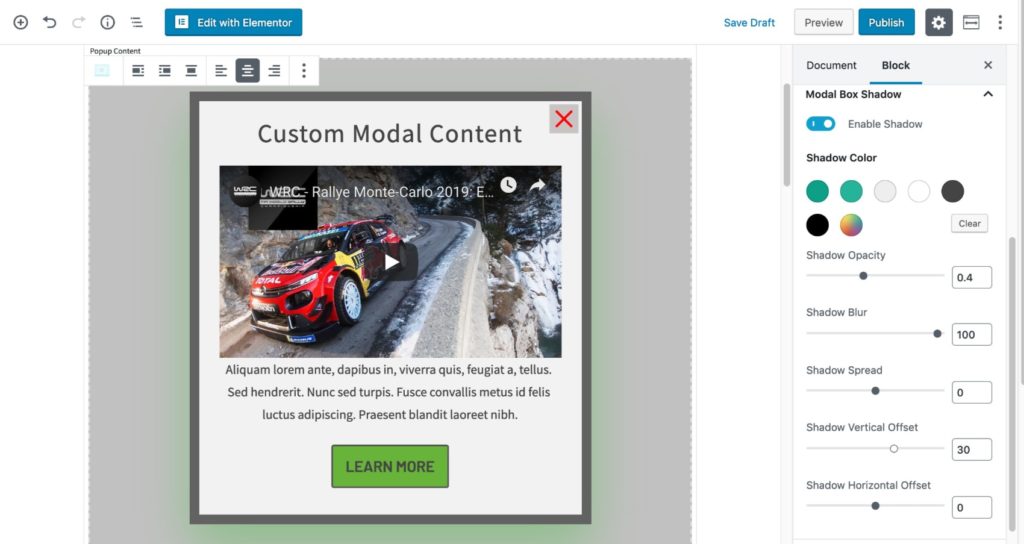
Add a box shadow to give your modal added dimension:
Once you’re happy with the modal, view it on the front end to ensure it looks as intended: